Summarize the following meeting notes from the Q1 planning session. Extract:
- Key decisions made
- Action items with owners
- Open questions

Keep the summary under 200 words.

Meeting notes:
The team discussed the product roadmap for Q1. Sarah will lead the new onboarding flow redesign. Mike raised concerns about the timeline for the API integration...
每次会变的是什么?会议名称,以及会议记录本身。模板长这样:
Summarize the following meeting notes from {{meeting_name}}. Extract:
- Key decisions made
- Action items with owners
- Open questions

Keep the summary under 200 words.

Meeting notes:
{{meeting_notes}}
现在,任何会议你都可以套用这条模板。结构和指令保持不变,只有内容会换。
今天就能上手的 5 个提示词模板
下面是几个常用任务的实用模板。复制下来,根据自己的需要稍作调整,然后存到你能再找到的地方。
1. 专业邮件回复
Write a professional email response to the following message.

Context: {{context_about_situation}}
Tone: {{desired_tone}}
Key points to include: {{main_points}}

Original email:
{{original_email}}
这条模板适用于客户邮件、内部回复或与供应商的沟通。{{context_about_situation}} 这个变量可以帮你补充 AI 不掌握的背景信息。
2. 内容摘要
Summarize the following {{content_type}} for {{audience}}.

Format: {{output_format}}
Length: {{word_count}} words maximum

Content:
{{content_to_summarize}}
{{audience}}:“executives who want the key takeaways”、“the engineering team”、“someone with no background in this topic”
{{output_format}}:“bullet points”、“three paragraphs”、“a single sentence followed by details”
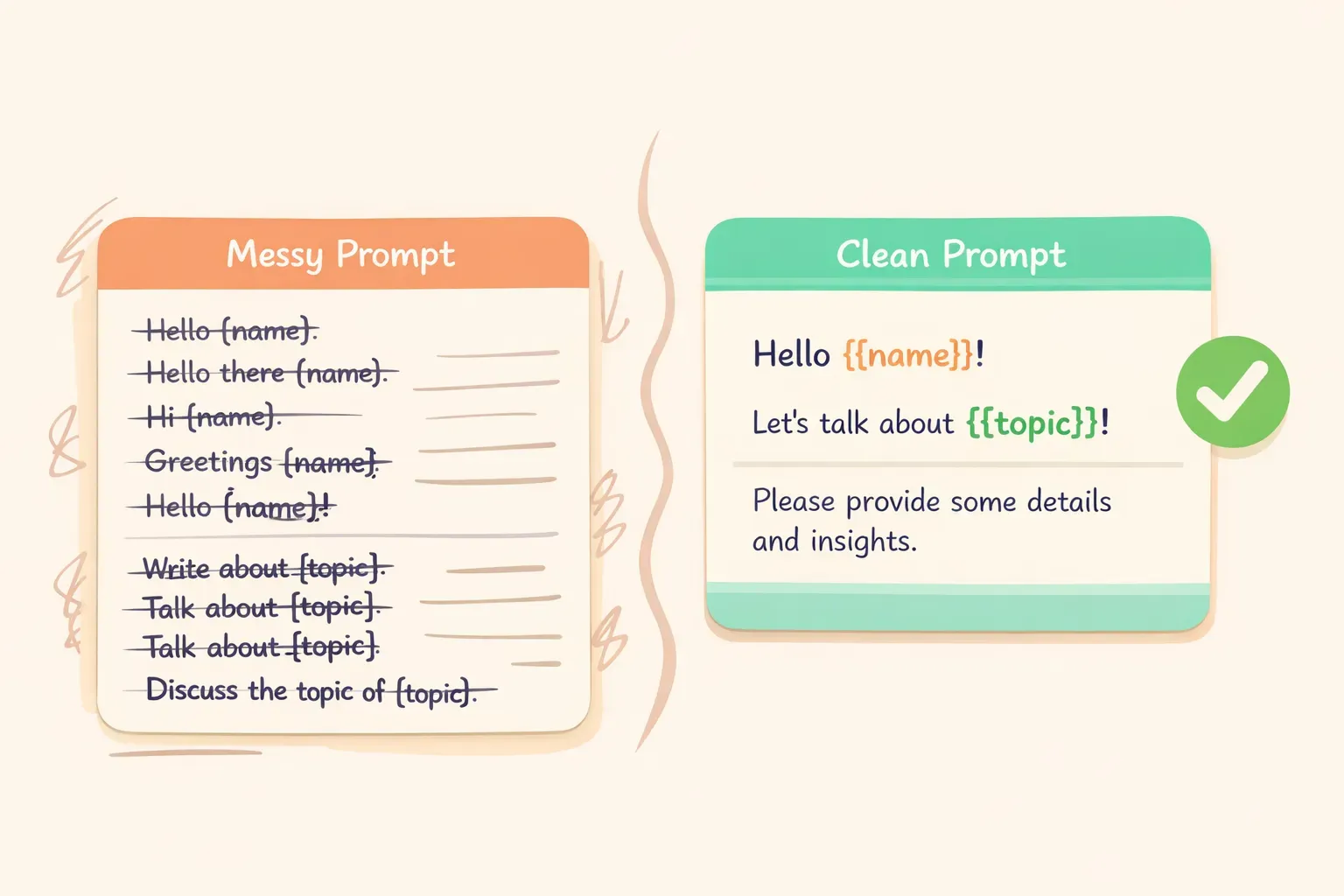
在提示词模板中填入变量占位符的示意图
3. 索取反馈
Review the following {{content_type}} and provide constructive feedback.

Focus areas: {{areas_to_focus_on}}
Tone: Be direct but encouraging

{{content_to_review}}

Format your feedback as:
1. What's working well (2-3 points)
2. What could be improved (2-3 specific suggestions)
3. One priority change to make first
4. 社交媒体内容创意
Generate {{number_of_posts}} social media post ideas for {{platform}}.

Topic: {{topic}}
Brand voice: {{brand_voice_description}}
Goal: {{post_goal}}

For each post, include:
- The post text (under {{character_limit}} characters)
- A suggested image or visual description
- Best time to post (if relevant)
5. 解释概念
Explain {{concept}} to {{audience_description}}.

Constraints:
- Avoid jargon: {{terms_to_avoid}}
- Use analogies related to: {{familiar_domain}}
- Length: {{length_preference}}

Start with why this matters to them, then explain the concept, then give one practical example.
这条模板特别适合写文档、做培训或与客户沟通。{{familiar_domain}} 变量能帮 AI 选到对方熟悉、能引起共鸣的类比——比如客户是做房地产的,你就可以填“use analogies related to buying a home”。
粘贴时忘了填变量。如果你在 AI 的回复里看到 {{client_name}} 这种字样,说明你粘贴前漏填了那个变量。每次粘贴前快速扫一眼,看看有没有残留的双大括号。
对复杂变量没有任何说明。像 {{meeting_notes}}、{{document_text}} 这种长输入,可以在模板里加一句提示,比如“Paste the full meeting notes below”或“Include the complete email thread.”。这样以后你或同事再用这条模板时就方便多了。
如果你想给这座模板库一个专属的家,PromptNest 是一款 macOS 原生应用,专门用来管理带变量的提示词——在 Mac App Store 上 $19.99 一次买断,没有订阅、不用注册账号,完全在本机运行,可以搭配任何 AI 使用。当然,只要一份整理得当的 Google 文档,也已经能解决八成问题了。