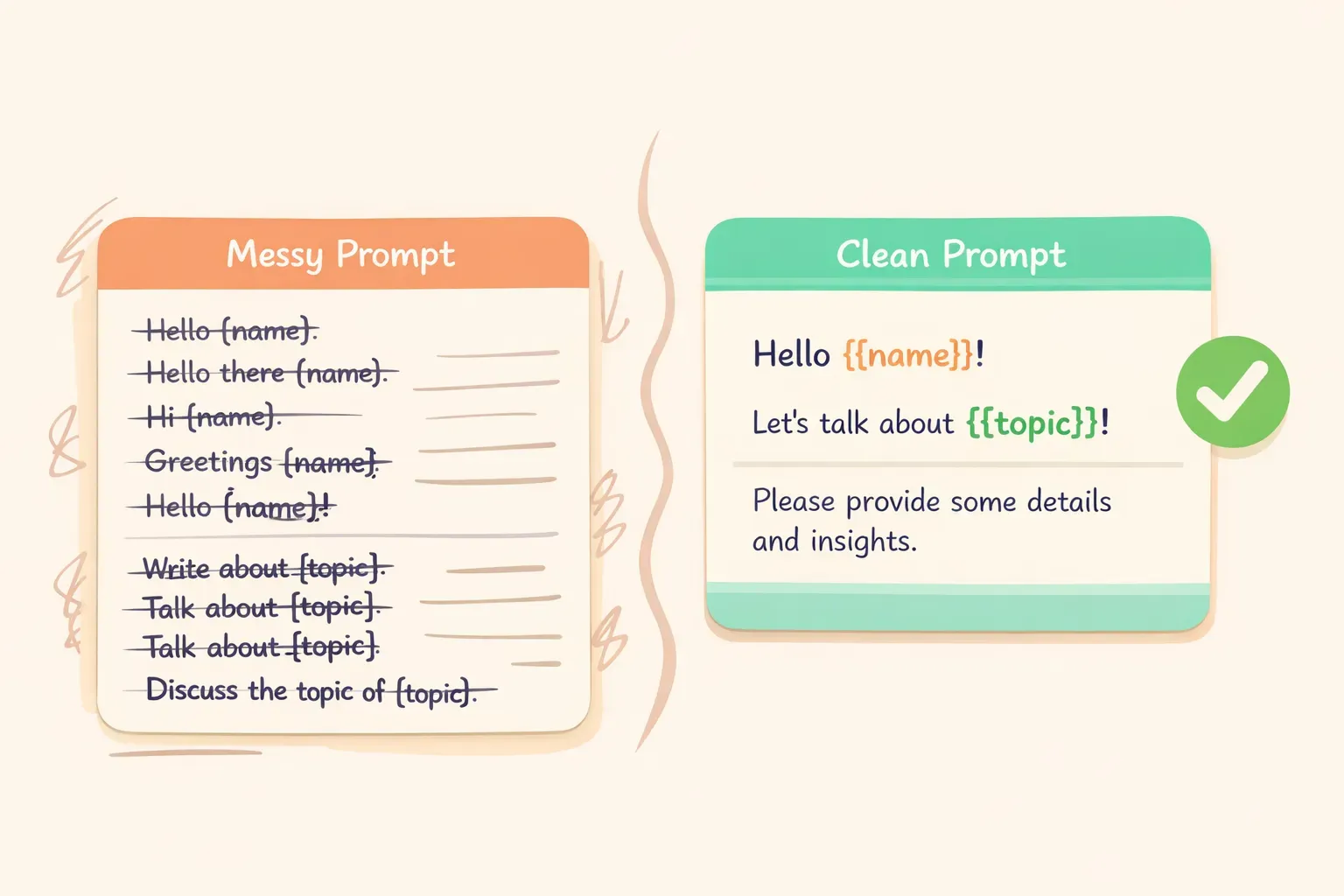
Summarize the following meeting notes from the Q1 planning session. Extract:
- Key decisions made
- Action items with owners
- Open questions

Keep the summary under 200 words.

Meeting notes:
The team discussed the product roadmap for Q1. Sarah will lead the new onboarding flow redesign. Mike raised concerns about the timeline for the API integration...
Summarize the following meeting notes from {{meeting_name}}. Extract:
- Key decisions made
- Action items with owners
- Open questions

Keep the summary under 200 words.

Meeting notes:
{{meeting_notes}}
Write a professional email response to the following message.

Context: {{context_about_situation}}
Tone: {{desired_tone}}
Key points to include: {{main_points}}

Original email:
{{original_email}}
Summarize the following {{content_type}} for {{audience}}.

Format: {{output_format}}
Length: {{word_count}} words maximum

Content:
{{content_to_summarize}}
{{audience}}:「executives who want the key takeaways」「the engineering team」「someone with no background in this topic」
{{output_format}}:「bullet points」「three paragraphs」「a single sentence followed by details」
プロンプトテンプレートの変数プレースホルダーを埋めていくイラスト
3. フィードバックの依頼
Review the following {{content_type}} and provide constructive feedback.

Focus areas: {{areas_to_focus_on}}
Tone: Be direct but encouraging

{{content_to_review}}

Format your feedback as:
1. What's working well (2-3 points)
2. What could be improved (2-3 specific suggestions)
3. One priority change to make first
4. SNS投稿のアイデア
Generate {{number_of_posts}} social media post ideas for {{platform}}.

Topic: {{topic}}
Brand voice: {{brand_voice_description}}
Goal: {{post_goal}}

For each post, include:
- The post text (under {{character_limit}} characters)
- A suggested image or visual description
- Best time to post (if relevant)
5. 概念の解説
Explain {{concept}} to {{audience_description}}.

Constraints:
- Avoid jargon: {{terms_to_avoid}}
- Use analogies related to: {{familiar_domain}}
- Length: {{length_preference}}

Start with why this matters to them, then explain the concept, then give one practical example.
これはドキュメントづくり、教育、クライアントへの説明などに役立ちます。{{familiar_domain}} 変数を使うと、AIが相手にとって身近な比喩を選びやすくなります。たとえば不動産関係のクライアント向けなら「use analogies related to buying a home」と指定するとよいでしょう。
長い変数の使い方を書いていない。{{meeting_notes}} や {{document_text}} のような長めの入力には、テンプレート内にヒントを添えるのがおすすめです。「Paste the full meeting notes below」や「Include the complete email thread」のように。あとで自分やチームメイトが使うときに役立ちます。
そのライブラリ専用の置き場所がほしければ、PromptNest は変数付きでプロンプトを整理できる Mac ネイティブアプリです。Mac App Store で $19.99 の買い切り、サブスクリプションもアカウントも不要で、ローカルで動作し、どんなAIとも組み合わせて使えます。とはいえ、整理されたGoogleドキュメント1枚でも、ゴールの8割は達成できます。