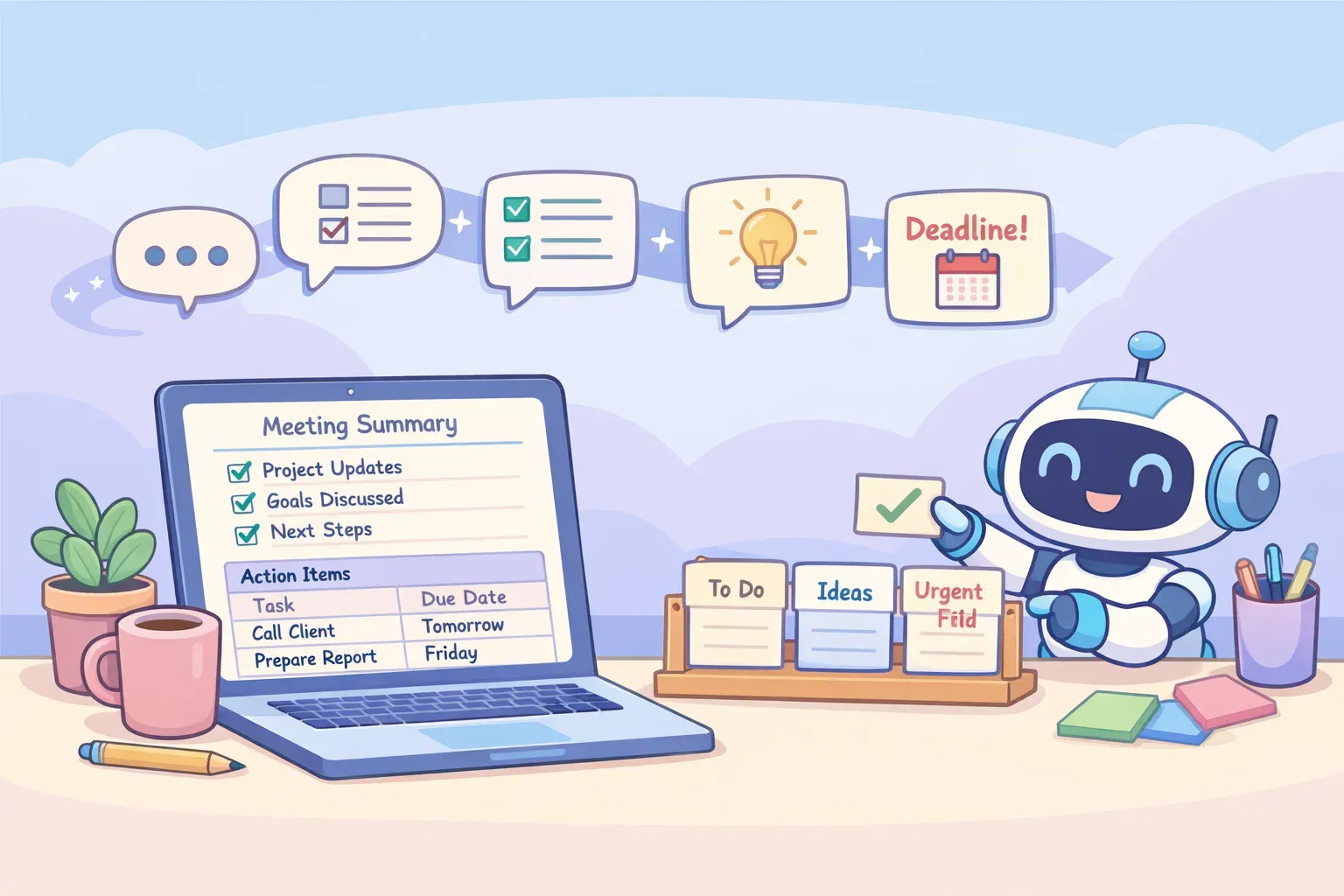
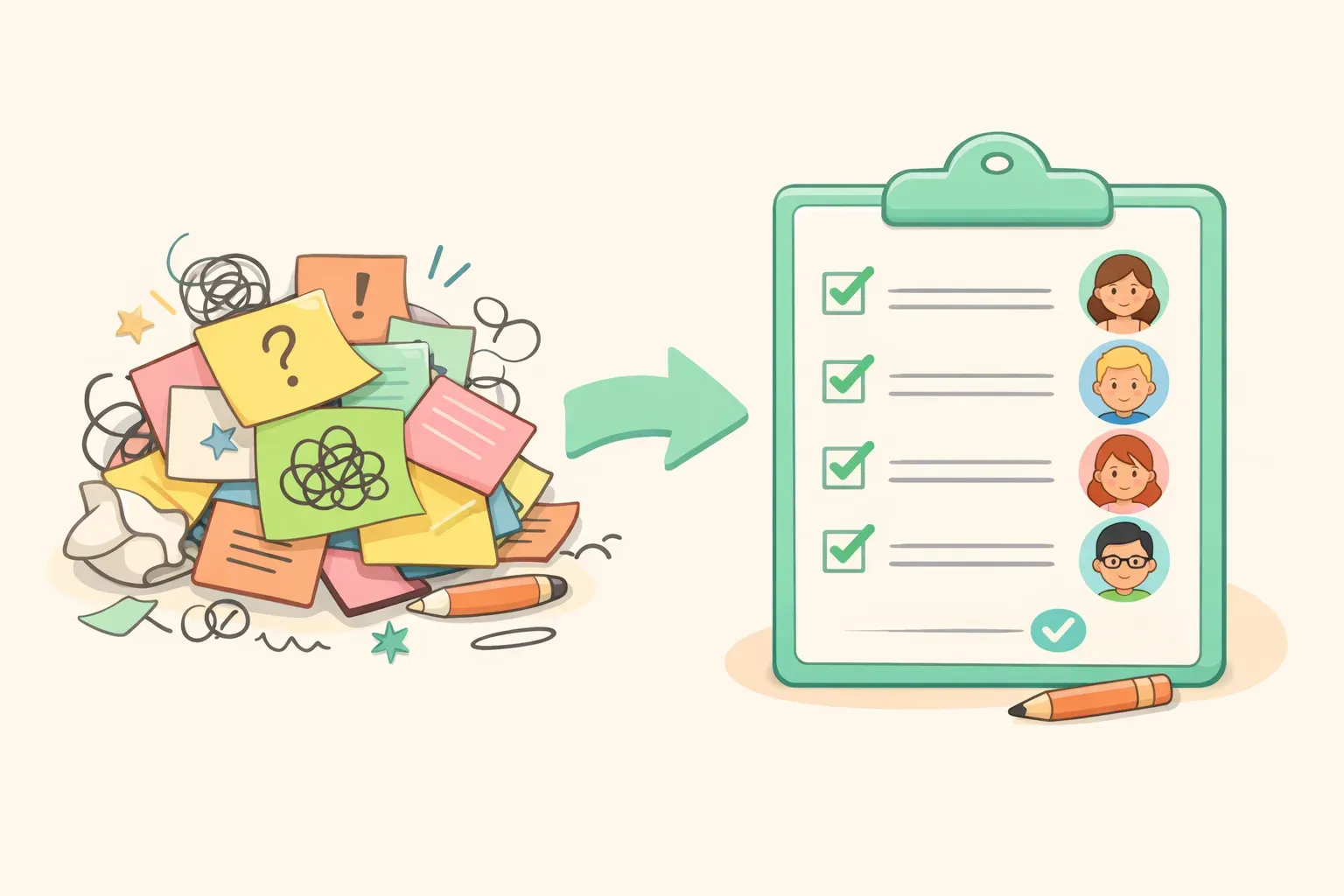
AI 大概十秒就能解決大部分問題——貼上你的筆記或逐字稿,跑一個提示詞,就得到一份附帶行動項目的清楚摘要。但有個沒人提的陷阱:偷懶的提示詞給你偷懶的摘要,而太過信任的提示詞會很樂意幫一個根本沒人主動接的任務「發明」一個負責人。這篇指南給你 10 個能把事情做對的提示詞,再加上幾個讓 AI 老實交代的習慣。
每個提示詞都用 {{雙層大括號}} 標出你要替換的部分——把你的筆記或逐字稿貼在寫著 {{transcript}} 的地方,其餘的再填進去。它們是為現在的模型寫的(ChatGPT 的 GPT-5.5、Claude Opus 4.8、Google 的 Gemini 3 Flash),但它們不挑——任何當前的 AI 助理都能處理。一如往常,把輸出當成一份很不錯的初稿,而不是聖旨。
1. 30 秒的高層摘要
用在某位忙碌的主管只要結果、其他一概不要的時候。這個提示詞會剝掉逐字逐句的過程,給你決議和影響。
You are an executive assistant. Read the meeting notes below and write a TL;DR for a busy leader who was not in the room.

Output exactly:
1. A one-sentence headline of what this meeting was really about
2. "Key outcomes" — 3 bullets
3. "Decisions made"
4. "Risks or timeline impacts"

Ignore small talk, scheduling logistics, and minor tangents. Do not use vague phrases like "the team discussed" — state what was actually decided. Keep it under 150 words.

Notes:
{{transcript}}
2. 附負責人與截止日的行動項目
你會用得最多的一個——也是最容易出錯的一個,因為 AI 很愛把任務指派給從沒答應的人。這個提示詞裡的規則會逼它把任何不清楚的地方標出來,而不是用猜的。
Extract every action item from the notes below into a table with these columns: Task | Owner | Due Date | Priority (High/Medium/Low).

Rules:
- Only create a row when there is a clear task.
- If the owner was not clearly stated, write "UNASSIGNED." If no due date was given, write "TBD." Never guess an owner or a date.
- Below the table, add a section titled "Needs clarification" listing any task where the owner or deadline is missing.

Notes:
{{transcript}}
You are a professional minute-taker. From the notes below, produce formal meeting minutes in this structure:

- Meeting title, date, and time
- Attendees (and anyone noted as absent)
- Agenda items discussed
- Decisions made (numbered)
- Action items (table: Owner | Action | Deadline)
- Open questions / parking lot
- Next meeting

Use neutral, factual language. Do not add commentary or interpretation, and do not invent motions, votes, names, or any detail that is not in the notes.

Notes:
{{transcript}}
{{transcript}}

Above is a raw meeting transcript. First, find and quote the 5–8 most important moments — decisions, commitments, and disagreements. Then, using only those quotes, write a summary with:
- Context (one line)
- Key decisions
- Action items (Owner, Due date — write UNASSIGNED/TBD if not stated)
- Open questions

The speaker labels may be generic (Speaker 1, Speaker 2). Attribute statements to the label given. Do not guess anyone's real name.
Using the meeting notes below, write a short follow-up email to attendees.

Structure:
- A one-line thank you
- "Quick recap" — 3 to 4 key points
- "Decisions made"
- "Your action items" — grouped by person, each with its deadline
- A closing line confirming the next meeting (if one was set)

Professional but warm. Under 200 words.

Notes:
{{transcript}}
把行動項目按人分組,就是讓一份回顧真正有用的那個小細節——每個人都會直接滑到自己的名字。想更掌握語氣,請參考寫專業電子郵件的 AI 提示詞。
Build a decision log from the notes below. For each decision, output a row:

Decision | Why (one line) | Decision owner | Alternatives considered or rejected

Only log decisions that were actually agreed — not topics that were merely discussed. If something was explicitly postponed, list it separately under "Deferred — not yet decided."

Notes:
{{transcript}}
7. 待解問題、卡關點與風險
會從縫隙裡漏掉的,通常不是決議——而是那些沒解決、每個人都以為別人在追蹤的事。
From the notes below, pull three separate lists:

A. Open questions — things asked but never answered
B. Blockers — anything stopping progress, and who or what is blocked
C. Risks or concerns raised

Note who raised each item. Do not include anything that was resolved during the meeting. If a list has nothing in it, write "None identified."

Notes:
{{transcript}}
8. 業務或客戶通話摘要
一份籠統的摘要會把業務通話裡的精華全丟掉。這個提示詞會留住購買訊號、反對意見,以及下一步。
You are a sales assistant. Summarize the following client call for our records.

Sections:
- Key points (3–5 bullets)
- Client pain points
- Buying signals (timeline, budget, or intent cues)
- Objections or concerns (quote the client where possible)
- Competitor mentions
- Next steps (action, owner, due date)

Only list next steps that move the deal forward.

Call notes:
{{transcript}}
9. 一對一與敏感會議筆記
一對一或績效談話的筆記,日後可能出現在某份 HR 檔案裡,所以這裡的規則會避免 AI 對一個真實的人妄加評論。
Summarize these 1:1 notes between a manager and their direct report.

Sections:
- Main topics discussed
- Concerns raised by the report
- Wins to recognize
- Manager follow-ups before the next 1:1

Rules: separate facts from interpretation (label anything that's an inference). Use neutral language — no evaluative labels like "strong performer" or "problematic." Stick to what was actually said.

Notes:
{{transcript}}
Here is a meeting summary: {{summary}}

Convert every action item into a prioritized task list. For each task, output:

Priority (P1/P2/P3) | Task | Owner | Due date | Effort (S/M/L)

Sort by priority, P1 first. Put anything that's blocked or missing an owner in a separate "Needs clarification" section at the bottom.
如何處理一份冗長的會議逐字稿
一場兩小時的會議會產出一整面文字,而 AI 在某個點開始會把開頭的內容漏掉。這裡說明實際上是怎麼回事,以及該怎麼繞過去。
如果你寧可不必每次都翻找筆記,PromptNest 會把你的會議提示詞整理好、放在一個鍵盤快捷鍵之外,連 {{variables}} 都內建好了,你只要丟進逐字稿就能開跑。它是一款原生 Mac 軟體——在 Mac App Store 上 $19.99 一次性買斷、無訂閱——就是為了這種重複使用而打造的。不管用哪種方式,目標都一樣:走出你的下一場會議時,知道後續會自己把自己寫好。