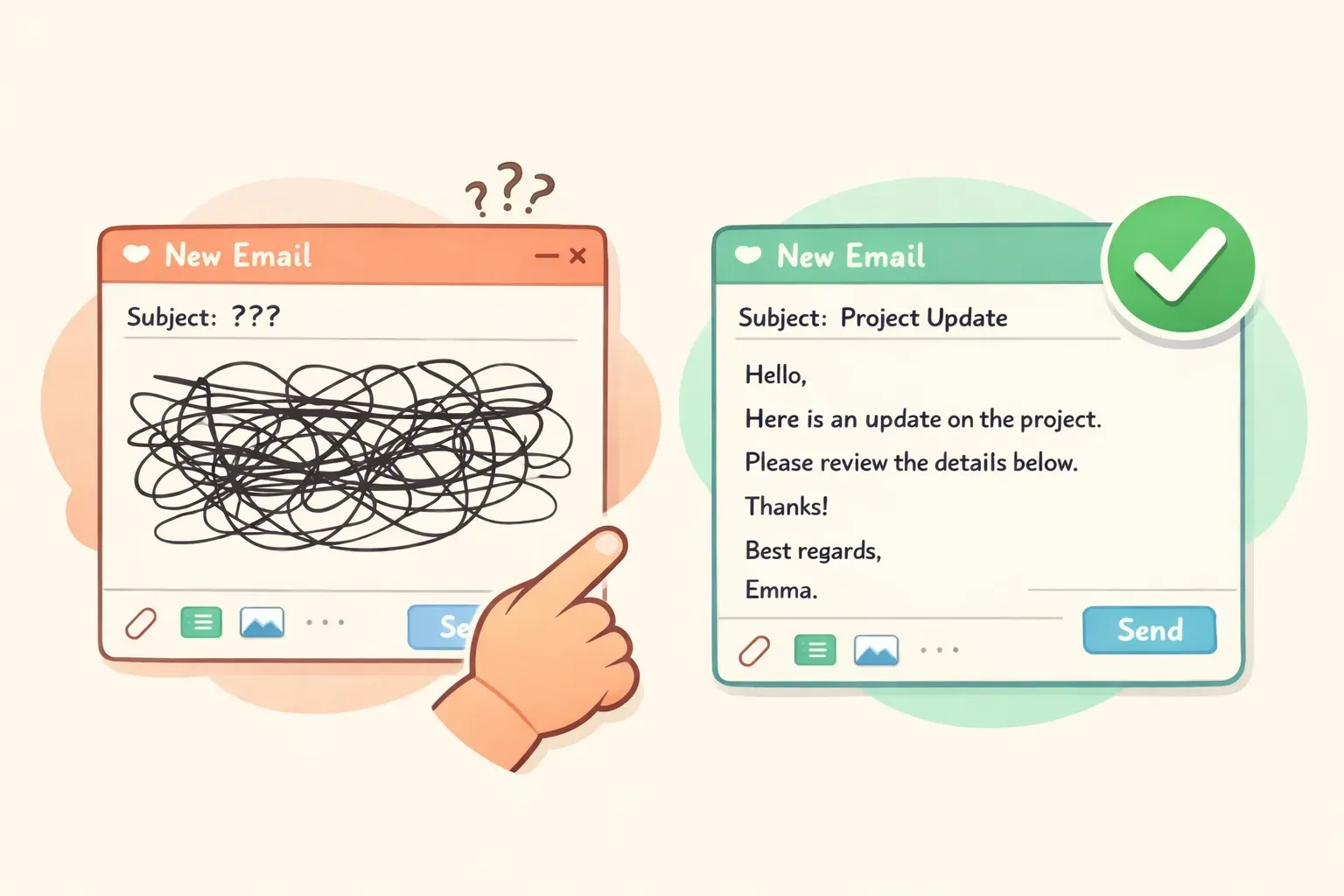
如果切到另一個分頁複製貼上聽起來很麻煩,你的 Email 軟體大概早就內建 AI 了。這是門檻最低的選項,因為草稿就直接出現在你正在打字的地方。
Gmail(Gemini)。 Google 的「協助撰寫」能用一句簡短指示擬出一封信、潤飾你已經寫好的內容,還會根據情境建議一鍵回覆。核心寫作功能對 Gmail 使用者免費;更深入的工具(像是收件匣問答)則要靠 Google AI Pro。
Outlook(Microsoft Copilot)。 Copilot 能擬信、回信,摘要冗長的對話串,還在 Outlook 裡直接提供語氣「指導」建議。完整整合需要付費授權——個人用戶的 Copilot Pro 是每月 $20。如果你的工作都跑在 Microsoft 365 上,這就是理所當然的選擇。
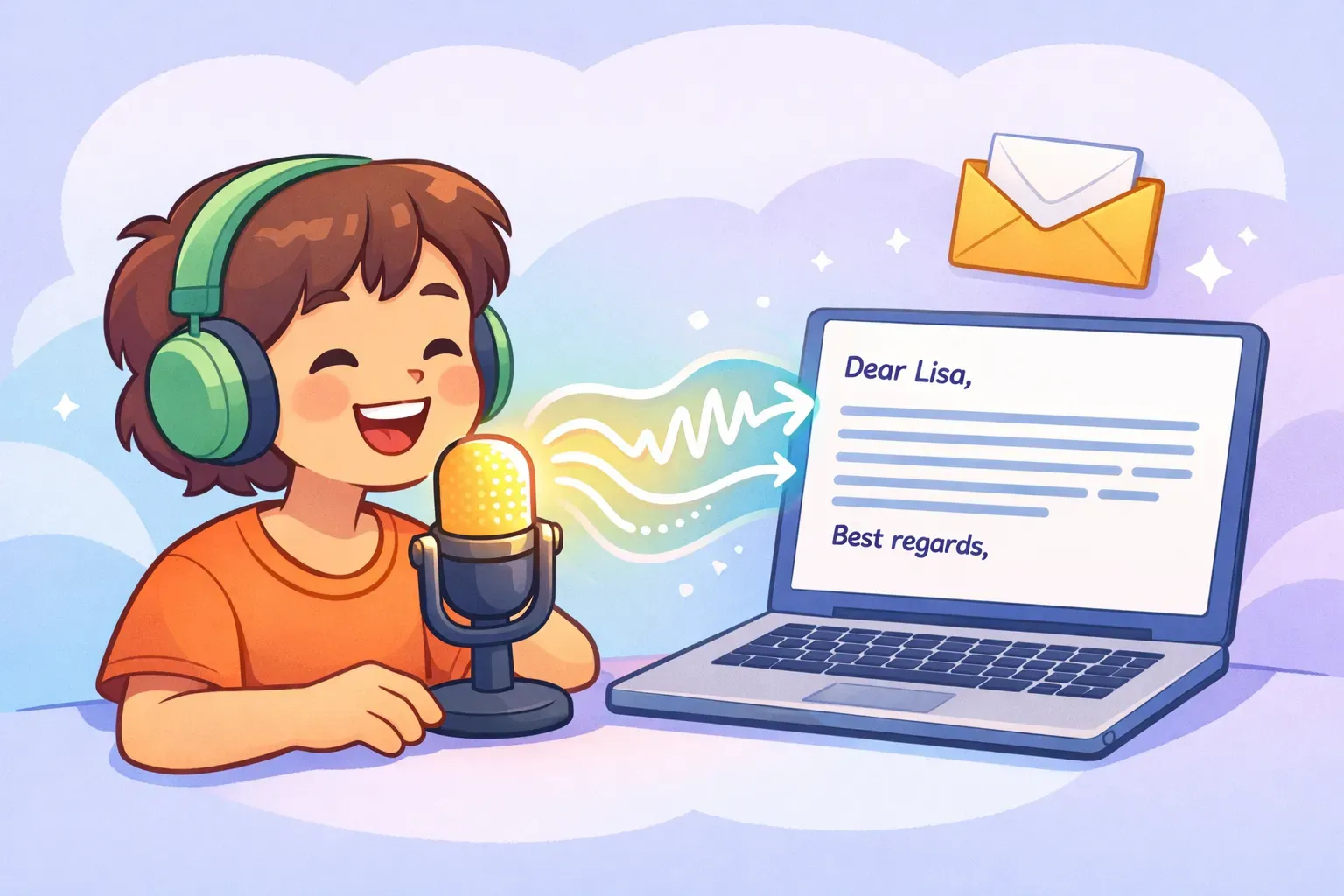
Voicr 就是一款圍繞這件事打造的 Mac 軟體。你按住一個鍵、開口講,你的話就會自動貼進你當下正在用的任何 App——包括 Gmail 或 Outlook——而且已經整理好了。它的 AI 寫作層會移除贅詞(「嗯」「你知道的」)、修正文法、校準語氣,讓一段東拉西扯的口頭想法,落地成一段整齊的書面文字,而不是一份原始逐字稿。
Turn these rough notes into a clear, professional email to {{recipient}}:
- {{point_1}}
- {{point_2}}
- {{point_3}}

Goal: {{what_you_want_to_happen}}. Tone: {{friendly but professional}}. Keep it under 120 words and add a subject line.
回覆不開心的客戶
A customer sent this complaint: "{{paste_their_email}}"

Write a reply that (1) acknowledges their frustration in the first sentence, (2) takes responsibility without being defensive, (3) gives a concrete fix and an exact timeline, and (4) offers a contact for follow-up. Tone: calm, warm, professional. Under 150 words.
禮貌婉拒一場會議
Write a short, polite email declining this meeting invite: "{{paste_invite}}". My reason: {{conflicting_deadline}}. Don't over-explain. Thank them, decline clearly, and offer an alternative: {{review_the_notes_after / send an async update}}. Keep it warm. Under 80 words.
對方沒回時的追蹤信
Write a brief follow-up to {{recipient}} about {{topic}}. We last spoke {{when}} and I haven't heard back. Don't open with "just checking in." Add one new reason for them to reply: {{new_info_or_value}}. Friendly, low-pressure, under 60 words.
向主管開口要求加薪
Help me write an email to my manager {{name}} requesting a raise. My case: I {{accomplishment_with_a_number}}, took on {{added_responsibility}}, and the market rate for my role is {{amount}}. Frame it as a confident business case, not a plea. Specific ask: {{target_salary_or_percent}}. Professional, under 180 words.
寫一封專業的道歉信
Write a professional apology email for {{specific_mistake}}. Take responsibility without over-apologizing, explain briefly what happened, describe how you're fixing it, and how you'll prevent it next time. Don't grovel or ask for forgiveness. Sincere and direct, under 200 words.
兩個實用的解法。第一,直接叫 AI 別用那些破綻:在你的提示詞加上「不要陳腔濫調、不要破折號、不要驚嘆號,像真人那樣寫,不要像新聞稿」。第二——這招最強——把你自己的口吻餵給它:
Here are three emails I've written: {{paste_3_of_your_emails}}.

Study my tone, my sentence length, and how formal I am. Now write an email to {{recipient}} about {{topic}} that sounds like me — not like AI.
我們在如何讓 AI 提示詞寫出像你自己的語氣裡講得更深入。還有,記得一個違反直覺的真相:通常越短越贏,而不是越精雕細琢。過度潤飾本身就是一種破綻。一封讀起來像你的兩行回覆,勝過一篇讀起來像企業宣傳手冊、字字無瑕的五段長文。
先從把你最常用的三、四個 Email 提示詞存到一個你真的找得到的地方開始——一則筆記、一份文件,怎樣方便都行。或者如果你想要更專門打造的東西,PromptNest 是一款原生 Mac 軟體(在 Mac App Store 一次性買斷 $19.99,無訂閱),它讓你的提示詞井井有條、可搜尋,並能用一個鍵盤快捷鍵從任何 App 隨手叫出。填好 {{variables}}、複製、貼上、傳送——把你的早晨拿回來。