Gmail(Gemini)。 谷歌的 “帮我写” 能根据一句简短指示起草邮件、润色你已经写好的内容,还会给出贴合上下文、一键即用的回复建议。核心写作功能对 Gmail 用户免费;像收件箱问答这类更深入的工具则属于 Google AI Pro。
Outlook(Microsoft Copilot)。 Copilot 能起草邮件和回复、总结冗长的会话串,还能在 Outlook 里直接给出“辅导式”的语气建议。完整集成需要付费授权——个人版 Copilot Pro 是每月 $20。如果你的工作离不开 Microsoft 365,它就是顺理成章的选择。
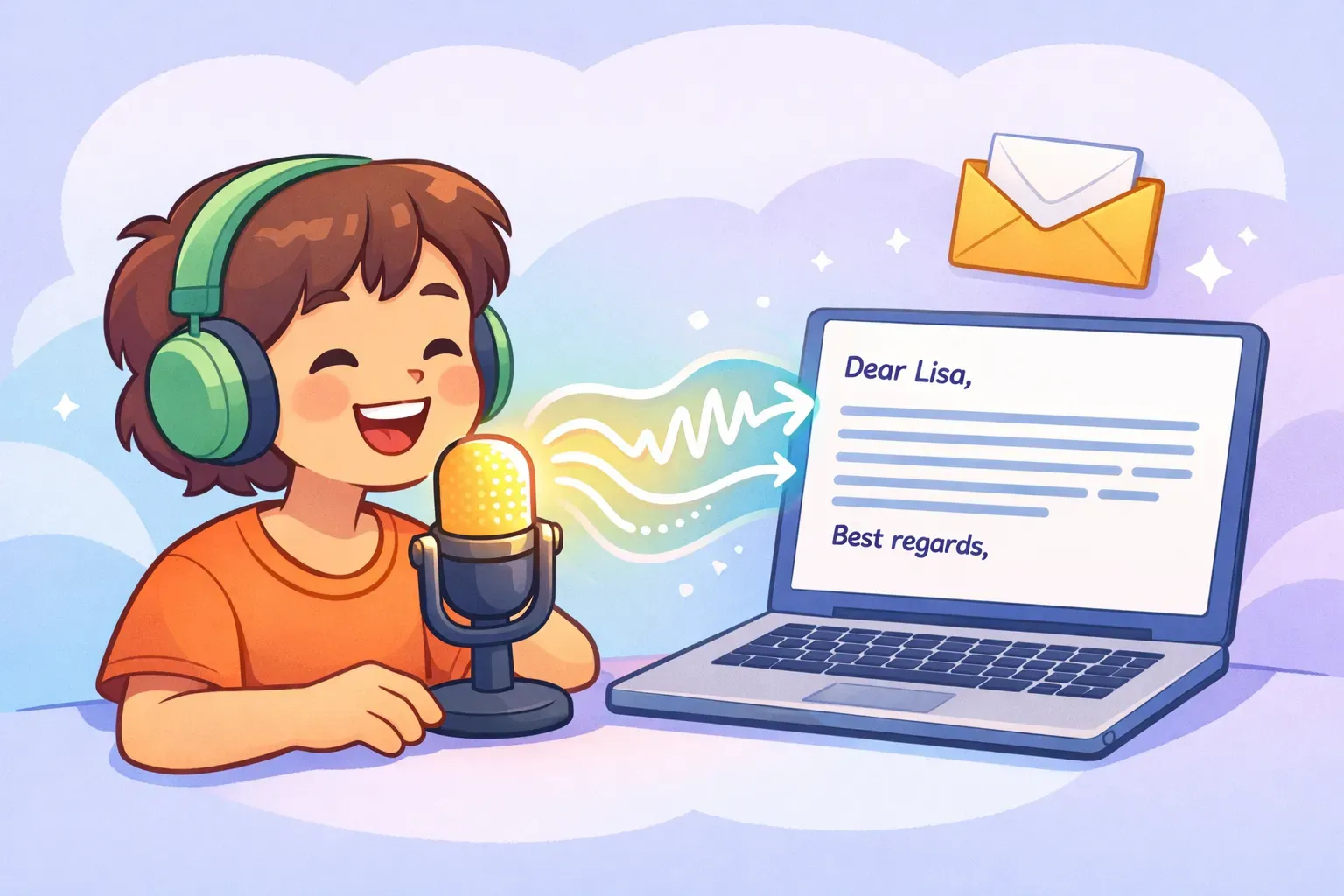
Voicr 就是一款围绕这一点打造的 Mac 应用。你按住一个键说话,你的话就会被自动粘贴进你正在用的任何应用——包括 Gmail 或 Outlook——而且已经整理好了。它的 AI 写作层会去掉口头语(“呃”“你知道吧”)、修正语法、校准语气,于是一段絮絮叨叨的口头表达最终落成一段整洁的书面文字,而不是一份原始转录稿。
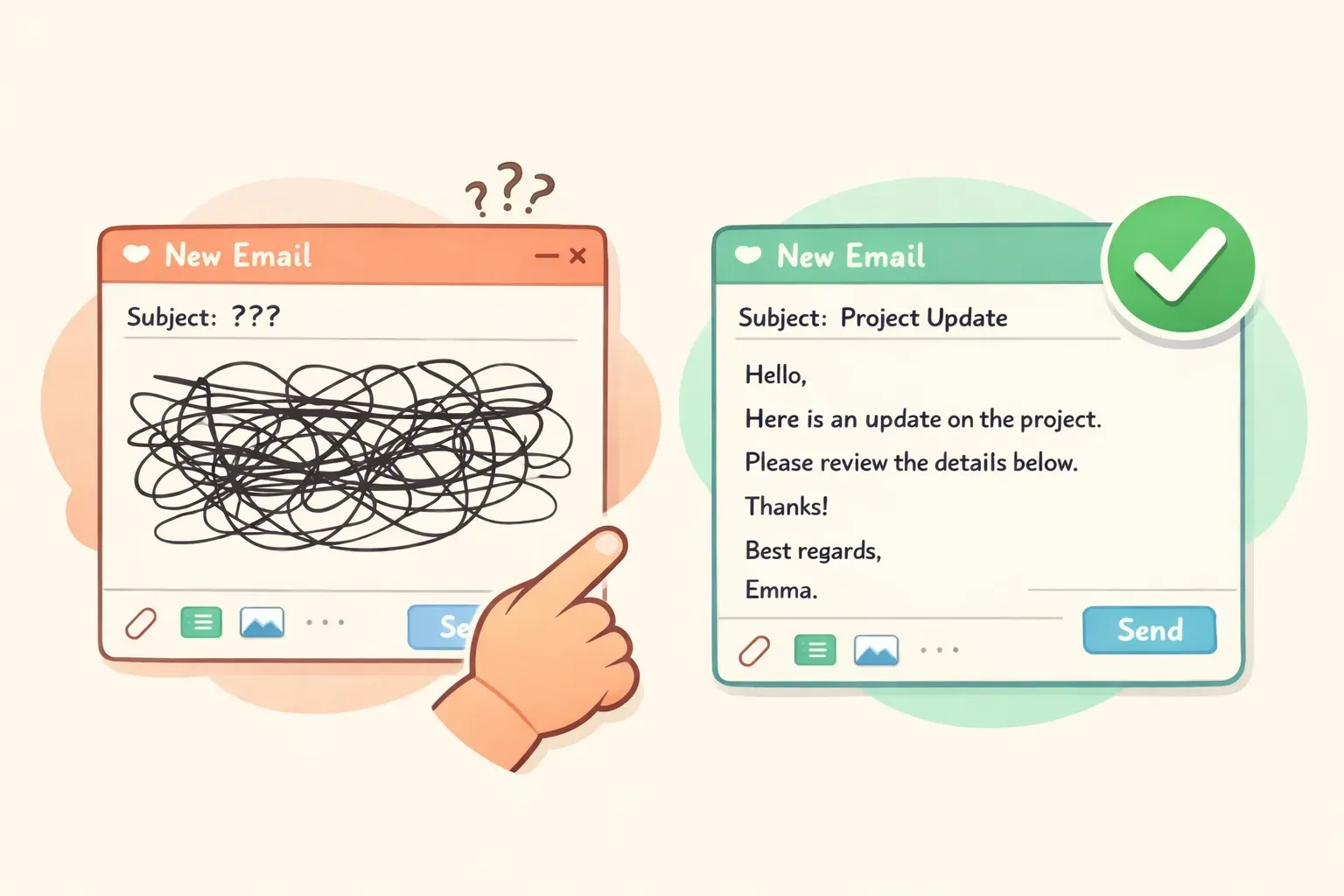
Turn these rough notes into a clear, professional email to {{recipient}}:
- {{point_1}}
- {{point_2}}
- {{point_3}}

Goal: {{what_you_want_to_happen}}. Tone: {{friendly but professional}}. Keep it under 120 words and add a subject line.
回复一位不满的客户
A customer sent this complaint: "{{paste_their_email}}"

Write a reply that (1) acknowledges their frustration in the first sentence, (2) takes responsibility without being defensive, (3) gives a concrete fix and an exact timeline, and (4) offers a contact for follow-up. Tone: calm, warm, professional. Under 150 words.
礼貌地婉拒一场会议
Write a short, polite email declining this meeting invite: "{{paste_invite}}". My reason: {{conflicting_deadline}}. Don't over-explain. Thank them, decline clearly, and offer an alternative: {{review_the_notes_after / send an async update}}. Keep it warm. Under 80 words.
对方没回复时的跟进
Write a brief follow-up to {{recipient}} about {{topic}}. We last spoke {{when}} and I haven't heard back. Don't open with "just checking in." Add one new reason for them to reply: {{new_info_or_value}}. Friendly, low-pressure, under 60 words.
向上司开口要求加薪
Help me write an email to my manager {{name}} requesting a raise. My case: I {{accomplishment_with_a_number}}, took on {{added_responsibility}}, and the market rate for my role is {{amount}}. Frame it as a confident business case, not a plea. Specific ask: {{target_salary_or_percent}}. Professional, under 180 words.
写一封专业的道歉邮件
Write a professional apology email for {{specific_mistake}}. Take responsibility without over-apologizing, explain briefly what happened, describe how you're fixing it, and how you'll prevent it next time. Don't grovel or ask for forgiveness. Sincere and direct, under 200 words.
两个实用的解法。第一,直接让 AI 去掉这些破绽:在你的提示词里加上“别用陈词滥调,别用破折号,别用感叹号,像个真人那样写,别写成新闻通稿”。第二——这才是狠招——把你自己的文风喂给它:
Here are three emails I've written: {{paste_3_of_your_emails}}.

Study my tone, my sentence length, and how formal I am. Now write an email to {{recipient}} about {{topic}} that sounds like me — not like AI.
我们在 如何让 AI 提示词写出像你本人的内容 里讲得更深。另外记住一个反直觉的真理:更短通常胜过更精致。过度打磨本身就是个破绽。一封听着像你本人的两行回复,胜过一篇完美却像公司宣传册的五段长文。
但 AI 痕迹露出多少很关键。在一项针对 1,100 名专业人士的 2025 年研究中,当主管在邮件里严重依赖 AI 时,只有 40% 到 52% 的员工觉得这些邮件真诚——而轻度借助 AI 的邮件则有 83%。感知到的专业度也下降了。教训不是“别用 AI”,而是 AI 应该帮你写出你的那条信息,而不是取代它——尤其对任何带个人色彩的内容,比如一句感谢、一份慰问,或者和一位重要的人一对一沟通。
还有两点实在的提醒。关于公开声明:提一句你用了 AI 感觉上挺对,但早期研究表明 这么说反而可能降低人们对这条信息的信任。更稳妥的原则是:用 AI 来搭结构、提速度,判断和事实由你自己把关,让成品凭本身立得住。
先从把你最常用的三四条邮件提示词存到一个你真能找到的地方开始——便签、文档,怎么顺手都行。或者,如果你想要个专门为此打造的东西,PromptNest 是一款原生 Mac 应用(在 Mac App Store 上一次性买断 $19.99,无订阅),它能让你的提示词井井有条、可搜索,并且在任何应用里都能用一个键盘快捷键随手调出。填好 {{variables}}、复制、粘贴、发送——把你的上午抢回来。