Copy-paste prompts for follow-ups, apologies, raises, meeting requests and more, plus how to make AI-written emails actually sound like you, not a robot.
The average worker gets around 117 emails a day, according to Microsoft's Work Trend Index. Most get skimmed in under a minute. A good chunk need a reply you have to actually think about — the polite no, the follow-up that doesn't sound desperate, the apology that doesn't make things worse.
So you open ChatGPT, type "write a follow-up email," and get back something that opens with "I hope this email finds you well" and reads like a press release. Not helpful.
The problem usually isn't the AI. It's the prompt. A vague request gets a generic email; a specific prompt gets something you can almost send as-is. Below are 15 prompts built for real work situations, written for the AI assistants people actually use in 2026 — plus the part most guides skip: how to keep these emails sounding like you, and what's safe to paste into a chatbot in the first place.
Why Your AI Emails Sound Robotic (and the 4-Part Fix)
When you tell an AI "write an email to a client about the delay," it has to guess everything — who you are, who they are, how formal to be, what you actually want. It fills the gaps with the blandest, safest version of an email. That's where the robot voice comes from.
Good email prompts all share the same four ingredients. Get these in and the output changes completely:
Role — who the AI is writing as ("You're a project manager writing to a client").
Context — the facts: what happened, dates, your relationship, prior emails.
Goal — the one thing you want to happen (a reply, a yes, a new deadline).
Tone and limits — 2–3 tone words plus hard limits like length and what to avoid.
That last one matters more than people think. "Be professional" is vague; "under 120 words, warm but direct, no exclamation points, no corporate jargon" gives the model something to actually follow. If you want the full breakdown, see The Anatomy of a Perfect Prompt. Every prompt below already bakes these four parts in.
Does this even work? A peer-reviewed MIT study published in Science had professionals do real writing tasks — including drafting work emails — with and without ChatGPT. With it, they finished 40% faster and produced work rated 18% higher in quality. The catch the study makes clear: the gains come when AI handles the rough draft and you do the judgment. More on that later.
Before You Paste: A Quick Word on Privacy
Here's the thing almost every "AI email prompts" article leaves out: as of 2026, ChatGPT, Claude, and Gemini all train on your conversations by default on their consumer plans. You can turn it off — OpenAI, Anthropic, and Google each have a setting — but it's on unless you change it.
The practical rule: don't paste anything into a public chatbot that you wouldn't put in a shared company doc. Real client names, contract numbers, salaries tied to a named person, anything under NDA — swap those for placeholders before you paste, then fill the real details back into the AI's draft yourself. The prompts below use {{variable}} placeholders partly for reuse, and partly so you can keep the sensitive bits out of the chat entirely.
If your company gives you a business or enterprise AI account, those usually don't train on your inputs — worth checking before you decide what's safe.
15 AI Prompts for Professional Emails
Each prompt is ready to copy. Replace the {{placeholders}} with your details. They're written to work with ChatGPT (GPT-5.5), Claude (Opus 4.8), and Gemini — the current flagship versions as of mid-2026 — and they hold up across all three. One honest caveat: AI output varies every time, so treat each result as a strong first draft, not a finished email.
Getting a Reply
1. Follow up after no answer. The trick to a follow-up is adding value, not just nudging. "Just checking in" gets ignored; a reason to reply gets a reply.
You're writing a follow-up email. I emailed {{recipient}} {{days_ago}} days ago about {{topic}} and haven't heard back. Write a short, friendly follow-up that:
- briefly reminds them what I asked
- adds one useful detail or reason to reply now: {{new_detail}}
- gives them an easy out (e.g. "happy to circle back later if now's not the time")
Keep it under 90 words, warm but not pushy. No "just checking in."
2. Cold outreach or introduction. Cold emails live or die on relevance. Lead with why them, name one problem, make one small ask.
You're writing a cold outreach email. About me: {{my_role_and_company}}. I'm reaching out to {{recipient_role}} at {{their_company}}. Their likely pain point: {{pain_point}}. What I offer: {{value_in_one_line}}.
Write a cold email under 100 words that opens with something specific to them (not about me), names the pain point, gives one clear benefit, and ends with one low-pressure ask: {{soft_ask}}. No buzzwords.
3. Make a request with a deadline. Asking for a favor or an extension works best when you state the original deadline first, give one real reason, and propose a specific new one.
Write a polite, brief email asking {{recipient}} for {{the_request}}. Context: {{why}}. The original deadline was {{original_deadline}}; I'd like to move it to {{proposed_new_deadline}}.
State the ask clearly, give one honest reason without over-explaining or making excuses, and propose the specific new date. Under 100 words, respectful and confident.
If you find yourself sending these same three emails constantly with different names and topics, that's exactly what {{variables}} are for. Save the prompt once with the blanks built in, and you fill them in fresh each time instead of rewriting from scratch. A tool like PromptNest keeps these as fill-in-the-blank templates so the final prompt is ready to copy in one click — more on building your own set at the end.
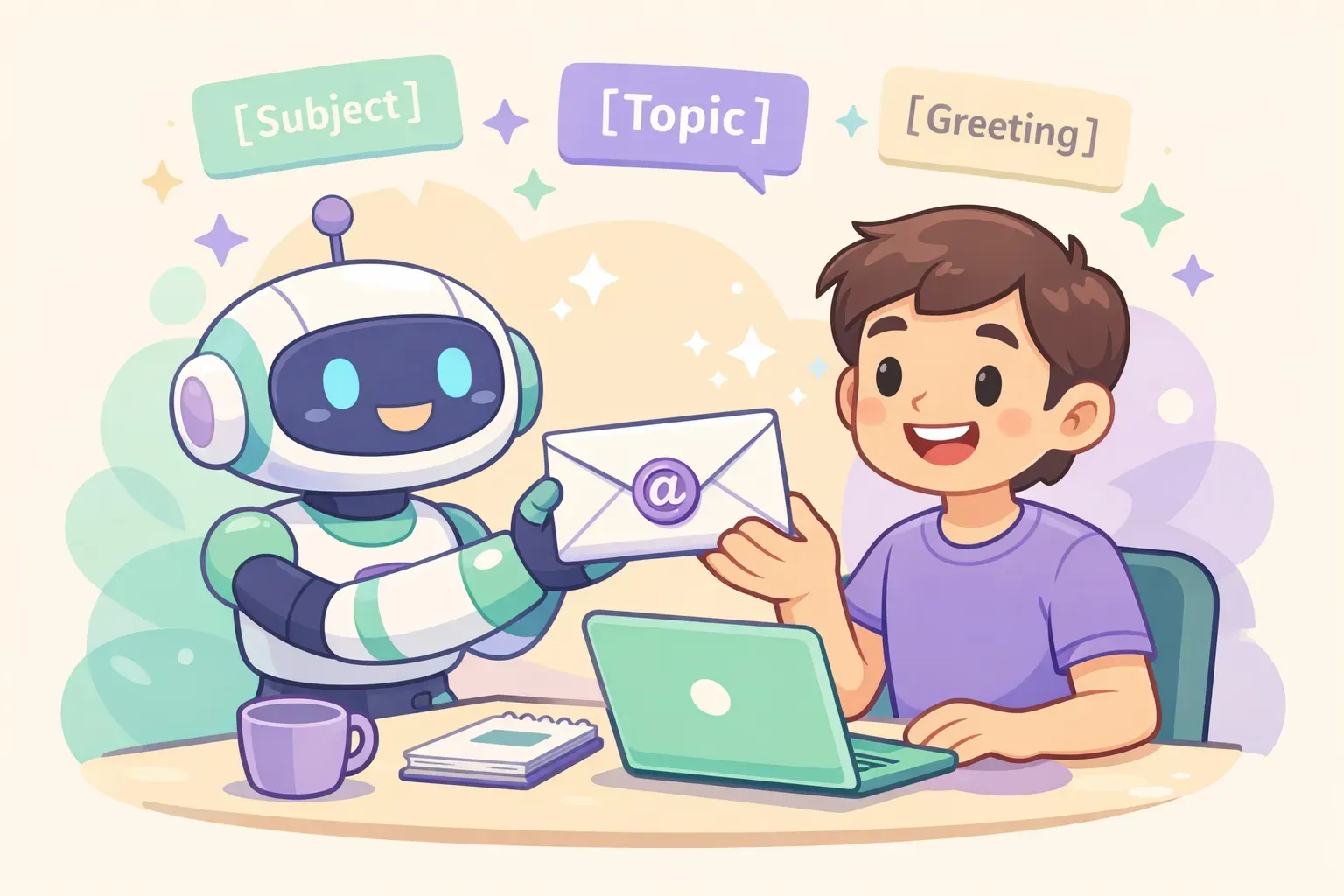
Cartoon robot assistant handing a polished email envelope to a smiling person, with floating prompt cards showing placeholder brackets
Hard Conversations
4. Decline politely. The structure that works: thank them first, say no in one clear sentence, offer one alternative, close warmly. Don't bury the no or over-apologize.
Write a polite email declining {{what_im_declining}} from {{recipient}}. Our relationship: {{relationship}}.
Structure: open by acknowledging or thanking them, decline clearly in one sentence, give a short honest reason (1 sentence), offer one realistic alternative: {{alternative}}, and close warmly. Keep it under 110 words. Kind but unambiguous — no waffling.
5. Apologize for a mistake or delay. A good apology has five parts: acknowledge it, show you get the impact, take responsibility (no blame-shifting), say how you'll fix it, and commit to it not happening again.
Write a professional apology email to {{recipient}} for {{what_went_wrong}}. The impact on them: {{impact}}. How I'm fixing it: {{fix}}.
Include: a clear acknowledgment, genuine empathy for the impact, ownership (no excuses or blame), the concrete fix and timeline, and a brief commitment it won't recur. Sincere and direct, under 130 words. Don't grovel.
6. Respond to an unhappy customer. Acknowledge the feeling, apologize for the specific thing, give an immediate solution, and say who does what next.
Write a calm, empathetic reply to an upset customer. Their complaint: {{complaint}}. What we can do: {{solution}}. Who follows up and when: {{next_step}}.
Open by acknowledging their frustration, apologize for the specific problem (not a generic "sorry for any inconvenience"), lay out the solution in plain language, and state the next step with a name and timeframe. No jargon, no defensiveness. Under 140 words.
7. Negotiate a salary or price. Thank them, show enthusiasm, anchor on a number backed by market data, add one line on your value, and keep it collaborative.
Write a salary negotiation email responding to an offer. Role: {{role}}. Offer: {{current_offer}}. My target: {{target_number}}, based on {{market_data_or_reason}}. One line on the value I bring: {{value}}.
Thank them and show genuine enthusiasm for the role, state my counter backed by the reasoning, keep the tone collaborative ("I'm excited to make this work"), and invite a conversation. Under 180 words, confident and warm — not demanding.
Everyday Work
8. Request a meeting. Short subject lines win — one analysis of 5.5 million emails found 2–4 word subjects got the highest open rates. Offer specific times, not just "let me know your availability."
Write a short email requesting a meeting with {{recipient}} about {{purpose}}. Why it matters to them: {{benefit}}. My availability: {{2_or_3_specific_times}}.
Keep it 50–125 words. State the purpose and the benefit to them, offer the 2–3 specific time slots, and end with one clear ask to confirm. Suggest a 2–4 word subject line too.
9. Send a status update to stakeholders. Busy stakeholders scan for a few seconds. Lead with a simple health signal, then the highlights.
Write a concise project status update email to {{stakeholders}} for {{project}}. Overall status: {{green_amber_red}}. Key wins: {{wins}}. Current blockers and how I'm handling them: {{blockers_and_plan}}. Next steps with dates: {{next_steps}}.
Start with a one-line status snapshot, then short bulleted sections for wins, risks, and next steps. Scannable in 10 seconds. No fluff.
10. Write a genuine thank-you. Specific beats generic every time. Worth doing: Robert Half found 80% of hiring managers value thank-you notes, but only 24% of candidates send one.
Write a short, genuine thank-you email to {{recipient}} for {{what_they_did}}. The specific impact it had: {{impact}}.
Name exactly what they did and why it mattered — no generic "thanks for everything." Warm, specific, under 80 words. Sound like a real person, not a greeting card.
11. Reconnect with a contact. When you reconnect after a long gap, make the first email purely about the relationship — no ask attached.
Write a warm, low-key email reconnecting with {{contact}}, who I haven't spoken to in {{time_gap}}. How we know each other: {{shared_history}}. Something genuine I can mention: {{personal_note}}.
Acknowledge the gap honestly without over-apologizing, reference our shared history, and keep it purely about reconnecting — no favor or pitch in this one. Under 80 words, casual and genuine.
Career Moments
12. Ask for a raise or promotion. Time it after a clear win, quantify your impact, and ask for a specific number or a meeting.
Write an email to {{manager}} requesting {{a_raise_or_promotion}}. My recent wins, with numbers: {{quantified_achievements}}. What I'm asking for: {{specific_ask, e.g. a 7% raise or Senior title}}.
Remind them of the concrete results, make the specific ask, and request a short meeting to discuss. Confident but respectful, under 160 words. Lead with value, not need.
13. Reply to a job offer. Keep it short, confirm the details, and answer every question they asked.
Write a {{accept_or_respond}} email for a job offer from {{company}} for the {{role}} position. Details to confirm: {{title, start_date, salary, anything_else}}. Any questions I still have: {{questions}}.
Keep it short and professional, express genuine enthusiasm, confirm the key details, and answer or ask anything outstanding. No emojis or slang.
14. Give your notice. A resignation email is mostly logistics: your role, your last day, gratitude, and an offer to help with the handover.
Write a professional resignation email to {{manager}}. My role: {{position}}. Last working day: {{last_day}}. I want to keep it positive and brief.
State that I'm resigning and my last day, express genuine gratitude for the experience, and offer to help with the transition. Keep my reason for leaving private. Warm and gracious, under 120 words.
Fix Any Draft
15. The all-purpose rewrite. This is the one you'll reuse most. Write your email however it comes out — messy, too long, too blunt — then let the AI polish it.
Rewrite the email below to be clearer and more professional while keeping my original meaning and intent. Make it shorter, cut filler and hedging, fix grammar and flow, and keep a {{tone, e.g. warm and direct}} tone. Don't add information I didn't include.

Email:
{{paste_your_draft}}
Two upgrades worth knowing. For length, be numeric — "cut this to 100 words" beats "make it shorter." And to compare options fast, add: "Rewrite this 3 ways: one formal, one casual, one persuasive." Pick the best, or mix them.
Make It Sound Like You, Not a Robot
Out of the box, AI writes in a recognizable voice — and people are getting good at spotting it. The fix is to give the AI your voice to copy. The single most effective move: paste in a couple of your own past emails.
Here are two emails I've written before. Study my writing style — sentence length, level of formality, how I open and close, the words I use.

Sample 1: {{paste_email_1}}
Sample 2: {{paste_email_2}}

Now write an email about {{topic}} to {{recipient}} in that same voice. Match how I actually write, not a generic professional tone.
Even with that, watch for the words and habits that scream "a bot wrote this." Strip them in your edit, or tell the AI to avoid them up front:
"I hope this email finds you well" — the most-flagged AI opener. Just say why you're writing.
Inflated words like delve, leverage, robust, seamless, game-changing.
Em-dash overuse and "not just X, but Y" constructions.
Everything in threes — three adjectives, three bullet points, three examples, on repeat.
Generic openers that use the person's name but say nothing specific about them.
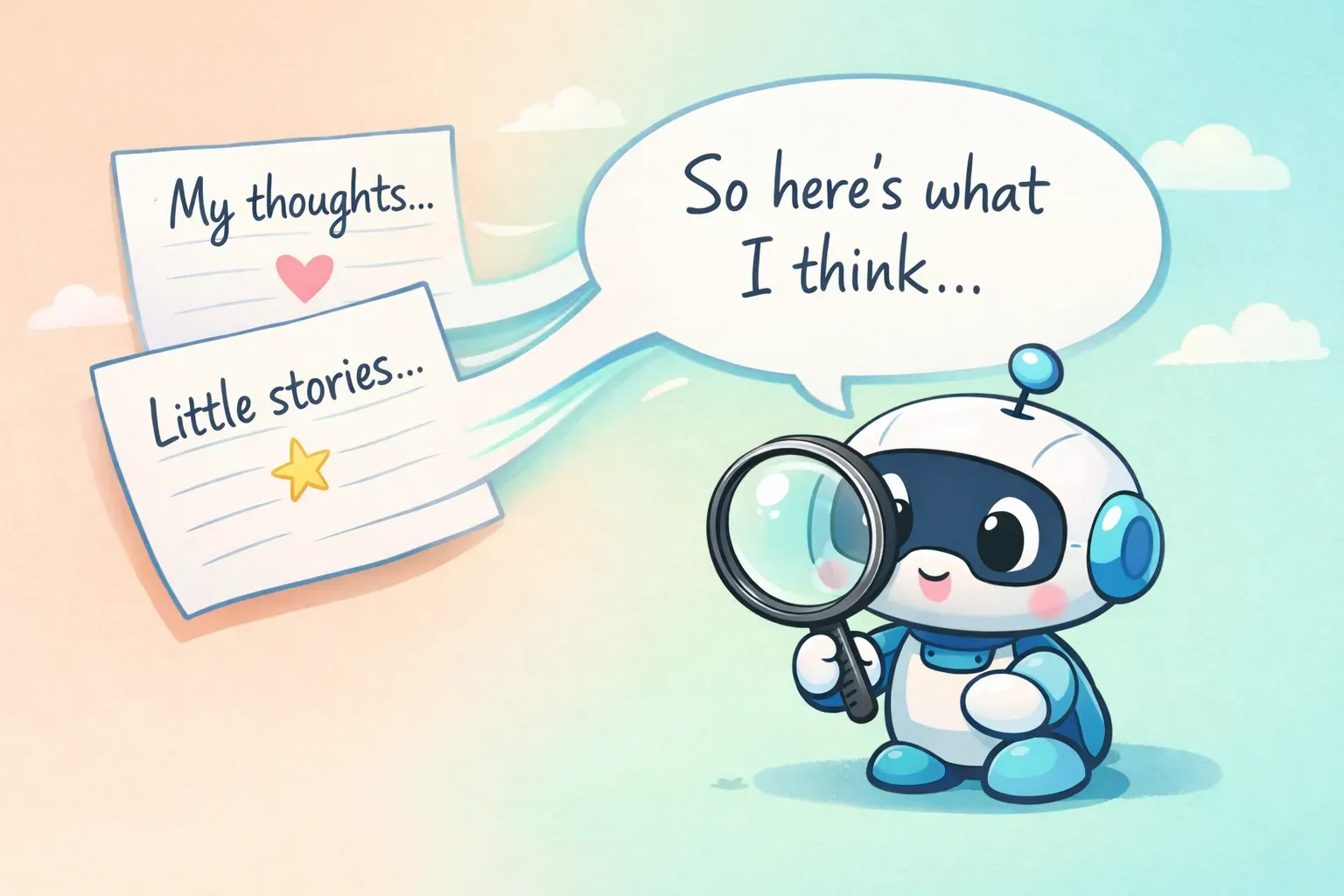
Two handwritten note cards flowing into a single speech bubble, with a small robot reading them, illustrating teaching AI your personal writing voice
Tone is fixable too — just be specific. Instead of "make it less formal," try "make it warmer, use shorter sentences, and cut any corporate language." If you want to go deeper on this, we wrote a whole guide on writing AI prompts that sound like you.
Should You Even Use AI for Work Email?
Worth being honest here. A 2025 study covered by Euronews found that when managers leaned heavily on AI for emails, employees rated them as less sincere — only 40% saw them as sincere, versus 83% for managers who used AI lightly or not at all. People were fine with light editing; they reacted badly to clearly outsourced, relationship-type messages.
The takeaway isn't "don't use AI." It's that AI is a drafting assistant, not a ghostwriter for the messages that carry real feeling. Use it freely for the routine stuff — scheduling, status updates, the polite no. For the heartfelt thank-you or the sensitive conversation, let it draft, then make it genuinely yours.
And whatever you do, read every email before you send it. AI can invent a detail, misjudge the tone, or confidently state something that isn't true. To be clear: using AI to write better isn't cheating — 75% of knowledge workers already use it at work, per Microsoft's research. The line is misrepresentation, not the tool. You're still the author; the AI just helped with the draft.
Build Your Own Email Prompt Library
Reading 15 prompts is one thing. The real win is keeping the 5 or 6 you actually use somewhere you can grab them in two seconds — because the value isn't in the perfect prompt, it's in not rewriting it every single time.
Start simple: save your favorites in a note or doc, with {{placeholders}} marking the parts that change. That alone beats starting from a blank box every morning. The friction is that notes don't fill in the blanks for you — you still copy, paste, hunt for the placeholders, and swap them by hand.
That's the exact problem PromptNest was built to solve. It's a native Mac app (a one-time $19.99 on the Mac App Store — no subscription) that stores your prompts with real {{variable}} fields. Call up a prompt from any app with a keyboard shortcut, a little form pops up asking for the recipient, the topic, the tone, and it hands you the finished prompt on your clipboard, ready to paste into ChatGPT, Claude, or Gemini. It even remembers what you filled in last time. If you write a lot of email, that's the difference between these prompts being a nice article and being something you use every day.