Follow-up, माफी, सैलरी हाइक, मीटिंग रिक्वेस्ट और बहुत कुछ के लिए copy-paste prompts — साथ में यह भी कि AI से लिखे emails robot जैसे नहीं, बल्कि बिल्कुल आपकी तरह कैसे लगें।
Microsoft के Work Trend Index के मुताबिक एक औसत worker को रोज़ करीब 117 emails मिलते हैं। ज़्यादातर एक मिनट से कम में बस ऊपर-ऊपर पढ़ लिए जाते हैं। पर एक अच्छा हिस्सा ऐसा होता है जिसका जवाब सोच-समझकर देना पड़ता है — विनम्र ना, ऐसा follow-up जो बेचारगी न झलकाए, और ऐसी माफी जो बात और न बिगाड़ दे।
तो आप ChatGPT खोलते हैं, टाइप करते हैं "write a follow-up email," और जवाब में कुछ ऐसा मिलता है जो "I hope this email finds you well" से शुरू होता है और किसी press release जैसा पढ़ने में आता है। बेकार।
दिक्कत आमतौर पर AI में नहीं होती। दिक्कत prompt में होती है। अधूरी request से generic email मिलता है; एक specific prompt से कुछ ऐसा मिलता है जिसे लगभग वैसे ही भेजा जा सकता है। नीचे असली काम की स्थितियों के लिए बने 15 prompts हैं, जो 2026 में लोग सचमुच इस्तेमाल करते हैं उन AI assistants के लिए लिखे गए हैं — और साथ में वह हिस्सा जो ज़्यादातर guides छोड़ देती हैं: इन emails को आपकी तरह कैसे रखें, और सबसे पहले chatbot में paste करना सुरक्षित क्या है।
आपके AI emails robotic क्यों लगते हैं (और 4-हिस्सों वाला fix)
जब आप AI से कहते हैं "write an email to a client about the delay," तो उसे सब कुछ अंदाज़े से तय करना पड़ता है — आप कौन हैं, वो कौन हैं, कितना formal रहना है, आप असल में चाहते क्या हैं। ये खाली जगहें वह email के सबसे फीके, सबसे सुरक्षित version से भर देता है। robot वाली आवाज़ यहीं से आती है।
अच्छे email prompts में एक जैसी चार चीज़ें होती हैं। इन्हें डाल दीजिए और output पूरी तरह बदल जाता है:
Role — AI किसकी तरफ़ से लिख रहा है ("You're a project manager writing to a client")।
Goal — वह एक चीज़ जो आप चाहते हैं (जवाब, एक हाँ, नई deadline)।
Tone और limits — 2–3 tone words और साथ में सख़्त limits जैसे length और किससे बचना है।
वो आख़िरी हिस्सा लोगों की सोच से ज़्यादा मायने रखता है। "Be professional" अधूरी बात है; "under 120 words, warm but direct, no exclamation points, no corporate jargon" model को कुछ ठोस देता है जिस पर वह सचमुच चल सके। पूरी डिटेल चाहिए तो देखिए The Anatomy of a Perfect Prompt। नीचे का हर prompt इन चारों हिस्सों को पहले से ही समेटे हुए है।
क्या यह सचमुच काम करता है? Science में छपे एक peer-reviewed MIT study में professionals ने असली writing tasks किए — जिनमें work emails का draft बनाना भी शामिल था — ChatGPT के साथ और बिना। साथ में उन्होंने काम 40% तेज़ किया और quality में 18% ऊंचा आंका गया output दिया। study जो साफ़ करती है वो catch यह है: फ़ायदा तब मिलता है जब AI rough draft संभाले और judgment आप करें। इस पर आगे और बात।
Paste करने से पहले: privacy पर दो शब्द
वो बात जो लगभग हर "AI email prompts" article छोड़ देती है: 2026 तक, ChatGPT, Claude, और Gemini तीनों अपने consumer plans पर by default आपकी conversations पर train करते हैं। आप इसे बंद कर सकते हैं — OpenAI, Anthropic, और Google हर एक के पास एक setting है — पर जब तक आप बदलें नहीं, यह on ही रहती है।
काम का नियम: public chatbot में कुछ भी ऐसा paste मत कीजिए जो आप किसी shared company doc में न डालें। असली client नाम, contract numbers, किसी नामज़द व्यक्ति से जुड़ी सैलरी, NDA वाली कोई भी चीज़ — paste करने से पहले इन्हें placeholders से बदल दीजिए, फिर असली details ख़ुद AI के draft में भर लीजिए। नीचे के prompts {{variable}} placeholders का इस्तेमाल कुछ हद तक दोबारा काम आने के लिए करते हैं, और कुछ इसलिए कि आप संवेदनशील हिस्से chat से पूरी तरह बाहर रख सकें।
अगर आपकी कंपनी आपको कोई business या enterprise AI account देती है, तो वे आमतौर पर आपके inputs पर train नहीं करते — क्या सुरक्षित है यह तय करने से पहले इसे जांच लेना सही रहता है।
Professional emails के लिए 15 AI Prompts
हर prompt copy करने के लिए तैयार है। {{placeholders}} को अपनी details से बदल दीजिए। ये ChatGPT (GPT-5.5), Claude (Opus 4.8), और Gemini के साथ काम करने के लिए लिखे गए हैं — मध्य-2026 तक के मौजूदा flagship versions — और तीनों पर टिके रहते हैं। एक ईमानदार बात: AI output हर बार बदलता है, इसलिए हर नतीजे को एक मज़बूत first draft मानिए, finished email नहीं।
जवाब पाना
1. जवाब न आने पर follow up। follow-up की चाबी है value जोड़ना, सिर्फ़ याद दिलाना नहीं। "Just checking in" अनदेखा रह जाता है; जवाब देने की कोई वजह जवाब दिला देती है।
You're writing a follow-up email. I emailed {{recipient}} {{days_ago}} days ago about {{topic}} and haven't heard back. Write a short, friendly follow-up that:
- briefly reminds them what I asked
- adds one useful detail or reason to reply now: {{new_detail}}
- gives them an easy out (e.g. "happy to circle back later if now's not the time")
Keep it under 90 words, warm but not pushy. No "just checking in."
2. Cold outreach या introduction। Cold emails relevance पर जीते-मरते हैं। पहले उन्हें क्यों, एक समस्या का नाम, और एक छोटी सी मांग।
You're writing a cold outreach email. About me: {{my_role_and_company}}. I'm reaching out to {{recipient_role}} at {{their_company}}. Their likely pain point: {{pain_point}}. What I offer: {{value_in_one_line}}.
Write a cold email under 100 words that opens with something specific to them (not about me), names the pain point, gives one clear benefit, and ends with one low-pressure ask: {{soft_ask}}. No buzzwords.
3. Deadline के साथ कोई request करना। किसी favor या extension की मांग तब सबसे अच्छी चलती है जब आप पहले मूल deadline बताएं, एक असली वजह दें, और एक specific नई deadline का प्रस्ताव रखें।
Write a polite, brief email asking {{recipient}} for {{the_request}}. Context: {{why}}. The original deadline was {{original_deadline}}; I'd like to move it to {{proposed_new_deadline}}.
State the ask clearly, give one honest reason without over-explaining or making excuses, and propose the specific new date. Under 100 words, respectful and confident.
अगर आप ख़ुद को बार-बार अलग नामों और topics के साथ यही तीन emails भेजते हुए पाते हैं, तो {{variables}} ठीक इसी के लिए हैं। prompt को blanks के साथ एक बार सेव कर लीजिए, और हर बार दोबारा लिखने के बजाय आप बस उन्हें ताज़ा भर देते हैं। PromptNest जैसा tool इन्हें fill-in-the-blank templates की तरह रखता है ताकि final prompt एक click में copy करने के लिए तैयार हो — अपना सेट बनाने पर अंत में और बात।
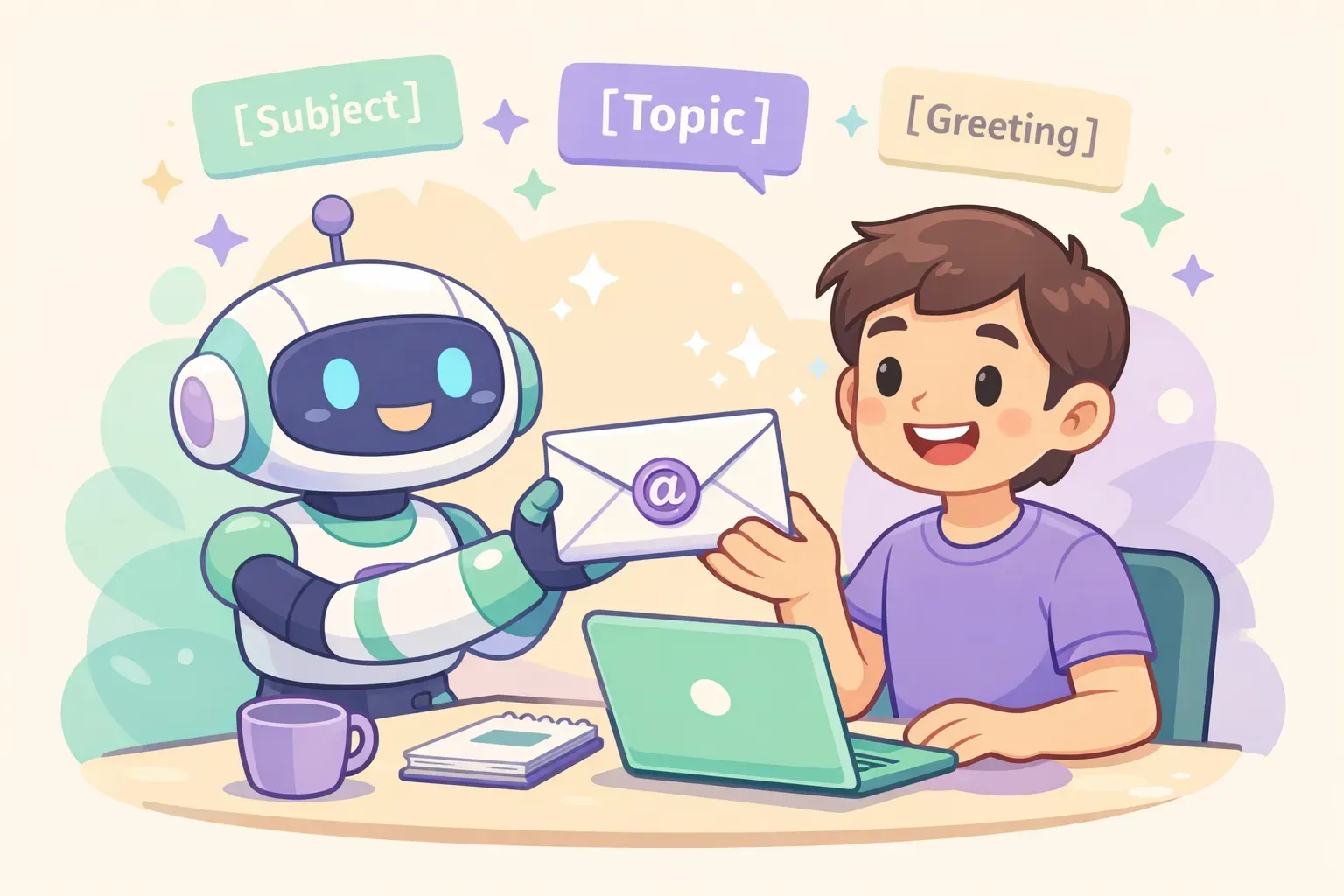
एक कार्टून robot assistant मुस्कुराते व्यक्ति को एक सुंदर email envelope थमा रहा है, साथ में placeholder brackets दिखाते prompt cards हवा में तैर रहे हैं
मुश्किल बातचीत
4. विनम्रता से मना करना। जो structure काम करता है: पहले शुक्रिया, एक साफ़ वाक्य में ना, एक विकल्प, और गर्मजोशी से बात ख़त्म। ना को दबाइए मत और हद से ज़्यादा माफ़ी मत मांगिए।
Write a polite email declining {{what_im_declining}} from {{recipient}}. Our relationship: {{relationship}}.
Structure: open by acknowledging or thanking them, decline clearly in one sentence, give a short honest reason (1 sentence), offer one realistic alternative: {{alternative}}, and close warmly. Keep it under 110 words. Kind but unambiguous — no waffling.
5. किसी ग़लती या देरी के लिए माफ़ी। एक अच्छी माफ़ी के पांच हिस्से होते हैं: उसे स्वीकारना, यह दिखाना कि आप असर समझते हैं, ज़िम्मेदारी लेना (दोष किसी और पर न डालना), कहना कि आप कैसे ठीक करेंगे, और वादा कि यह दोबारा नहीं होगा।
Write a professional apology email to {{recipient}} for {{what_went_wrong}}. The impact on them: {{impact}}. How I'm fixing it: {{fix}}.
Include: a clear acknowledgment, genuine empathy for the impact, ownership (no excuses or blame), the concrete fix and timeline, and a brief commitment it won't recur. Sincere and direct, under 130 words. Don't grovel.
6. नाराज़ customer को जवाब। भावना को स्वीकारिए, उस ख़ास बात के लिए माफ़ी मांगिए, तुरंत एक solution दीजिए, और बताइए कि आगे कौन क्या करेगा।
Write a calm, empathetic reply to an upset customer. Their complaint: {{complaint}}. What we can do: {{solution}}. Who follows up and when: {{next_step}}.
Open by acknowledging their frustration, apologize for the specific problem (not a generic "sorry for any inconvenience"), lay out the solution in plain language, and state the next step with a name and timeframe. No jargon, no defensiveness. Under 140 words.
7. सैलरी या कीमत पर बातचीत। शुक्रिया कहिए, उत्साह दिखाइए, market data से समर्थित किसी number पर टिकिए, अपनी value पर एक लाइन जोड़िए, और बात collaborative रखिए।
Write a salary negotiation email responding to an offer. Role: {{role}}. Offer: {{current_offer}}. My target: {{target_number}}, based on {{market_data_or_reason}}. One line on the value I bring: {{value}}.
Thank them and show genuine enthusiasm for the role, state my counter backed by the reasoning, keep the tone collaborative ("I'm excited to make this work"), and invite a conversation. Under 180 words, confident and warm — not demanding.
रोज़मर्रा का काम
8. मीटिंग की request। छोटी subject lines जीतती हैं — 5.5 million emails के एक analysis में पाया गया कि 2–4 word वाले subjects की open rates सबसे ऊंची रहीं। specific times offer कीजिए, सिर्फ़ "let me know your availability" नहीं।
Write a short email requesting a meeting with {{recipient}} about {{purpose}}. Why it matters to them: {{benefit}}. My availability: {{2_or_3_specific_times}}.
Keep it 50–125 words. State the purpose and the benefit to them, offer the 2–3 specific time slots, and end with one clear ask to confirm. Suggest a 2–4 word subject line too.
9. Stakeholders को status update। व्यस्त stakeholders कुछ ही सेकंड में scan करते हैं। पहले एक सीधा health signal दीजिए, फिर highlights।
Write a concise project status update email to {{stakeholders}} for {{project}}. Overall status: {{green_amber_red}}. Key wins: {{wins}}. Current blockers and how I'm handling them: {{blockers_and_plan}}. Next steps with dates: {{next_steps}}.
Start with a one-line status snapshot, then short bulleted sections for wins, risks, and next steps. Scannable in 10 seconds. No fluff.
10. एक सच्चा thank-you। specific हर बार generic से बेहतर। करने लायक: Robert Half ने पाया कि 80% hiring managers thank-you notes को अहमियत देते हैं, पर सिर्फ़ 24% candidates ही भेजते हैं।
Write a short, genuine thank-you email to {{recipient}} for {{what_they_did}}. The specific impact it had: {{impact}}.
Name exactly what they did and why it mattered — no generic "thanks for everything." Warm, specific, under 80 words. Sound like a real person, not a greeting card.
11. किसी contact से दोबारा जुड़ना। लंबे अंतराल के बाद जब आप दोबारा जुड़ते हैं, तो पहला email पूरी तरह रिश्ते पर रखिए — कोई मांग साथ में नहीं।
Write a warm, low-key email reconnecting with {{contact}}, who I haven't spoken to in {{time_gap}}. How we know each other: {{shared_history}}. Something genuine I can mention: {{personal_note}}.
Acknowledge the gap honestly without over-apologizing, reference our shared history, and keep it purely about reconnecting — no favor or pitch in this one. Under 80 words, casual and genuine.
करियर के पल
12. सैलरी हाइक या promotion मांगना। इसका समय किसी साफ़ जीत के बाद रखिए, अपने असर को आंकड़ों में बताइए, और एक specific number या मीटिंग मांगिए।
Write an email to {{manager}} requesting {{a_raise_or_promotion}}. My recent wins, with numbers: {{quantified_achievements}}. What I'm asking for: {{specific_ask, e.g. a 7% raise or Senior title}}.
Remind them of the concrete results, make the specific ask, and request a short meeting to discuss. Confident but respectful, under 160 words. Lead with value, not need.
13. किसी job offer का जवाब। इसे छोटा रखिए, details confirm कीजिए, और उनके पूछे हर सवाल का जवाब दीजिए।
Write a {{accept_or_respond}} email for a job offer from {{company}} for the {{role}} position. Details to confirm: {{title, start_date, salary, anything_else}}. Any questions I still have: {{questions}}.
Keep it short and professional, express genuine enthusiasm, confirm the key details, and answer or ask anything outstanding. No emojis or slang.
14. अपना notice देना। resignation email ज़्यादातर logistics ही होती है: आपका role, आपका आख़िरी दिन, आभार, और handover में मदद की पेशकश।
Write a professional resignation email to {{manager}}. My role: {{position}}. Last working day: {{last_day}}. I want to keep it positive and brief.
State that I'm resigning and my last day, express genuine gratitude for the experience, and offer to help with the transition. Keep my reason for leaving private. Warm and gracious, under 120 words.
कोई भी draft ठीक कीजिए
15. हर काम का rewrite। यही वो है जिसे आप सबसे ज़्यादा दोबारा इस्तेमाल करेंगे। अपना email जैसे भी निकले वैसे लिख डालिए — बिखरा हुआ, बहुत लंबा, बहुत सपाट — फिर AI को उसे चमकाने दीजिए।
Rewrite the email below to be clearer and more professional while keeping my original meaning and intent. Make it shorter, cut filler and hedging, fix grammar and flow, and keep a {{tone, e.g. warm and direct}} tone. Don't add information I didn't include.

Email:
{{paste_your_draft}}
जानने लायक दो upgrades। length के लिए numeric रहिए — "cut this to 100 words" "make it shorter" से बेहतर है। और विकल्पों को जल्दी तुलना करने के लिए जोड़िए: "Rewrite this 3 ways: one formal, one casual, one persuasive." सबसे अच्छा चुनिए, या मिला लीजिए।
इसे robot जैसा नहीं, आपकी तरह बनाइए
बिना कुछ किए, AI एक पहचानी हुई आवाज़ में लिखता है — और लोग उसे पकड़ने में अच्छे होते जा रहे हैं। fix यह है कि AI को नकल करने के लिए आपकी आवाज़ दी जाए। सबसे असरदार चाल: अपने ही कुछ पुराने emails paste कर दीजिए।
Here are two emails I've written before. Study my writing style — sentence length, level of formality, how I open and close, the words I use.

Sample 1: {{paste_email_1}}
Sample 2: {{paste_email_2}}

Now write an email about {{topic}} to {{recipient}} in that same voice. Match how I actually write, not a generic professional tone.
इसके बावजूद, उन शब्दों और आदतों पर नज़र रखिए जो चिल्ला-चिल्लाकर कहते हैं "इसे एक bot ने लिखा है।" अपनी edit में इन्हें हटा दीजिए, या AI को पहले ही बता दीजिए कि इनसे बचना है:
"I hope this email finds you well" — सबसे ज़्यादा पकड़ा जाने वाला AI opener। बस यह कहिए कि आप क्यों लिख रहे हैं।
फुलाए हुए शब्द जैसे delve, leverage, robust, seamless, game-changing.
Em-dash का हद से ज़्यादा इस्तेमाल और "not just X, but Y" वाली बनावटें।
हर चीज़ तीन में — तीन adjectives, तीन bullet points, तीन examples, बार-बार।
Generic openers जो व्यक्ति का नाम तो लेते हैं पर उनके बारे में कुछ ख़ास नहीं कहते।
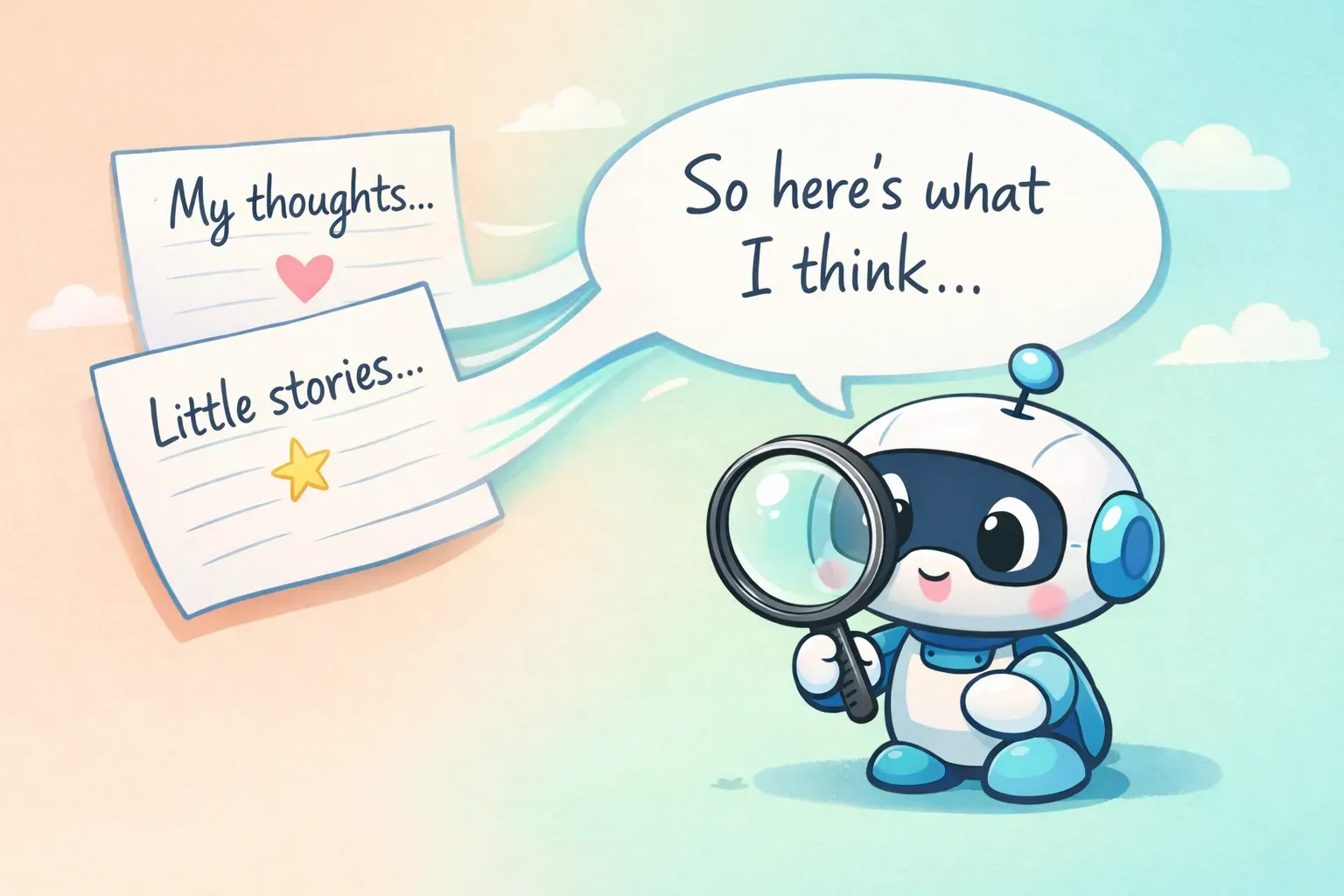
दो हाथ से लिखे note cards एक ही speech bubble में बहते हुए, साथ में एक छोटा robot उन्हें पढ़ता हुआ, AI को आपकी निजी writing आवाज़ सिखाने को दिखाता है
Tone भी ठीक हो सकता है — बस specific रहिए। "make it less formal" के बजाय आज़माइए "make it warmer, use shorter sentences, and cut any corporate language." अगर इस पर और गहराई में जाना हो, तो हमने ऐसे AI prompts लिखने पर जो आपकी तरह लगें पूरी एक guide लिखी है।
क्या आपको work email के लिए AI इस्तेमाल भी करना चाहिए?
यहां ईमानदार रहना ज़रूरी है। Euronews में आई एक 2025 study में पाया गया कि जब managers emails के लिए AI पर बहुत ज़्यादा निर्भर रहे, तो employees ने उन्हें कम सच्चा आंका — सिर्फ़ 40% ने उन्हें सच्चा माना, जबकि जिन्होंने AI हल्का-फुल्का या बिल्कुल नहीं इस्तेमाल किया उन managers के लिए यह 83% था। लोग हल्की editing से ठीक थे; उन्होंने साफ़ तौर पर outsource किए गए, रिश्ते वाले messages पर बुरी प्रतिक्रिया दी।
सीख यह नहीं है कि "AI मत इस्तेमाल करो।" बल्कि यह है कि AI एक drafting assistant है, उन messages का ghostwriter नहीं जिनमें सच्ची भावना होती है। routine चीज़ों के लिए इसे बेझिझक इस्तेमाल कीजिए — scheduling, status updates, विनम्र ना। पर दिल से निकले thank-you या किसी संवेदनशील बातचीत के लिए, इसे draft करने दीजिए, फिर उसे सचमुच अपना बना लीजिए।
और जो भी कीजिए, भेजने से पहले हर email पढ़िए। AI कोई detail गढ़ सकता है, tone ग़लत आंक सकता है, या पूरे आत्मविश्वास से कुछ ऐसा कह सकता है जो सच नहीं। साफ़ कह दें: बेहतर लिखने के लिए AI इस्तेमाल करना cheating नहीं है — Microsoft की research के मुताबिक 75% knowledge workers पहले से ही इसे काम पर इस्तेमाल करते हैं। लकीर ग़लतबयानी पर है, tool पर नहीं। author अब भी आप ही हैं; AI ने बस draft में मदद की।
अपनी ख़ुद की Email Prompt Library बनाइए
15 prompts पढ़ना एक बात है। असली जीत उन 5 या 6 को कहीं ऐसी जगह रखने में है जहां से आप उन्हें दो सेकंड में उठा सकें — क्योंकि value perfect prompt में नहीं है, हर बार उसे दोबारा न लिखने में है।
सीधे शुरुआत कीजिए: अपने favorites को किसी note या doc में सेव कीजिए, जो हिस्से बदलते हैं उन्हें {{placeholders}} से चिह्नित करते हुए। यह अकेला ही हर सुबह खाली box से शुरू करने से बेहतर है। दिक्कत यह है कि notes आपके लिए blanks नहीं भरते — आपको फिर भी copy करना, paste करना, placeholders ढूंढना और उन्हें हाथ से बदलना पड़ता है।
यही वो ठीक समस्या है जिसे हल करने के लिए PromptNest बनाया गया था। यह एक native Mac app है (Mac App Store पर एकमुश्त $19.99 — कोई subscription नहीं) जो आपके prompts को असली {{variable}} fields के साथ स्टोर करता है। किसी भी app से एक keyboard shortcut से prompt बुलाइए, एक छोटा सा form recipient, topic, tone पूछता हुआ खुलता है, और finished prompt आपके clipboard पर थमा देता है, ChatGPT, Claude, या Gemini में paste करने के लिए तैयार। यह यह भी याद रखता है कि पिछली बार आपने क्या भरा था। अगर आप बहुत email लिखते हैं, तो यही फ़र्क है इन prompts के एक अच्छे article रहने और रोज़ इस्तेमाल होने वाली चीज़ बनने के बीच।