The Anatomy of a Perfect Prompt: What Actually Works
Forget the frameworks. Here's what every effective AI prompt needs — and how to know which parts you can skip.
You've probably seen the frameworks. RISEN. CO-STAR. CRISPE. APE. RTF. Every week there's a new acronym promising to transform your AI prompts from "meh" to magical.
Here's the thing: most of these frameworks overcomplicate what should be simple. They give you six or seven components to memorize, when in practice, half of those components are optional for most prompts.
The people who get consistently good results from ChatGPT, Claude, or Gemini aren't following rigid formulas. They understand what actually makes a prompt work — and more importantly, what they can skip. That's what this article is about.
The Problem with "Perfect" Prompt Advice
Most prompt engineering advice treats every prompt like it needs to be a masterpiece. Define a role! Provide extensive context! Specify the exact format! Include examples! Add constraints!
For a simple question like "What's the capital of France?" — none of that matters. You don't need to tell the AI to "act as a geography expert" or "respond in bullet point format with exactly three sentences." You just ask.
The real skill isn't memorizing frameworks. It's knowing which components a specific prompt actually needs — and adding only those.
The Three Non-Negotiables
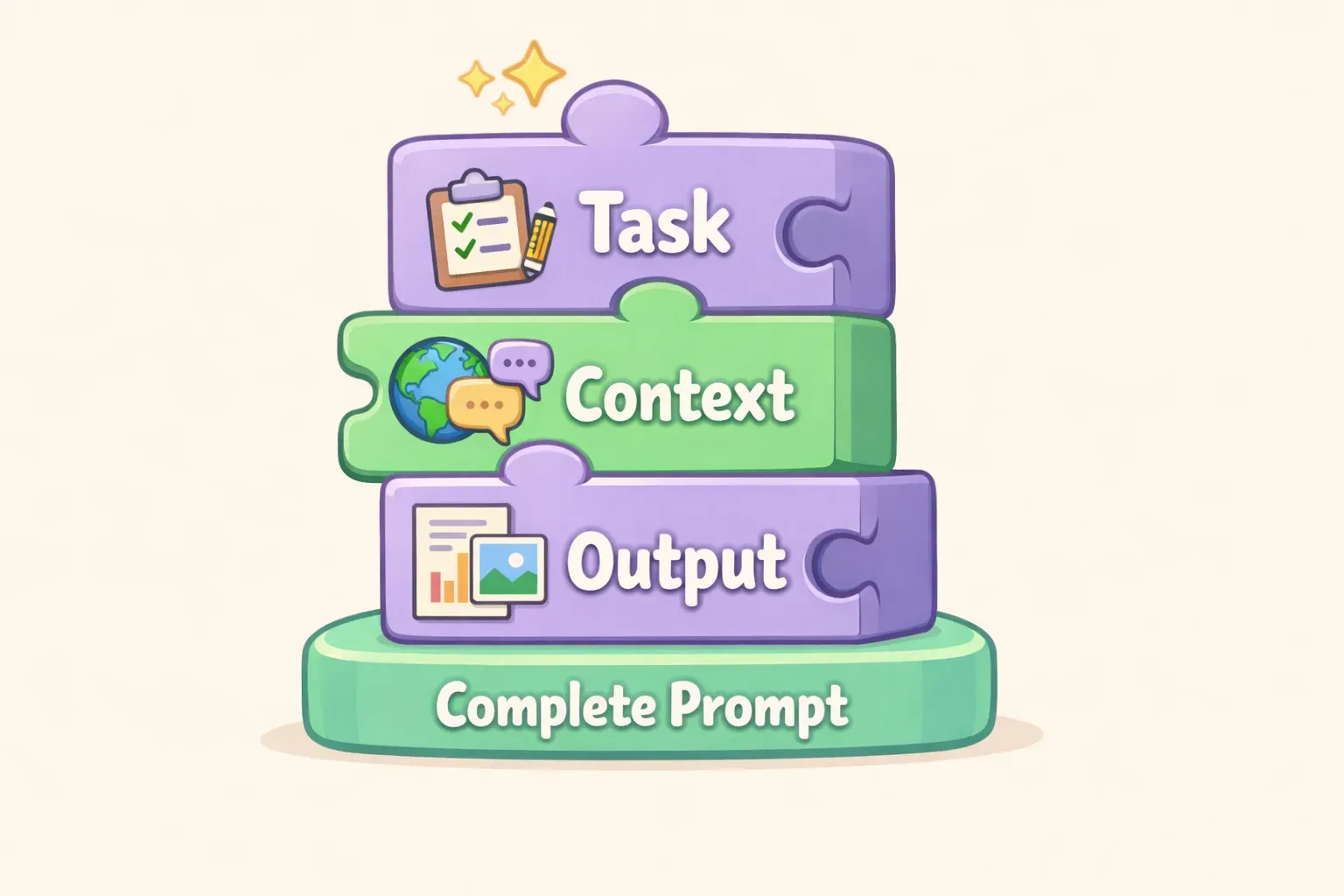
After analyzing hundreds of prompts — both ones that work and ones that fail — a pattern emerges. Every effective prompt has some version of three things:
1. A clear task. What do you want the AI to do? This sounds obvious, but vague tasks are the single most common reason prompts fail. "Write about marketing" isn't a task. "Write three social media post ideas for a coffee shop announcing a new seasonal drink" is.
2. Enough context. The AI doesn't know what you know. If your request depends on information the AI can't guess — your audience, your constraints, your situation — you need to provide it. Research shows that relevant context reduces generic outputs by 42%.
3. An output signal. The AI needs to know when it's done and what "done" looks like. This could be a format ("give me a bulleted list"), a length ("keep it under 100 words"), or just an implied structure from your task ("write an email" implies email format).
Three building blocks representing the core components of every effective prompt: task, context, and output signal
That's it. Everything else — roles, examples, constraints, tone specifications — is useful but optional. Add them when your results need improvement. Don't add them by default.
Why Most Prompts Fail: A Dissection
Let's look at some real prompts that don't work and identify exactly what's missing.
Broken prompt #1: "Help me with my presentation."
What's missing: Everything. There's no task (help how?), no context (what's the presentation about?), and no output signal (what should the AI produce?).
Fixed: "I'm presenting our Q1 sales results to the executive team tomorrow. Draft 5 bullet points highlighting our wins and one slide on areas for improvement. Keep it high-level — they don't want details."
Broken prompt #2: "Write a blog post about productivity."
What's missing: Context and output signal. The AI doesn't know who the audience is, how long it should be, or what angle to take. You'll get generic fluff.
Fixed: "Write a 600-word blog post about why to-do lists fail for creative professionals. Target audience: freelance designers and writers. Tone: conversational, slightly contrarian. Include 2-3 actionable alternatives to traditional to-do lists."
Broken prompt #3: "Summarize this document." (with a pasted document)
What's missing: Output signal. The AI doesn't know if you want a one-sentence summary or a detailed breakdown, bullet points or prose, key takeaways or a neutral overview.
Fixed: "Summarize this document in 3 bullet points. Focus on decisions made and action items. Skip the background context — I already know it."
Notice the pattern? Most prompt failures come from one of the three non-negotiables being vague or missing entirely.
The Full Anatomy: Six Components
While only three components are essential, there are six you might use depending on the prompt. Here's the complete anatomy:
1. Task (Required)
The action you want the AI to perform. Use specific, action-oriented language: "write," "summarize," "compare," "list," "explain." Avoid vague verbs like "help" or "assist."
2. Context (Required for anything beyond simple questions)
Background information the AI needs. This includes: who the audience is, what the situation is, what constraints exist, and any relevant details the AI couldn't know otherwise.
3. Format/Output Signal (Required — even if implicit)
How the response should be structured. Length, format (list, paragraphs, table), sections, or specific elements to include. If you don't specify, the AI will default to paragraphs of prose.
4. Role (Optional — use when tone or expertise matters)
A persona for the AI to adopt: "You are an experienced copywriter" or "Act as a patient teacher explaining to a beginner." Research suggests this helps more with tone and style than with accuracy.
5. Examples (Optional — use when the output style is hard to describe)
Sample inputs and outputs that show what you want. This is called few-shot prompting, and it improves accuracy by 15-40% for complex tasks. Especially useful for matching a specific writing voice or format.
6. Constraints (Optional — use when you need to prevent specific behaviors)
What the AI should avoid or limit: "Don't use jargon," "Skip the introduction," "Stay under 200 words," "Don't make assumptions — ask if unclear." According to OpenAI's best practices, stating what to do is more effective than what not to do, but constraints help when you've gotten unwanted outputs before.
The Order Matters: How to Structure Your Prompt
Once you know which components to include, where do you put them? There's no single "correct" order, but research and practice suggest a general flow that works well:
Why this order? The AI processes prompts sequentially. Starting with role and context "sets the stage" before you ask for anything. Placing the task after context means the AI understands the situation before acting. Putting format and constraints after the task clarifies how to execute. And examples at the end serve as a final reference.
Here's that structure in action:
You are a customer support specialist who writes clear, friendly responses. (Role)

A customer emailed saying their order arrived damaged — a cracked mug from our ceramics line. Our policy is to send a free replacement, no return needed. (Context)

Draft a response email apologizing for the issue and offering the replacement. (Task)

Keep it under 100 words. Warm but professional tone. Don't use the phrase "we apologize for any inconvenience." (Format/Constraints)
The key insight: placing the task at the end of a very long prompt can cause the AI to "forget" earlier context. For complex prompts, put your most important instruction — usually the task — after the context but before examples or lengthy reference material.
Minimum Viable Prompts: When Less Is More
Not every prompt needs all six components. In fact, over-specifying can make outputs feel stilted or overly constrained. Here's when to keep it simple:
Simple questions — Just ask. "What are the main differences between TCP and UDP?" doesn't need a role, context, or format specification.
Creative brainstorming — Give the AI room to explore. "Give me 10 unconventional marketing ideas for a pet food brand" works better without heavy constraints.
When you're iterating — Start with a minimal prompt. If the output misses the mark, add components in follow-up messages. "Good, but make it more casual" is often faster than trying to specify everything upfront.
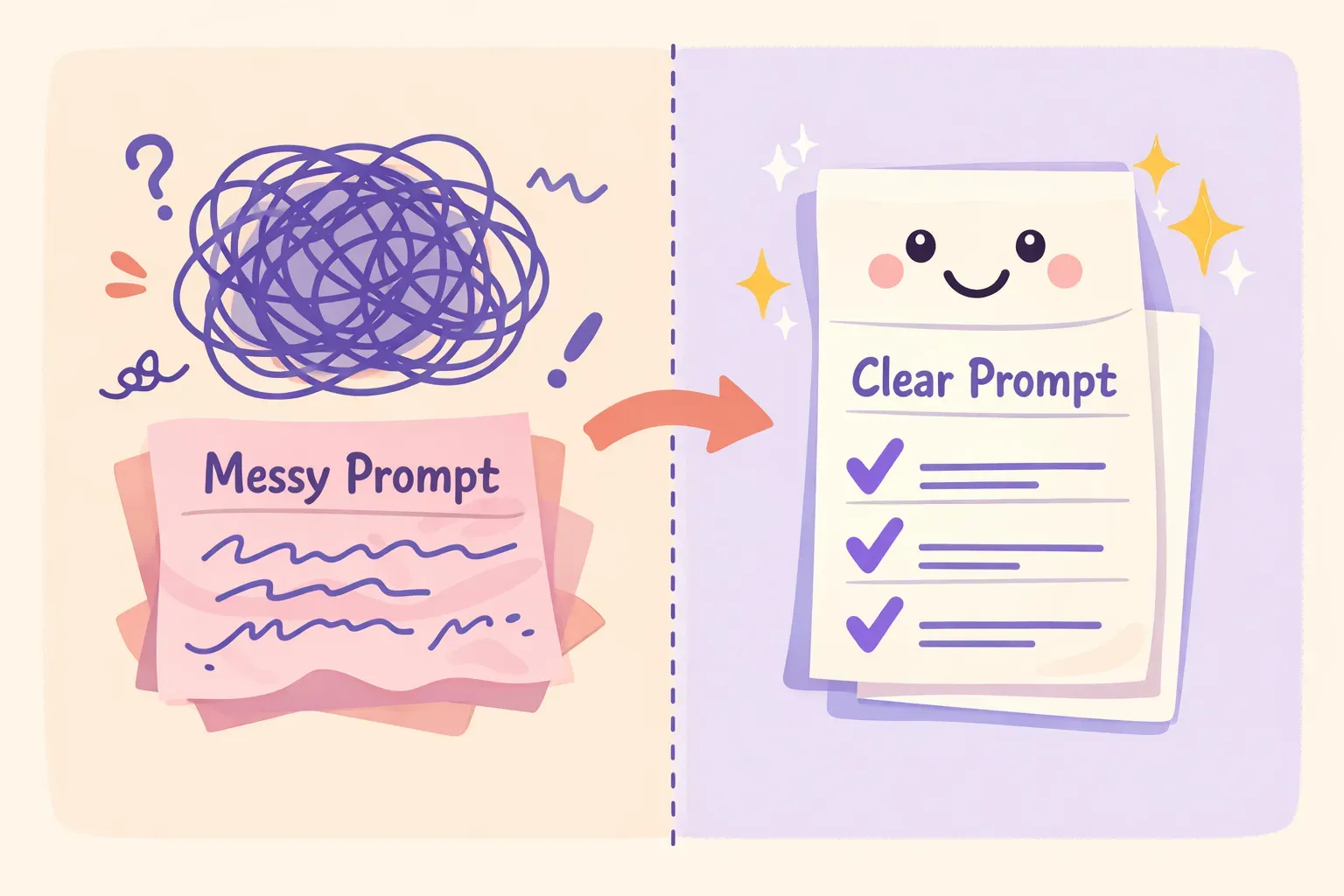
Before and after showing a messy overloaded prompt transforming into a clean, focused prompt
The iterative approach is underrated. Studies show that treating prompts as a one-shot process — instead of a conversation — is one of the most common mistakes. The AI remembers context within a conversation, so you can build and refine as you go.
A Framework-Free Template
Instead of memorizing acronyms, run through this quick mental checklist before submitting a prompt:
1. Is my task specific? Could someone read this prompt and know exactly what I want? If not, add detail.
2. Does the AI have what it needs? Would a smart stranger need more background to help me? If yes, add context.
3. Will I know "done" when I see it? Have I specified length, format, or structure? If the AI could reasonably interpret this five different ways, clarify the output.
4. (Optional) Does tone or expertise matter? If yes, assign a role.
5. (Optional) Is the style hard to describe? If yes, provide an example.
That's five questions, not a framework to memorize. Run through them in seconds, add what's needed, skip what's not.
Here's a template you can copy and adapt:
[Role — if needed]
You are a {{role}} who {{relevant trait}}.

[Context]
{{Background information the AI needs to know}}

[Task]
{{Specific action verb}} {{what you want}} for {{audience/purpose}}.

[Format — if needed]
{{Length, structure, or format requirements}}

[Example — if needed]
Here's an example of the style I want:
{{example}}
If you find yourself reusing similar prompts with small variations — different clients, different topics, different tones — consider saving them as templates. Tools like PromptNest let you store prompts with variables like {{client_name}} or {{topic}}, so you fill in the blanks and copy a ready-to-use prompt in one click.
What to Do When Your Prompt Works
Here's where most people waste time: they craft a great prompt, get a great result, and then... lose it. It disappears into their chat history, impossible to find when they need it again three weeks later.
The people who get the most value from AI aren't necessarily better at writing prompts. They're better at saving and reusing the ones that work. Over time, they build a personal library — organized by project or task, ready to grab when needed.
Start simple: a note, a doc, whatever works. The key is having a system.
If you want something purpose-built, PromptNest is a native Mac app, $19.99 one-time on the Mac App Store — no subscription, no account, runs locally. Organize prompts by project, search your whole collection, and use variables so you're not rewriting the same prompt for different situations.
Start Here
You don't need to memorize RISEN or CO-STAR or any other acronym. You need to understand three things: what you're asking for (task), what the AI needs to know (context), and what the output should look like (format).
Everything else — roles, examples, constraints — is a tool you reach for when those three aren't enough.
Pick one prompt you use regularly. Maybe it's drafting emails, summarizing documents, or brainstorming ideas. Rewrite it using the checklist above. See what changes.