几乎每篇「AI 邮件提示词」文章都漏掉的一点是:截至 2026 年,ChatGPT、Claude 和 Gemini 在消费版上默认都会用你的对话来训练模型。你可以关掉它——OpenAI、Anthropic 和 Google 各自都有一个开关——但你不动它,它就一直开着。
一条实用的规矩:凡是你不会放进公司共享文档里的内容,就别粘进公开的聊天机器人。真实的客户名字、合同编号、和具体某人挂钩的薪资、任何受保密协议约束的东西——粘贴前先把它们换成占位符,再自己把真实细节填回 AI 给的草稿里。下面的提示词用 {{variable}} 占位符,一部分是为了重复使用,另一部分就是为了让你能把敏感信息彻底留在对话之外。
如果公司给你配了商业版或企业版的 AI 账号,那些通常不会拿你的输入去训练——在决定哪些内容算安全之前,值得先确认一下。
You're writing a follow-up email. I emailed {{recipient}} {{days_ago}} days ago about {{topic}} and haven't heard back. Write a short, friendly follow-up that:
- briefly reminds them what I asked
- adds one useful detail or reason to reply now: {{new_detail}}
- gives them an easy out (e.g. "happy to circle back later if now's not the time")
Keep it under 90 words, warm but not pushy. No "just checking in."
You're writing a cold outreach email. About me: {{my_role_and_company}}. I'm reaching out to {{recipient_role}} at {{their_company}}. Their likely pain point: {{pain_point}}. What I offer: {{value_in_one_line}}.
Write a cold email under 100 words that opens with something specific to them (not about me), names the pain point, gives one clear benefit, and ends with one low-pressure ask: {{soft_ask}}. No buzzwords.
Write a polite, brief email asking {{recipient}} for {{the_request}}. Context: {{why}}. The original deadline was {{original_deadline}}; I'd like to move it to {{proposed_new_deadline}}.
State the ask clearly, give one honest reason without over-explaining or making excuses, and propose the specific new date. Under 100 words, respectful and confident.
Write a polite email declining {{what_im_declining}} from {{recipient}}. Our relationship: {{relationship}}.
Structure: open by acknowledging or thanking them, decline clearly in one sentence, give a short honest reason (1 sentence), offer one realistic alternative: {{alternative}}, and close warmly. Keep it under 110 words. Kind but unambiguous — no waffling.
Write a professional apology email to {{recipient}} for {{what_went_wrong}}. The impact on them: {{impact}}. How I'm fixing it: {{fix}}.
Include: a clear acknowledgment, genuine empathy for the impact, ownership (no excuses or blame), the concrete fix and timeline, and a brief commitment it won't recur. Sincere and direct, under 130 words. Don't grovel.
Write a calm, empathetic reply to an upset customer. Their complaint: {{complaint}}. What we can do: {{solution}}. Who follows up and when: {{next_step}}.
Open by acknowledging their frustration, apologize for the specific problem (not a generic "sorry for any inconvenience"), lay out the solution in plain language, and state the next step with a name and timeframe. No jargon, no defensiveness. Under 140 words.
Write a salary negotiation email responding to an offer. Role: {{role}}. Offer: {{current_offer}}. My target: {{target_number}}, based on {{market_data_or_reason}}. One line on the value I bring: {{value}}.
Thank them and show genuine enthusiasm for the role, state my counter backed by the reasoning, keep the tone collaborative ("I'm excited to make this work"), and invite a conversation. Under 180 words, confident and warm — not demanding.
Write a short email requesting a meeting with {{recipient}} about {{purpose}}. Why it matters to them: {{benefit}}. My availability: {{2_or_3_specific_times}}.
Keep it 50–125 words. State the purpose and the benefit to them, offer the 2–3 specific time slots, and end with one clear ask to confirm. Suggest a 2–4 word subject line too.
9. 给相关方发进度更新。 忙碌的相关方只会扫几秒。先给一个简单的健康信号,再讲重点。
Write a concise project status update email to {{stakeholders}} for {{project}}. Overall status: {{green_amber_red}}. Key wins: {{wins}}. Current blockers and how I'm handling them: {{blockers_and_plan}}. Next steps with dates: {{next_steps}}.
Start with a one-line status snapshot, then short bulleted sections for wins, risks, and next steps. Scannable in 10 seconds. No fluff.
Write a short, genuine thank-you email to {{recipient}} for {{what_they_did}}. The specific impact it had: {{impact}}.
Name exactly what they did and why it mattered — no generic "thanks for everything." Warm, specific, under 80 words. Sound like a real person, not a greeting card.
11. 重新联系一位旧识。 久别之后重新联系时,第一封邮件就纯粹聊关系——别夹带任何请求。
Write a warm, low-key email reconnecting with {{contact}}, who I haven't spoken to in {{time_gap}}. How we know each other: {{shared_history}}. Something genuine I can mention: {{personal_note}}.
Acknowledge the gap honestly without over-apologizing, reference our shared history, and keep it purely about reconnecting — no favor or pitch in this one. Under 80 words, casual and genuine.
Write an email to {{manager}} requesting {{a_raise_or_promotion}}. My recent wins, with numbers: {{quantified_achievements}}. What I'm asking for: {{specific_ask, e.g. a 7% raise or Senior title}}.
Remind them of the concrete results, make the specific ask, and request a short meeting to discuss. Confident but respectful, under 160 words. Lead with value, not need.
13. 回复录用通知。 写得简短,确认细节,并把对方问的每个问题都回答到。
Write a {{accept_or_respond}} email for a job offer from {{company}} for the {{role}} position. Details to confirm: {{title, start_date, salary, anything_else}}. Any questions I still have: {{questions}}.
Keep it short and professional, express genuine enthusiasm, confirm the key details, and answer or ask anything outstanding. No emojis or slang.
14. 提出离职。 离职邮件大部分是事务性的:你的职位、最后一个工作日、谢意,以及主动配合交接。
Write a professional resignation email to {{manager}}. My role: {{position}}. Last working day: {{last_day}}. I want to keep it positive and brief.
State that I'm resigning and my last day, express genuine gratitude for the experience, and offer to help with the transition. Keep my reason for leaving private. Warm and gracious, under 120 words.
修好任何一封草稿
15. 万能改写。 这是你会用得最多的一个。邮件先随手写出来——再乱、再长、再生硬都行——然后交给 AI 打磨。
Rewrite the email below to be clearer and more professional while keeping my original meaning and intent. Make it shorter, cut filler and hedging, fix grammar and flow, and keep a {{tone, e.g. warm and direct}} tone. Don't add information I didn't include.

Email:
{{paste_your_draft}}
AI 开箱即用时,会带着一种一眼能认出来的腔调——而且大家越来越擅长识别它。解决办法,就是把你的声音喂给 AI 去模仿。最有效的一招:把你自己以前写过的几封邮件粘进去。
Here are two emails I've written before. Study my writing style — sentence length, level of formality, how I open and close, the words I use.

Sample 1: {{paste_email_1}}
Sample 2: {{paste_email_2}}

Now write an email about {{topic}} to {{recipient}} in that same voice. Match how I actually write, not a generic professional tone.
即便这样,也要留意那些一看就「这是机器人写的」的词和习惯。在你修改时把它们删掉,或者一开始就告诉 AI 别用:
「希望这封邮件能找到您一切安好」——被标记最多的 AI 开头。直接说你写信的原因就好。
浮夸的词,比如钻研、赋能、稳健、无缝、颠覆性。
滥用破折号,以及「不只是 X,更是 Y」这类句式。
凡事都凑三个——三个形容词、三个要点、三个例子,循环往复。
泛泛的开场白,用了对方的名字,却没说出任何关于对方的具体内容。
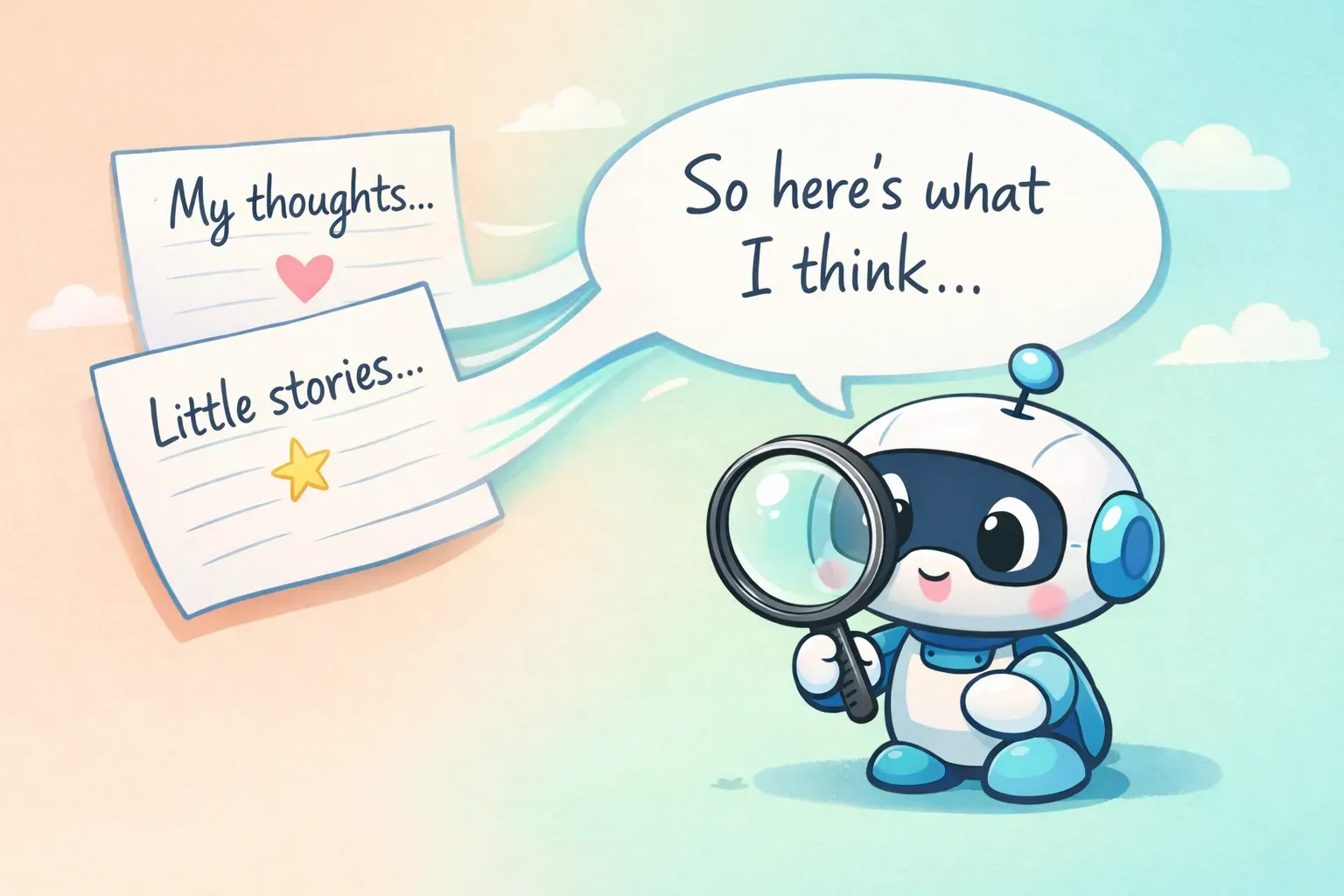
两张手写便签汇入一个对话气泡,一个小机器人在读它们,象征着把你的个人写作风格教给 AI
语气也是可以调的——只要说得够具体。与其说「不那么正式」,不如试试「写得更温暖些,句子短一点,去掉所有职场套话」。想在这件事上再深入,我们专门写过一篇关于 怎么写出像你本人的 AI 提示词 的指南。
工作邮件到底该不该用 AI?
这里值得实话实说。Euronews 报道的一项 2025 年研究发现,当管理者大量依赖 AI 写邮件时,员工反而觉得他们更不真诚——只有 40% 的人认为他们真诚,而对那些很少或完全不用 AI 的管理者,这个比例是 83%。人们能接受轻度润色;但对明显外包出去的、带感情色彩的消息,他们反应很差。
这正是 PromptNest 要解决的问题。它是一款原生 Mac 应用(一次性买断 $19.99,在 Mac App Store 上购买——无订阅),能把你的提示词连同真正的 {{variable}} 字段一起存好。用一个键盘快捷键就能在任何应用里调出某个提示词,弹出一个小表单问你收件人、主题、语气,然后把填好的提示词直接放到你的剪贴板上,随时可以粘进 ChatGPT、Claude 或 Gemini。它甚至会记住你上次填了什么。如果你要写大量邮件,这就是这些提示词「只是一篇好文章」和「真正每天都在用的东西」之间的区别。