A 3-step method to train AI on your voice, with complete prompts you can copy and use today.
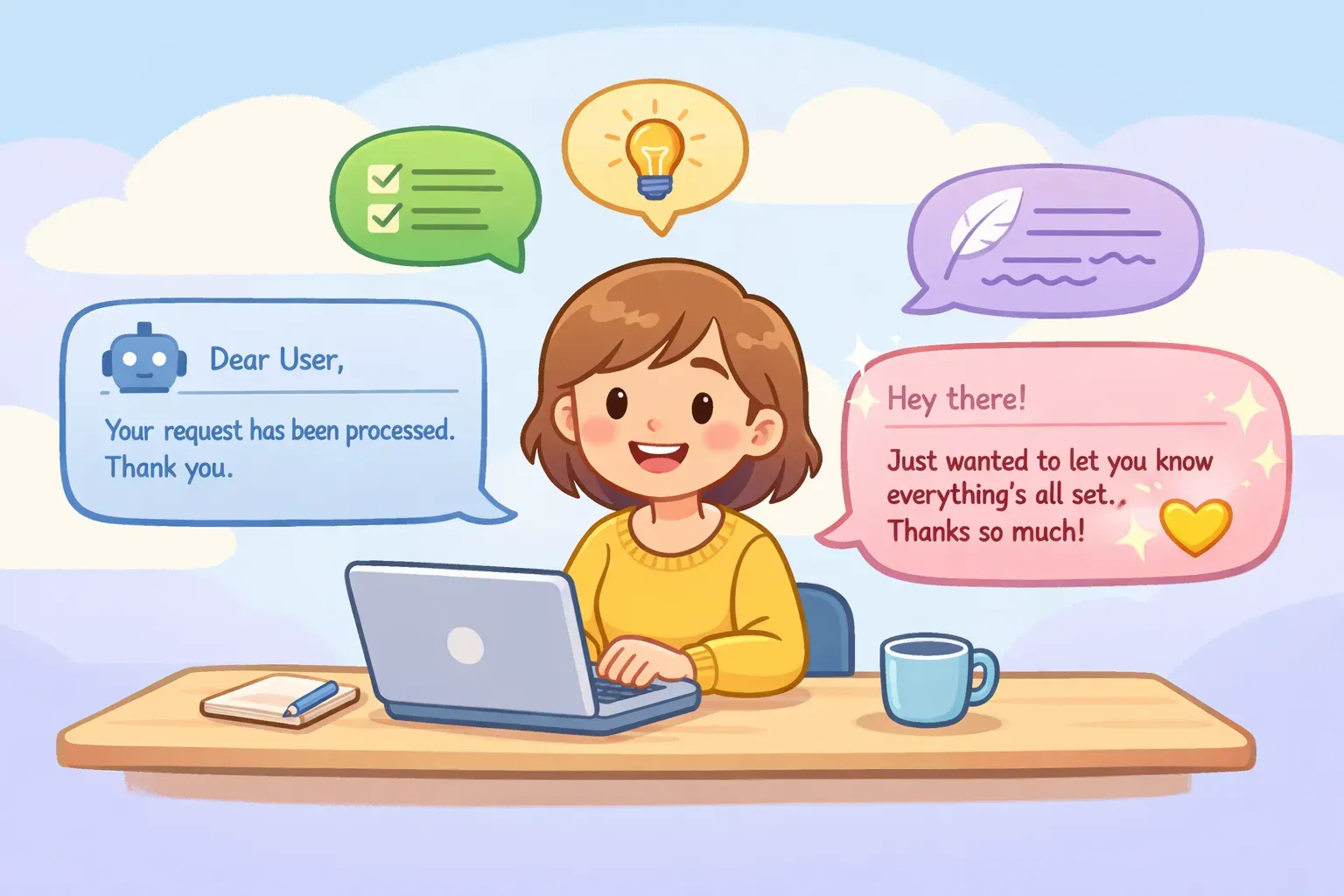
You can always tell. The output is technically correct, but it sounds like a press release written by a committee. Formal where you'd be casual. Wordy where you'd be direct. Full of "leveraging" and "utilizing" when you've never said either word in your life.
This is the default AI voice — and it's nobody's voice. The good news: you can fix it. Not with vague instructions like "write naturally" or "be more human," but with a specific method that teaches AI how you actually sound.
Why AI Defaults to Robot Mode
When you give ChatGPT or Claude a simple prompt without style guidance, they fill the gaps with safe, formal language. Think of it like hiring a writer and telling them "just write something good." Without clear direction, they'll play it safe, overcomplicate things, and default to corporate-speak.
The vocabulary is a dead giveaway. Research has found that AI models use certain words up to 150 times more often than humans do. Words like "tapestry," "delve," "multifaceted," and "navigate" appear constantly in AI output but rarely in everyday writing.
Beyond vocabulary, AI text tends to:
Use the same sentence rhythm (medium length, similar structure)
Frontload with throat-clearing phrases ("In today's fast-paced world...")
Avoid contractions and conversational shortcuts
Sound confident about everything, even when hedging would be more natural
The fix isn't telling AI to "sound more human." That's too vague. The fix is showing AI exactly how you sound — then asking it to match that.
The 3-Step Method for Your Voice
This method works with ChatGPT, Claude, Gemini, or any AI assistant. It takes about 10 minutes the first time, and then you can reuse the results indefinitely.
Step 1: Collect Your Writing Samples
Find 2-3 pieces of writing that sound like you. Not polished marketing copy or formal reports — your natural voice. Good sources include:
Emails you wrote quickly without overthinking
Slack or Teams messages to colleagues
Social media posts or comments
Blog posts or newsletters (if you write them yourself)
Text messages that required some explanation
You need 300-500 words total. One perfect example beats a dozen mediocre ones. Pick writing where you weren't trying to impress anyone — that's when your real voice shows up.
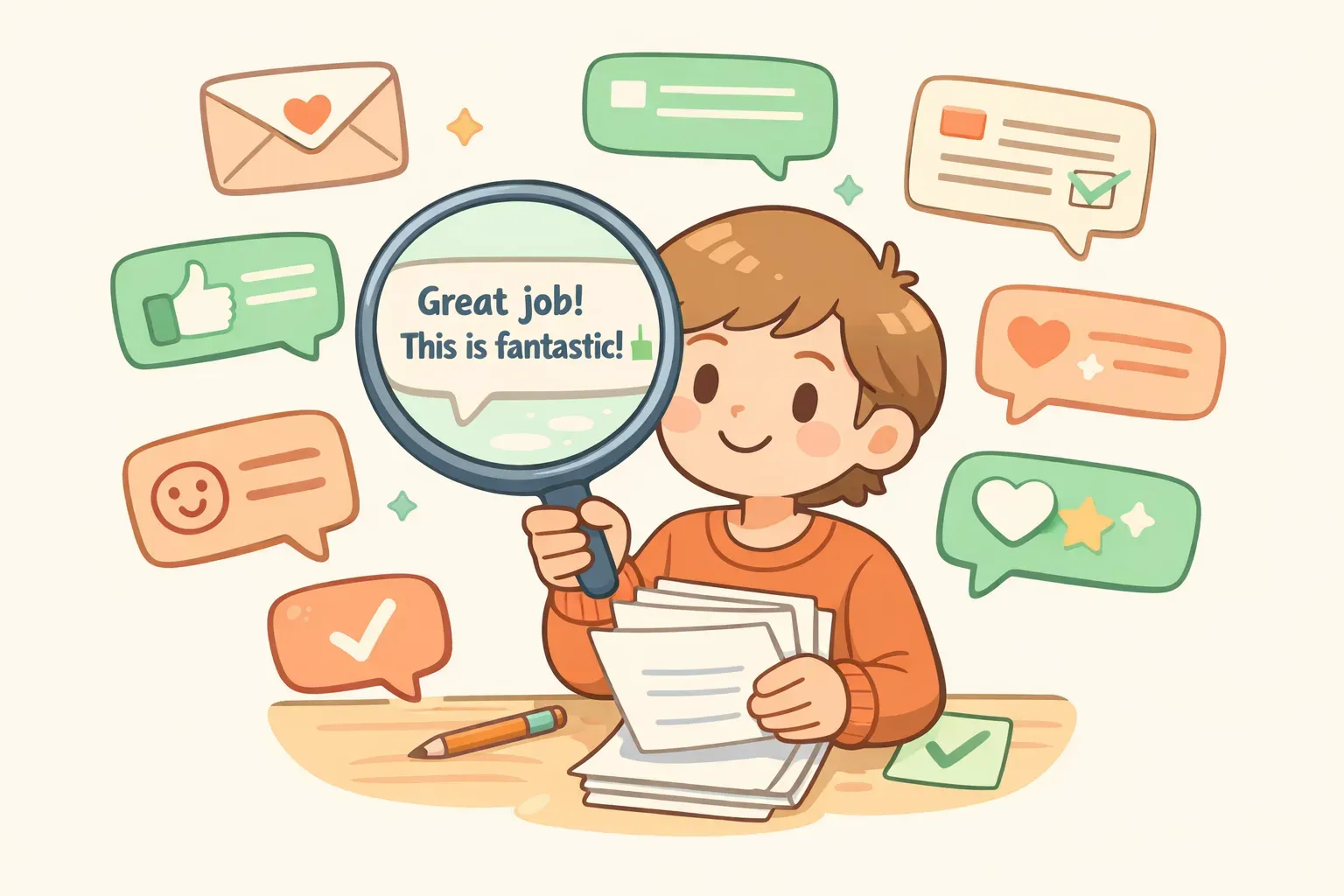
Person selecting writing samples from emails and messages to train AI on their voice
Step 2: Ask AI to Analyze Your Style
Paste your samples and ask the AI to describe your writing patterns. This gives you a reusable "voice profile" you can reference in future prompts.
Here's the prompt:
Analyze the writing style in the samples below. Describe my voice by identifying:

1. Sentence structure (short/long, simple/complex)
2. Vocabulary level (casual, professional, technical)
3. Tone (warm, direct, humorous, formal)
4. Common patterns (how I start sentences, transitions I use, punctuation habits)
5. What I avoid (formality, jargon, filler phrases)

Be specific. Give examples from the text.

Writing samples:
{{your_writing_samples}}
The AI will return something like: "Your sentences are short and punchy, averaging 8-12 words. You use contractions consistently and start sentences with 'But' and 'And.' Your tone is direct but warm — you skip pleasantries but use 'you' frequently. You avoid corporate words like 'utilize' or 'leverage' and never write 'In order to' when 'to' works fine."
Save this analysis. It's your voice profile, and you'll use it in Step 3.
Step 3: Use Your Voice Profile in Prompts
Now include your voice profile when asking AI to write anything. Here's the template:
Write in the following style:
{{your_voice_profile}}

Task: {{what_you_need_written}}
For example, if your voice profile says you use short sentences, contractions, and avoid jargon, the AI will follow those patterns instead of defaulting to its usual formal tone.
The more specific your voice profile, the better the results. "Casual and friendly" is too vague. "Short sentences, frequent contractions, starts paragraphs with questions, avoids words like 'utilize' and 'leverage'" gives AI something concrete to follow.
Complete Prompts You Can Use Today
Here are ready-to-use prompts for each step, with {{variables}} for the parts you'll customize.
Voice Analysis Prompt
Analyze the writing style in these samples. Create a "voice profile" I can paste into future prompts. Include:

- Sentence length and structure patterns
- Vocabulary choices and reading level
- Tone and personality
- Common phrases, transitions, or openings
- What I consistently avoid

Format the profile as a bulleted list I can copy and reuse.

Samples:
{{writing_samples}}
Write-Like-Me Prompt
Write the following in my voice. Match this style exactly:

{{voice_profile}}

Content to write:
{{topic_or_task}}

Important: Don't add formality I wouldn't use. If my samples are casual, stay casual.
Voice Check Prompt
Use this after getting output to verify it matches your voice:
Compare this text to my voice profile and identify anything that doesn't match:

My voice profile:
{{voice_profile}}

Text to check:
{{ai_generated_text}}

List specific words, phrases, or patterns that don't sound like me.
If you find yourself reusing these prompts for different projects — an email here, a report there — a tool like PromptNest lets you save them with the {{variables}} built in. Fill in the blanks, copy, paste. No rewriting from scratch each time.
Quick Fixes When You Don't Have Time
The 3-step method works best, but sometimes you need faster results. These techniques won't perfectly match your voice, but they'll get you closer than the default AI output.
The "Text to a Friend" Hack
Add this to the end of any prompt:
Write this in the tone of a text message to a friend. No salutation, no emojis, no formal sign-off.
BGR reported this simple addition dramatically changes the output tone. It won't sound exactly like you, but it strips away most of the robotic formality.
Stack Multiple Tone Words
One adjective isn't enough. Research from Nielsen Norman Group found that using multiple descriptors prevents AI from latching onto a single interpretation.
Instead of: "Write in a casual tone"
Try: "Write in a casual, direct, slightly irreverent tone. Like a smart friend explaining something over coffee."
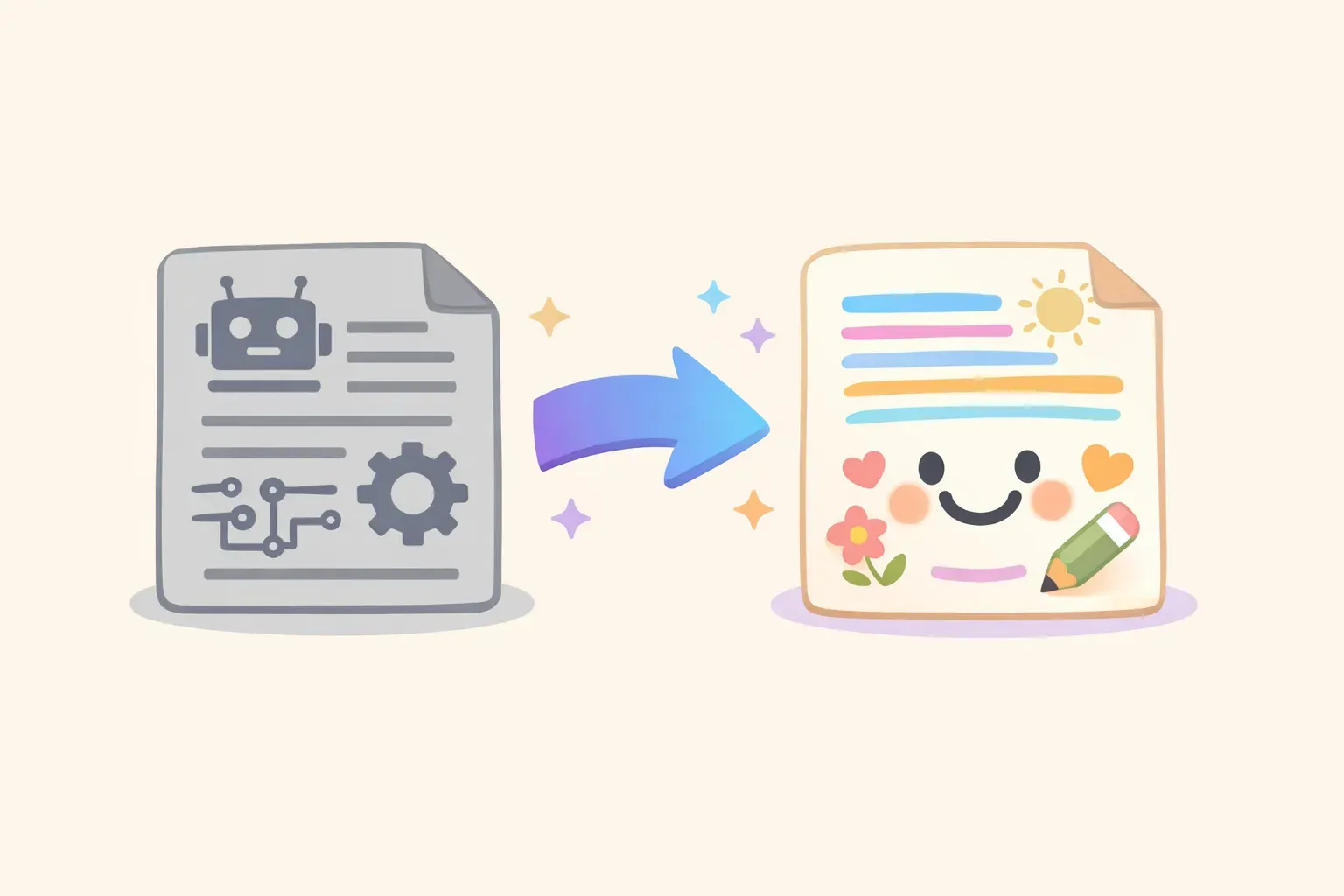
Side-by-side comparison of robotic AI output versus natural-sounding output after applying voice techniques
Specify What to Avoid
Sometimes the fastest fix is banning the words that scream "AI wrote this." Add a line like:
Never use these words or phrases: leverage, utilize, delve, tapestry, in today's world, it's important to note, navigate, multifaceted, streamline, cutting-edge
You can customize this list based on what bothers you most. After a few generations, you'll notice which AI-isms keep appearing and can ban those specifically.
What Still Needs Your Human Touch
Even with a perfect voice profile, AI output is a starting point — not a final draft. MIT's prompting guide recommends treating AI-generated text as raw material that always needs human review.
Things AI still gets wrong:
Emotional nuance — It can mimic your sentence structure but not your gut feeling about when to be gentle versus direct
Contextual judgment — It doesn't know your relationship with the recipient or the politics of your workplace
Authentic stories — It can make up examples that match your tone, but they're not your examples
Knowing when to break the rules — Sometimes you want to be more formal than usual, or crack a joke you normally wouldn't
The goal isn't to remove yourself from the writing process. It's to get a first draft that sounds 80% like you instead of 20% — so your editing time goes toward making it better, not making it sound less robotic.
Building Your Voice Prompt Library
Your voice profile is just the beginning. Over time, you'll develop prompts for specific situations: emails to clients, internal memos, social posts, feedback for your team. Each of these might need slight variations of your voice.
The key is saving what works. Most people keep prompts in random notes or docs — or don't save them at all. Then they spend time rewriting prompts they've already perfected, or they get inconsistent results because they can't remember exactly how they phrased something last time.
PromptNest is a native Mac app, $19.99 one-time on the Mac App Store — no subscription, no account, runs locally. Save your voice analysis prompt, your write-like-me template, and any variations you develop. Organize by project or use case. When you need one, search, fill in the {{variables}}, and copy. Your voice stays consistent, and you stop reinventing prompts you've already written.
Start with the three prompts from this article. Add your voice profile as a note you can reference. Build from there. In a few weeks, you'll have a personal toolkit that makes every AI interaction sound like you — not like everyone else.