एक practical 3-step method जो ChatGPT और Claude को आपकी voice में लिखना सिखाती है — साथ में पूरे prompts जिन्हें आप आज ही copy करके use कर सकते हैं।
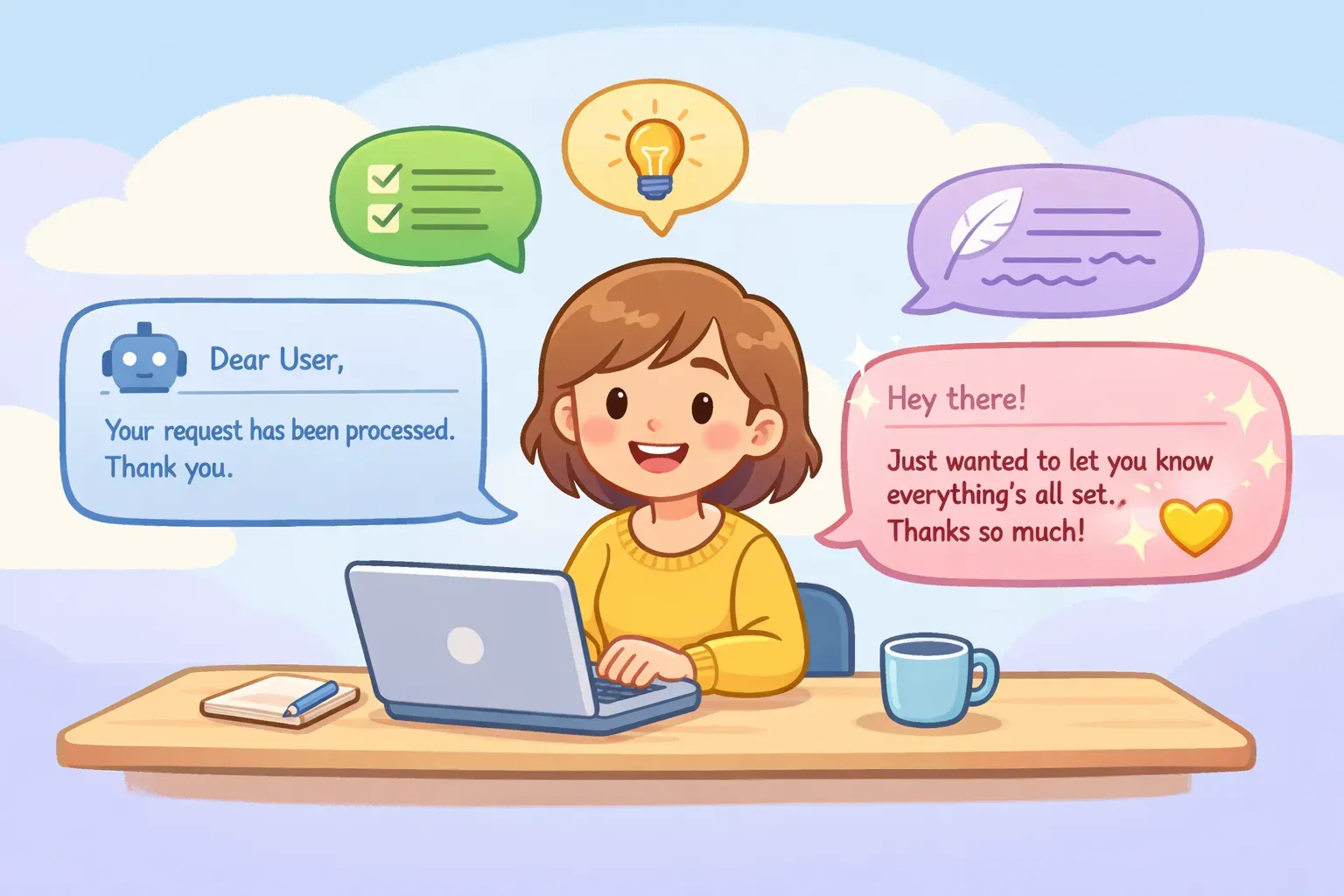
आप तुरंत पहचान लेते हैं। Output technically सही है, लेकिन ऐसा लगता है जैसे किसी committee ने मिलकर press release लिखी हो। जहाँ आप casual होते, वहाँ formal। जहाँ आप सीधी बात करते, वहाँ घुमा-फिराकर। हर जगह "leveraging" और "utilizing" — जबकि आपने ज़िंदगी में कभी ये दो शब्द बोले ही नहीं।
ये default AI voice है — और ये किसी की भी voice नहीं है। अच्छी ख़बर: इसे ठीक किया जा सकता है। "naturally लिखो" या "more human बनो" जैसी ढीली-ढाली instructions से नहीं, बल्कि एक specific method से जो AI को सिखाती है कि आप असल में कैसे लगते हैं।
AI default में robot mode पर क्यों चला जाता है
जब आप ChatGPT या Claude को बिना किसी style guidance के एक simple prompt देते हैं, तो वो gaps को safe, formal language से भर देते हैं। ऐसा सोचिए जैसे आपने एक writer को hire किया और कहा "बस कुछ अच्छा लिख दो।" बिना clear direction के, वो safe खेलेगा, चीज़ों को ज़रूरत से ज़्यादा complicate करेगा, और corporate-speak पर आ जाएगा।
Vocabulary से ये साफ़ पकड़ में आता है। Research में पाया गया है कि AI models कुछ शब्दों को इंसानों के मुक़ाबले 150 गुना तक ज़्यादा बार use करते हैं। "tapestry," "delve," "multifaceted," और "navigate" जैसे शब्द AI output में बार-बार आते हैं, लेकिन रोज़ की लिखाई में बहुत कम।
Vocabulary से आगे, AI text की ये आदतें भी होती हैं:
एक जैसा sentence rhythm (medium length, मिलती-जुलती structure)
शुरुआत में throat-clearing वाले phrases ("In today's fast-paced world...")
Contractions और conversational shortcuts से बचना
हर बात पर इतना confident होना, जबकि कई जगह hedging ज़्यादा natural होती
Fix ये नहीं है कि AI को कहो "more human लगो।" वो too vague है। Fix है AI को ठीक से दिखाना कि आप कैसे लगते हैं — और फिर उसी से match करवाना।
आपकी voice के लिए 3-step method
ये method ChatGPT, Claude, Gemini, या किसी भी AI assistant के साथ काम करती है। पहली बार में करीब 10 मिनट लगते हैं, और उसके बाद आप results को बार-बार use कर सकते हैं — कितनी ही बार।
Step 1: अपनी writing samples इकट्ठा करें
ऐसी 2-3 चीज़ें ढूँढिए जो आपके अंदाज़ में लिखी हुई हों। Polished marketing copy या formal reports नहीं — आपकी natural voice। अच्छे sources:
वो emails जो आपने जल्दी में, बिना ज़्यादा सोचे लिखीं
Slack या Teams पर colleagues को भेजे messages
Social media posts या comments
Blog posts या newsletters (अगर आप ख़ुद लिखते हैं)
ऐसे text messages जिनमें कुछ explain करना पड़ा हो
कुल मिलाकर 300-500 words चाहिए। एक perfect example एक दर्जन ठीक-ठाक examples से बेहतर है। ऐसी writing चुनिए जहाँ आप किसी को impress करने की कोशिश नहीं कर रहे थे — वहीं आपकी असली voice दिखती है।
एक व्यक्ति AI को अपनी voice सिखाने के लिए emails और messages से writing samples चुनते हुए
Step 2: AI से अपनी style analyze करवाएँ
अपने samples paste कीजिए और AI से कहिए कि वो आपकी writing patterns describe करे। इससे आपको एक reusable "voice profile" मिल जाएगी जिसे future prompts में reference कर सकते हैं।
Prompt ये है:
Analyze the writing style in the samples below. Describe my voice by identifying:

1. Sentence structure (short/long, simple/complex)
2. Vocabulary level (casual, professional, technical)
3. Tone (warm, direct, humorous, formal)
4. Common patterns (how I start sentences, transitions I use, punctuation habits)
5. What I avoid (formality, jargon, filler phrases)

Be specific. Give examples from the text.

Writing samples:
{{your_writing_samples}}
AI कुछ ऐसा return करेगा: "आपके sentences छोटे और punchy हैं, average 8-12 words। आप contractions लगातार use करते हैं और sentences को 'But' और 'And' से शुरू करते हैं। आपका tone direct है पर warm भी — आप pleasantries skip करते हैं लेकिन 'you' अक्सर use करते हैं। 'utilize' या 'leverage' जैसे corporate शब्दों से बचते हैं और 'In order to' कभी नहीं लिखते जहाँ अकेला 'to' काम कर सकता हो।"
इस analysis को save कर लीजिए। यही आपकी voice profile है, और इसे आप Step 3 में use करेंगे।
Step 3: अपनी voice profile को prompts में use करें
अब AI से कुछ भी लिखवाते समय अपनी voice profile साथ में दीजिए। Template ये है:
Write in the following style:
{{your_voice_profile}}

Task: {{what_you_need_written}}
मान लीजिए, अगर आपकी voice profile में लिखा है कि आप short sentences, contractions use करते हैं और jargon avoid करते हैं, तो AI अपने usual formal tone पर जाने की जगह उन्हीं patterns को follow करेगा।
Voice profile जितनी specific होगी, results उतने ही बेहतर। "Casual और friendly" too vague है। "Short sentences, बार-बार contractions, paragraphs को सवाल से शुरू करना, 'utilize' और 'leverage' जैसे शब्दों से बचना" — ये AI को ठोस चीज़ देता है follow करने के लिए।
पूरे prompts जो आप आज ही use कर सकते हैं
हर step के लिए ready-to-use prompts यहाँ हैं, जिनमें वो parts {{variables}} के रूप में हैं जो आप customize करेंगे।
Voice Analysis Prompt
Analyze the writing style in these samples. Create a "voice profile" I can paste into future prompts. Include:

- Sentence length and structure patterns
- Vocabulary choices and reading level
- Tone and personality
- Common phrases, transitions, or openings
- What I consistently avoid

Format the profile as a bulleted list I can copy and reuse.

Samples:
{{writing_samples}}
Write-Like-Me Prompt
Write the following in my voice. Match this style exactly:

{{voice_profile}}

Content to write:
{{topic_or_task}}

Important: Don't add formality I wouldn't use. If my samples are casual, stay casual.
Voice Check Prompt
Output मिलने के बाद ये verify करने के लिए use कीजिए कि वो आपकी voice से match करता है या नहीं:
Compare this text to my voice profile and identify anything that doesn't match:

My voice profile:
{{voice_profile}}

Text to check:
{{ai_generated_text}}

List specific words, phrases, or patterns that don't sound like me.
अगर आप ख़ुद को इन prompts को अलग-अलग projects के लिए बार-बार use करते हुए पाएँ — कहीं एक email, कहीं एक report — तो PromptNest जैसा tool इन्हें {{variables}} के साथ save करने देता है। Blanks भरिए, copy कीजिए, paste कीजिए। हर बार scratch से दोबारा लिखने की ज़रूरत नहीं।
जब time कम हो — quick fixes
3-step method सबसे अच्छी काम करती है, लेकिन कभी-कभी आपको जल्दी results चाहिए होते हैं। ये techniques आपकी voice से perfectly match तो नहीं करेंगी, पर default AI output से काफ़ी क़रीब लाएँगी।
"दोस्त को text" वाला hack
किसी भी prompt के अंत में ये जोड़ दीजिए:
Write this in the tone of a text message to a friend. No salutation, no emojis, no formal sign-off.
BGR ने report किया कि ये छोटी सी addition output का tone काफ़ी हद तक बदल देती है। बिल्कुल आपकी आवाज़ में नहीं लगेगा, लेकिन ज़्यादातर robotic formality हट जाएगी।
Multiple tone words एक साथ डालिए
एक adjective काफ़ी नहीं है। Nielsen Norman Group की research में पाया गया कि एक से ज़्यादा descriptors use करने से AI किसी एक interpretation पर अटक नहीं जाता।
ऐसे नहीं: "Write in a casual tone"
ऐसे try करें: "Write in a casual, direct, slightly irreverent tone. Like a smart friend explaining something over coffee."
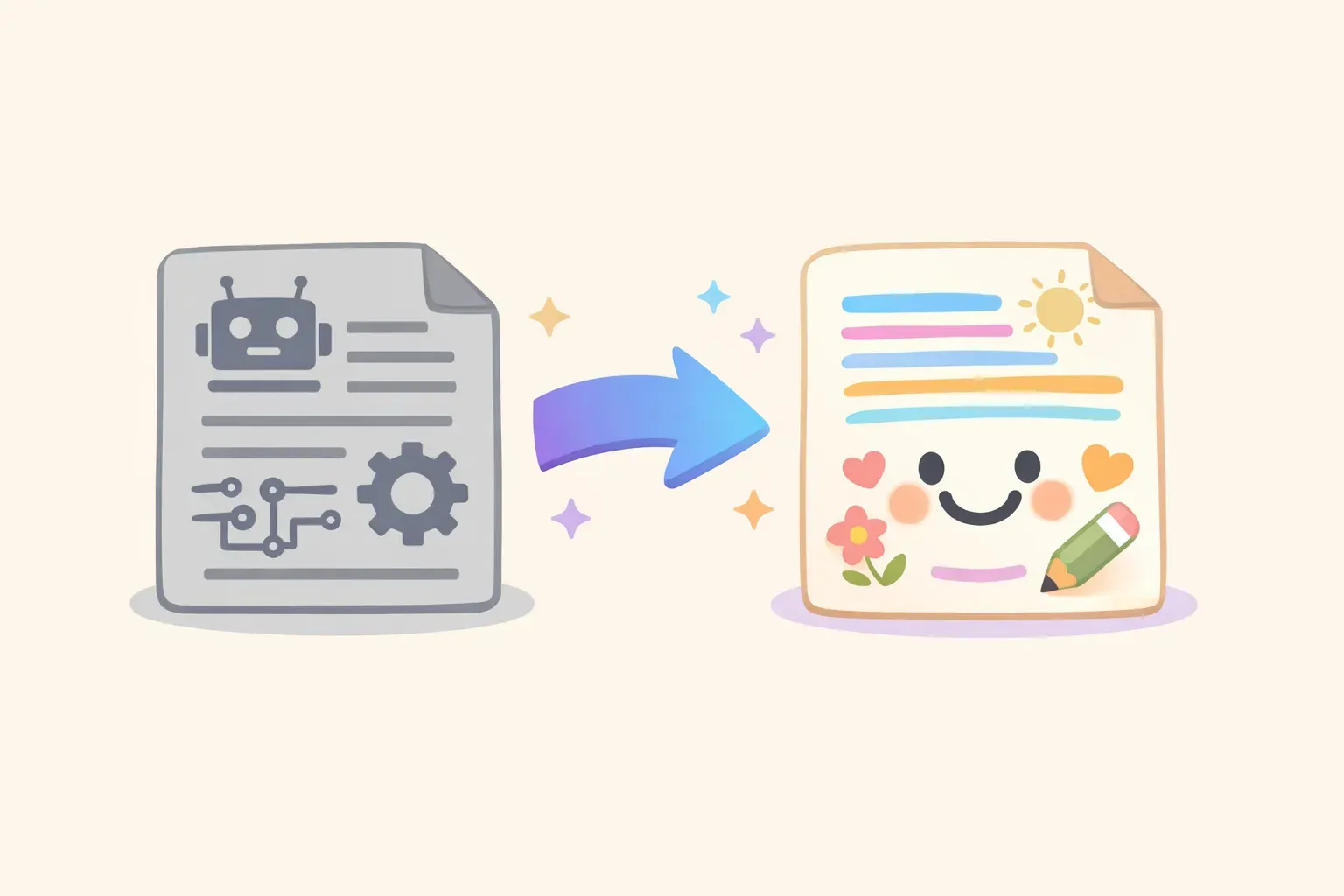
Voice techniques apply करने से पहले के robotic AI output और बाद के natural-sounding output की side-by-side तुलना
क्या-क्या avoid करना है, ये बताइए
कई बार सबसे तेज़ fix यही होता है कि उन शब्दों पर ban लगा दीजिए जो साफ़-साफ़ "AI ने लिखा है" चिल्लाते हैं। एक line जोड़ दीजिए:
Never use these words or phrases: leverage, utilize, delve, tapestry, in today's world, it's important to note, navigate, multifaceted, streamline, cutting-edge
इस list को आप अपने हिसाब से customize कर सकते हैं। कुछ generations के बाद, आप ख़ुद notice करेंगे कि कौन सी AI-isms बार-बार आ रही हैं और उन्हें specifically ban कर सकते हैं।
जो काम अब भी आपके हाथ का ही है
Perfect voice profile के साथ भी, AI output एक starting point है — final draft नहीं। MIT की prompting guide recommend करती है कि AI-generated text को हमेशा raw material की तरह treat कीजिए जिसे human review की ज़रूरत होती है।
जो चीज़ें AI अब भी सही नहीं कर पाता:
Emotional nuance — वो आपके sentence structure की नक़ल कर सकता है, पर आपकी अंदर की समझ नहीं — कब soft होना है और कब सीधा
Contextual judgment — उसे नहीं पता कि receiver के साथ आपका relationship कैसा है, या आपके workplace की politics क्या है
असली कहानियाँ — वो आपके tone में examples बना सकता है, पर वो आपके examples नहीं होते
कब rules तोड़ने हैं ये जानना — कभी आप जानबूझकर सामान्य से ज़्यादा formal होना चाहते हैं, या कोई ऐसा joke मार देते हैं जो आम तौर पर नहीं मारते
मक़सद ये नहीं है कि आप writing process से बाहर हो जाएँ। मक़सद है ऐसा first draft पाना जो 20% की जगह 80% आपकी जैसी लगे — ताकि आपका editing time उसे और बेहतर बनाने में लगे, न कि कम robotic बनाने में।
अपनी voice prompt library बनाइए
Voice profile तो बस शुरुआत है। समय के साथ, आप specific situations के लिए prompts बनाते जाएँगे: clients को emails, internal memos, social posts, team को feedback। हर एक में आपकी voice का थोड़ा-थोड़ा अलग version चाहिए होगा।
असली बात है — जो काम करता है उसे save करना। ज़्यादातर लोग prompts को random notes या docs में रखते हैं — या save ही नहीं करते। फिर वो उन्हीं prompts को बार-बार लिखने में time लगाते हैं जिन्हें वो पहले perfect कर चुके हैं, या inconsistent results मिलते हैं क्योंकि उन्हें याद ही नहीं रहता कि पिछली बार कैसे लिखा था।
PromptNest एक native Mac app है, $19.99 one-time on the Mac App Store — कोई subscription नहीं, कोई account नहीं, locally चलता है। अपना voice analysis prompt, अपना write-like-me template, और जो भी variations आप बनाएँ — सब save कीजिए। Project या use case के हिसाब से organize कीजिए। ज़रूरत पड़े तो search कीजिए, {{variables}} भरिए, और copy कर लीजिए। Voice consistent रहती है, और आप उन prompts को दोबारा लिखना बंद कर देते हैं जो आप पहले लिख चुके हैं।
इस article के तीन prompts से शुरुआत कीजिए। अपनी voice profile को एक note के तौर पर save कर लीजिए जिसे आप reference कर सकें। यहीं से आगे बढ़िए। कुछ हफ़्तों में आपके पास एक personal toolkit होगी जो हर AI interaction को आपकी जैसी आवाज़ में ढाल देगी — बाक़ी सबकी जैसी नहीं।