How to Use AI to Write a Business Plan (With Prompts)
A step-by-step workflow with copy-paste prompts for writing a business plan with AI — and keeping it specific enough that a lender takes it seriously.
You have the business idea. What you don't have is thirty pages of executive summary, market analysis, and five-year financial projections — and the bank, the investor, or the visa officer wants exactly that. So you open ChatGPT, type "write me a business plan for a coffee shop," and hit enter.
Two seconds later you have something that looks like a business plan. It's also the same plan it would write for anyone. Vague competitors, round-number revenue, market "statistics" it made up on the spot. The people who read business plans for a living can smell it from across the room.
Here's the good news: AI really can help you write a strong business plan. A 2025 survey by the U.S. Chamber of Commerce found 58% of small businesses now use generative AI, up from 40% a year earlier, and drafting documents is one of the most common uses. The problem isn't the tool. It's that most people use it backwards.
This guide walks through the workflow that actually works: gather your real numbers first, write the plan one section at a time in a single chat, and run each section through a "skeptical lender" stress test before anyone else sees it. Copy-paste prompts included.
What AI Can (and Can't) Do for Your Business Plan
AI is genuinely good at some parts of this and genuinely bad at others. Knowing where the line is saves you from the two ways this goes wrong: trusting it too much, or being so scared of it that you don't use it at all.
What AI is great at:
Beating the blank page — turning rough notes into clean first drafts
Structuring your thoughts into the sections a plan needs
Rewording your ideas so they read clearly and professionally
Doing the math on numbers you give it
Brainstorming marketing channels, risks, and revenue ideas
Playing critic — poking holes in what you wrote
What AI is bad at, so you have to cover for it:
It doesn't know your local market — it guesses, often with global or outdated figures
It invents statistics and even fake sources, stated with total confidence
It makes up financials — smooth, round, and disconnected from reality
It writes in a flat, generic voice that experienced readers recognize instantly
Is it cheating? Will a lender know?
Using AI to draft your plan is not cheating, and no rule says you can't. A reviewer can't tell a well-edited AI draft from a hand-written one — but they can absolutely tell an unedited one. The problem was never that you used AI. It's submitting raw, unverified output you didn't bother to fix.
Two caveats. Some grant programs now have explicit AI policies, so if you're applying for a grant, check the rules first. And if your plan is high-stakes — an immigration petition like an E-2 or EB-2, a serious SBA loan, or an investor round — treat AI as the drafting assistant, not the author, and get a human expert to review it. The cost of a generic, error-filled plan there is a rejection.
Step 1: Gather Your Real Numbers Before You Prompt
The single biggest reason AI plans turn out generic is that people ask AI for facts it doesn't have. So it guesses. The fix is simple: hand it your facts up front.
Before you open a single chat, spend ten minutes writing down:
Your business name and a one-line description
What you sell, and your prices
Exactly who your customer is — age, location, what they need
Your location and the market you're competing in
Your startup costs and your monthly running costs
How you'll make money
Your founders and their relevant experience
How much funding you need, and what it's for
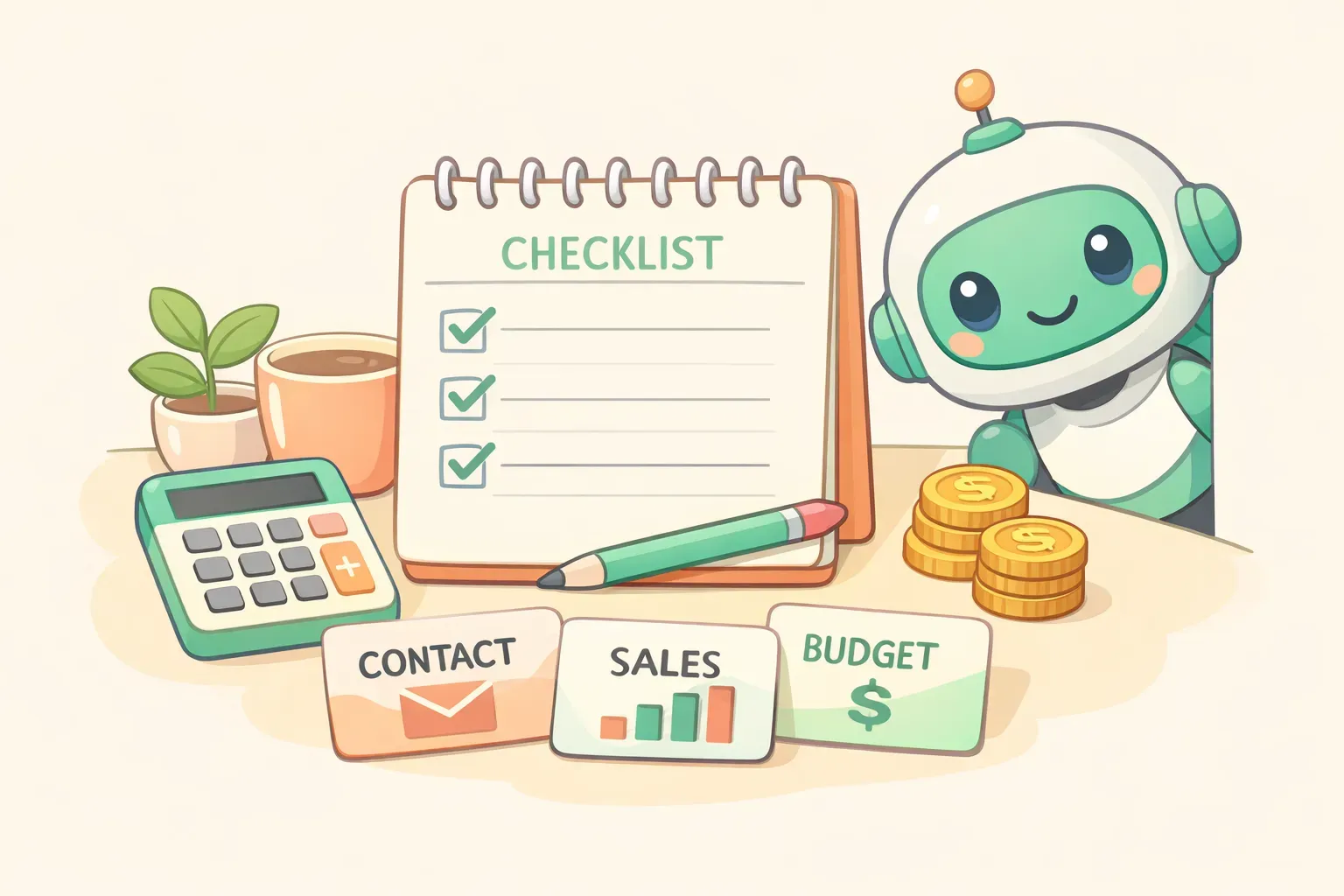
This is your raw material. Everything good the AI produces will come from these inputs — and everything it invents to fill a gap you left blank is a future problem. Keep this list handy; you'll paste pieces of it into almost every prompt. (If you find yourself reusing these details a lot, that's exactly what variables in AI prompts are for.)
A tidy desk with a checklist, calculator, coins, and labeled cards representing the business details to gather before writing a plan with AI
The 9 Sections Every Business Plan Needs
Before you prompt, know what you're building. The U.S. Small Business Administration lays out a standard traditional plan with nine sections:
Executive summary — what your company is and why it will succeed (write this last)
Company description — what you do and who you serve
Market analysis — your industry, target market, and competitors
Organization and management — your team and how the business is structured
Service or product line — what you sell and why it matters
Marketing and sales — how you'll attract and keep customers
Funding request — what you need and how you'll use it (only if you're raising money)
Financial projections — the numbers that back up the story
Appendix — supporting documents
That's the format banks, SBA lenders, and most investors expect. If you only need clarity for yourself or a fast snapshot, the SBA also offers a one-page "lean" format you can fill out in about an hour. Match the format to your reader — a detailed traditional plan for funding, a lean one-pager for thinking it through.
The Method: One Chat, One Section at a Time
The instinct is to ask for the whole plan in one giant prompt. Don't. A single mega-prompt forces the AI to be shallow about everything at once — you get nine thin paragraphs instead of one solid plan.
Instead, build it like a conversation. Open one chat and keep everything in that single thread. Write one section per prompt, in order. Because the AI can see everything earlier in the chat, your market analysis informs your marketing section, your pricing informs your financials, and the whole plan stays consistent. This is just prompt chaining applied to a document — each answer becomes context for the next.
Two rules make the difference: open with a priming prompt that gives the AI its role and your inputs, and write the executive summary last. It's a summary — it can only be written once everything else exists.
Step-by-Step Prompts for Each Section
Here's the full chain. These were written for ChatGPT (GPT-5.5), but they work just as well in Claude or Gemini. The {{double-brace}} parts are your variables from Step 1 — swap in your details before you send. Assigning the AI a role up front ("act as my startup advisor") sharpens every answer; here's why role prompting works.
Start with a priming prompt
You are an experienced startup advisor and SBA loan consultant helping me write a business plan.

Here's my business:
- Name: {{business_name}}
- What we do: {{one_line_description}}
- What we sell and prices: {{products_and_prices}}
- Target customer: {{ideal_customer}}
- Location / market: {{location}}
- Startup costs: {{startup_costs}}
- Monthly costs: {{monthly_costs}}
- Funding needed: {{funding_request}}

We'll write the plan one section at a time in this chat. Use ONLY the information I give you. If you need a fact or number I haven't provided, ask me for it instead of inventing it. Confirm you understand and I'll ask for the first section.
That last instruction — ask, don't invent — is the most important sentence in this whole guide. It's the difference between a plan built on your facts and one built on the AI's imagination.
Company description and market analysis
Write the Company Description section based on the details above. Cover the problem we solve, our customers, and what makes us different. Keep it specific to {{business_name}} — no generic filler. About 200 words.
Now write the Market Analysis section. Describe my target market in {{location}}, who my customers are, and my main competitors. For any market size or industry statistic, insert a clearly marked [VERIFY: ...] placeholder instead of stating a number — I'll research and fill those in. Do not invent statistics.
That [VERIFY] trick is the quiet hero of this whole process. Instead of letting the AI paper over a gap with a confident, made-up number, you force it to flag every spot where you owe it a real fact. Your job afterward is just to hunt those down.
Products, marketing, and operations
Write the Products and Services section. Describe exactly what {{business_name}} sells, the prices ({{products_and_prices}}), and the value each one delivers to {{ideal_customer}}.
Write the Marketing and Sales section. Based on my customers and budget, give me 4-5 specific channels to reach {{ideal_customer}} in {{location}}, each with a one-line rationale. Skip generic advice like "use social media" — name the platform and the approach.
Write the Operations section: how the business runs day to day — suppliers, staffing, location, equipment, and the steps to deliver our products and services to customers.
Management and funding request
Write the Organization and Management section. Our team: {{founders_and_experience}}. Explain how the business is structured and why this team can execute the plan.
Write the Funding Request section. We're seeking {{funding_request}}. Break down what it will be used for, the terms we're looking for, and how it moves the business forward.
Notice that every one of these prompts has the same shape: a role, an instruction, and a few details that change for every business. That's exactly what a tool like PromptNest is built for — save each prompt once with {{business_name}} and {{location}} as fill-in-the-blank variables, and the next time you (or a friend starting out) need a plan, you fill in a quick form and copy the finished prompt. No digging through old chats to remember how you phrased it.
Handling the Financials Without Making Up Numbers
The financials are where AI does the most damage if you let it. Ask for "five-year projections" with no input and it will hand you beautiful, confident, completely fictional numbers — smooth revenue curves, round figures, margins that don't match your industry. Underwriters have seen a thousand of those.
The rule: you bring the assumptions, the AI does the arithmetic. Give it your real inputs — price, costs, how many customers you can realistically reach — and let it build the table and the formulas around them.
Help me build a 12-month sales forecast. Here are my assumptions:
- Price: {{price_per_sale}}
- Realistic customers in month 1: {{starting_customers}}
- Expected monthly growth: {{growth_rate}}
- Monthly fixed costs: {{monthly_costs}}
- Cost per sale: {{variable_cost}}

Build a month-by-month table showing revenue, costs, and profit. Show your math and list every assumption so I can check it. Don't add any numbers I didn't give you.
A person using a magnifying glass to review and verify an AI-generated business plan draft handed over by a friendly robot
For the structure of a profit-and-loss statement, a cash-flow forecast, or a break-even analysis, AI is a great teacher — ask it to explain what goes in each and why. But every number that lands in your plan should trace back to a figure you provided or researched. If a number appears that you didn't feed in, treat it as a placeholder to replace, not a fact.
Be just as careful with sources. AI invents citations as easily as it invents numbers — one analysis of AI-generated references found a large share were fabricated or wrong. So if your draft cites "a 2025 industry report," assume that report doesn't exist until you've found it yourself.
The Stress Test: Make It Sound Like You, Not a Robot
This is the step almost everyone skips, and it's the one that decides whether your plan gets taken seriously. AI writing has tells, and the people who read business plans know all of them.
The usual giveaways:
Buzzword soup — "leveraging synergistic opportunities," "a paradigm shift in the industry"
Vague competitors — "local cafés" instead of the three shops actually on your street
Sentences that are all the same length, which reads strangely flat
Round, too-smooth financials that climb in perfect increments
The big one: an executive summary that promises explosive growth while the financial section shows a modest, sensible climb
That last contradiction is the first thing an underwriter catches. The fix is to make the AI find these problems before a human does. Paste each section back in with this prompt:
Act as a skeptical SBA loan officer reading this section. Point out every claim that's vague, unsupported, or sounds generic, and flag anything that contradicts another part of the plan. Then tell me exactly what to add to make it credible.

[paste the section]
Then fix what it finds — in your own words. Read the final plan out loud; anywhere it sounds like a brochure instead of a person who knows this business, rewrite it. The executive summary especially should sound like you, so write that one by hand if you can. If a section still feels off, iterate on the prompt rather than settling for the first answer.
Which AI Model Is Best for Which Part
You don't need to pay for every AI tool. The free tiers of ChatGPT, Claude, and Gemini will get most people through a plan. But if you have access to more than one, here's how they line up as of mid-2026, based on independent benchmarks:
- ChatGPT (GPT-5.5) — the best all-rounder for the narrative sections, with strong, natural writing and a good grip on the section-by-section structure.
- Claude (Opus 4.8) — the strongest at keeping a long document coherent. Its large memory means it can hold your whole plan in one conversation without losing the thread, which helps consistency.
- Gemini (3.1 Pro) — leads on reasoning and data analysis and plugs into Google Sheets, so it's handy for the financial table. It can also pull live market data when you let it browse — useful for the parts you'd otherwise leave as [VERIFY].
For most people, the honest answer is: pick the one you already use, do the whole plan in it, and bring in a second model only to run the stress test — a fresh AI makes a good second opinion. If you want a deeper look at how they differ, here's ChatGPT vs. Claude vs. Gemini for writing.
There are also dedicated "AI business plan generators" — LivePlan, Upmetrics, and others — that wrap this in templates and lender-formatted financials. They're subscriptions, usually around $15–20 a month, and can be worth it if you want guardrails on the numbers. For most first plans, a general assistant plus the workflow above does the job for free.
Your Pre-Submission Checklist
Before this plan goes to a bank, an investor, or anyone else, run down this list:
Every statistic is one you verified from a real source — not one the AI supplied
Every financial figure traces back to an assumption you provided
Competitors are named, not described as "local businesses"
The executive summary's numbers match the financial section's numbers
You've read it out loud and it sounds like you
No buzzword soup, and no [VERIFY] placeholders left behind
A second reader — a person, or a second AI playing skeptic — has poked holes in it
Do that, and you have something better than most of the AI-written plans crossing a lender's desk — because it's built on your facts and finished in your voice.
Put Your Prompts to Work
AI turns the scariest part of starting a business — that blank thirty-page document — into a series of small, answerable questions. The workflow is the same every time: load it with your real numbers, write one section at a time, and stress-test the result before anyone else reads it.
The prompts in this guide are worth keeping, because you'll reuse them — for a revised plan next quarter, a second location, or a friend who's just getting started. Save your favorites somewhere you can actually find them: a note, a doc, whatever works. Or if you want them organized and ready from any app, PromptNest is a native Mac app (a one-time $19.99 on the Mac App Store, no subscription) that keeps prompts like these a keyboard shortcut away — fill in the {{variables}} and the finished prompt lands on your clipboard.
Either way, the lesson holds: the founder who supplies the facts and the judgment gets a plan worth reading. The AI just types faster.