ChatGPT vs Claude vs Gemini: Best AI for Writing (2026)
An honest comparison of the three major AI assistants for writing tasks — with tested prompts, real quirks, and a simple framework for choosing the right one.
You've probably asked all three AIs to write something this week. Maybe you drafted an email in ChatGPT, rewrote a paragraph in Claude, and Googled something that ended up in Gemini. But when you sat down to write something that actually mattered — a client proposal, a blog post, a cover letter — did you know which one to open?
Most people don't. They pick whichever tab is already open. That's fine for casual use, but if you're doing serious writing, the differences between ChatGPT, Claude, and Gemini are real — and knowing them can save you hours of frustration.
This isn't another benchmark comparison. We tested all three on actual writing tasks — drafting, editing, creative work, and business copy — and found that each AI has a distinct personality that makes it better (or worse) for specific jobs.
The Quick Verdict (If You're in a Hurry)
Here's the short version:
Claude writes the most human-like prose. Best for editing, style-matching, and anything that needs to sound like a real person wrote it.
ChatGPT is the fastest all-rounder. Best for quick drafts, brainstorming, and structured business documents.
Gemini excels at research-heavy writing. Best when you need real-time web data woven into your content.
All three cost around $20/month for their standard paid tiers (ChatGPT Plus, Claude Pro, Gemini Advanced). The difference isn't price — it's personality.
Now let's break down exactly when to use each one.
Writing Quality: Which AI Sounds Most Human?
This is where the three AIs diverge most sharply. After dozens of side-by-side tests, the pattern is clear: Claude sounds like a thoughtful human, ChatGPT sounds like an efficient assistant, and Gemini sounds like a well-researched report.
Claude's outputs read naturally. The sentences vary in length. It avoids the filler phrases that scream "AI wrote this" — things like "It's important to note that" or "In today's fast-paced world." When you give Claude examples of your own writing, it genuinely adapts to your voice rather than just sprinkling in a few of your words.
ChatGPT, despite its improvements with GPT-5, still defaults to bullet points. A lot of bullet points. Ask it to write a paragraph, and there's a good chance you'll get a list instead. Its official prompting guidelines even recommend "compact bullets" over narrative paragraphs. Great for scanning, not great for prose.
Gemini produces technically accurate content but tends toward verbosity. It's the AI most likely to give you five paragraphs when two would do. The writing is competent but dry — more Wikipedia than conversation.
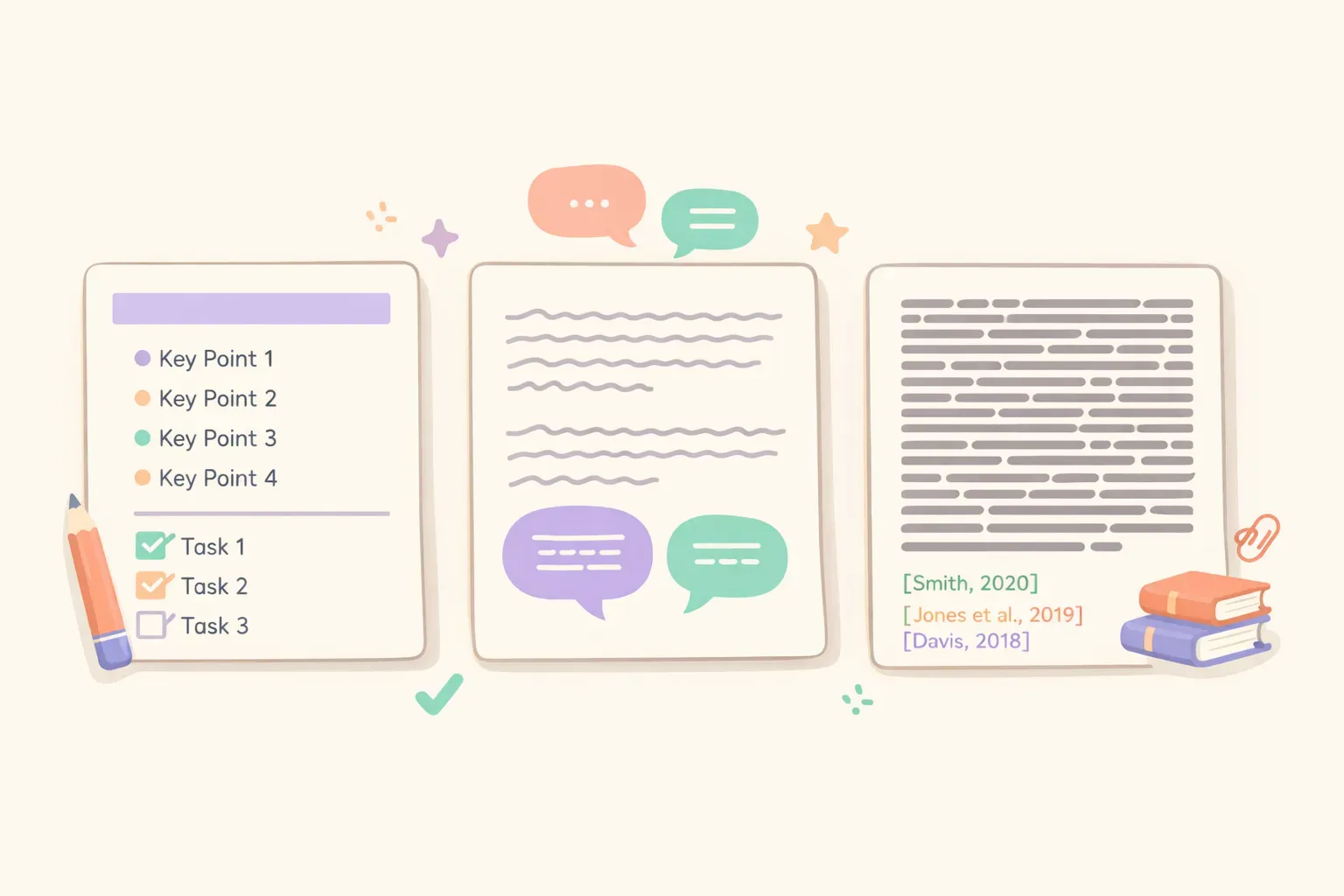
Three AI assistants with different writing styles represented by distinct document types
Creative Writing: Fiction, Storytelling, and Ideation
For creative work — short stories, dialogue, narrative content — the ranking depends on what you value most.
Claude handles nuance better than the others. It remembers character details, maintains consistent tone across long passages, and writes dialogue that doesn't sound like everyone attended the same corporate communication workshop. Writers who've tested it extensively report moments of "Wait — did I write that?" when reviewing Claude's drafts.
ChatGPT is faster and punchier. If you need twenty headline variations in thirty seconds, or want to brainstorm plot ideas without getting attached to the prose, ChatGPT delivers. It's less precious about its output, which can be a feature when you're in ideation mode.
Gemini 2.5 has improved dramatically here. Users on the Google AI forums describe its creative writing as "leaps and bounds" better than previous versions, particularly for fiction that needs sustained narrative momentum. One writer reported completing three short stories and a novella in six months using Gemini for drafting.
The catch with Gemini: it loves ellipses. And it tends to repeat certain character names ("Chen" and "Miller" show up suspiciously often). Minor quirks, but noticeable if you're doing sustained creative work.
Business and Marketing Copy
For emails, landing pages, ad copy, and professional documents, the choice gets more interesting.
ChatGPT wins for speed and structure. It generates clean, professional templates quickly. If you need a standard business email or a product description, ChatGPT produces something usable on the first try. The downside: the output can feel generic. Phrases like "We're excited to announce" and "Don't miss this opportunity" appear often unless you specifically tell it to avoid them.
Claude wins for differentiation. In marketing copy tests, Claude's headlines avoided clichés better than competitors. It balanced "specific numbers + problem identification + solution promise" more naturally. If your brand voice needs to stand out from the sea of AI-generated content, Claude is more likely to deliver copy that doesn't sound like everyone else's.
Gemini excels when your copy needs data. Writing a report that references recent statistics? A blog post about industry trends? Gemini can pull in real-time information from the web, which neither Claude nor ChatGPT can do natively.
Here's a prompt template that works well for marketing headlines in any of them:
Write 5 headline variations for {{product_type}} targeting {{audience}}.

Requirements:
- Each headline under 10 words
- Avoid clichés like "revolutionary," "game-changing," "unleash"
- Focus on a specific benefit, not vague promises
- Include at least one headline with a number

Product: {{product_description}}
If you find yourself tweaking this prompt for different products and audiences, a prompt manager like PromptNest lets you save it with the {{variables}} built in — just fill in the blanks and copy the final version.
Long-Form and Research-Based Writing
When you're working with lengthy documents or writing content that requires extensive source material, context windows matter.
The current context window sizes in early 2026:
Gemini 3 Pro: 1–2 million tokens (up to 10M in some configurations)
Claude Sonnet 4: 200K tokens standard, 1M in beta
GPT-5.2: 400K tokens
In practical terms, Gemini can hold an entire book in memory while you discuss it. Claude handles long documents reliably with minimal quality degradation. ChatGPT's context is ample for most tasks but falls short for truly massive documents.
But context window size isn't everything. (For a deeper dive on this, see our guide on why context windows aren't as simple as they seem.) What matters more is how well the AI uses that context. Gemini's recall on 2M token documents is reportedly 99.8%, meaning it remembers details from early in a document when answering questions about content near the end.
For research-heavy writing — whitepapers, literature reviews, technical documentation — Gemini's combination of large context and real-time web access makes it the strongest choice.
Editing and Rewriting Your Own Work
This is Claude's strongest category. If you've already written a draft and want AI help polishing it, Claude consistently outperforms the others.
The key difference: Claude can match your existing style without flattening it into generic AI prose. Give it three paragraphs of your writing as a reference, then ask it to edit your rough draft — the result sounds like a better version of you, not like a chatbot pretending to be you.
ChatGPT tends to over-edit. It'll "improve" your casual tone into something more formal, or add hedging language you didn't ask for. Gemini edits competently but often makes the prose longer rather than tighter.
Here's an editing prompt that works well with Claude:
Edit the following draft to improve clarity and flow while preserving my voice.

Do NOT:
- Add corporate jargon or formal transitions
- Expand the word count
- Change the casual tone to formal

DO:
- Fix awkward phrasing
- Tighten wordy sentences
- Flag any unclear logic (but don't rewrite it yourself)

My draft:
{{draft_text}}
For more techniques on getting AI to write in your voice, our guide on making AI sound like you covers specific prompt strategies that work across all three platforms.
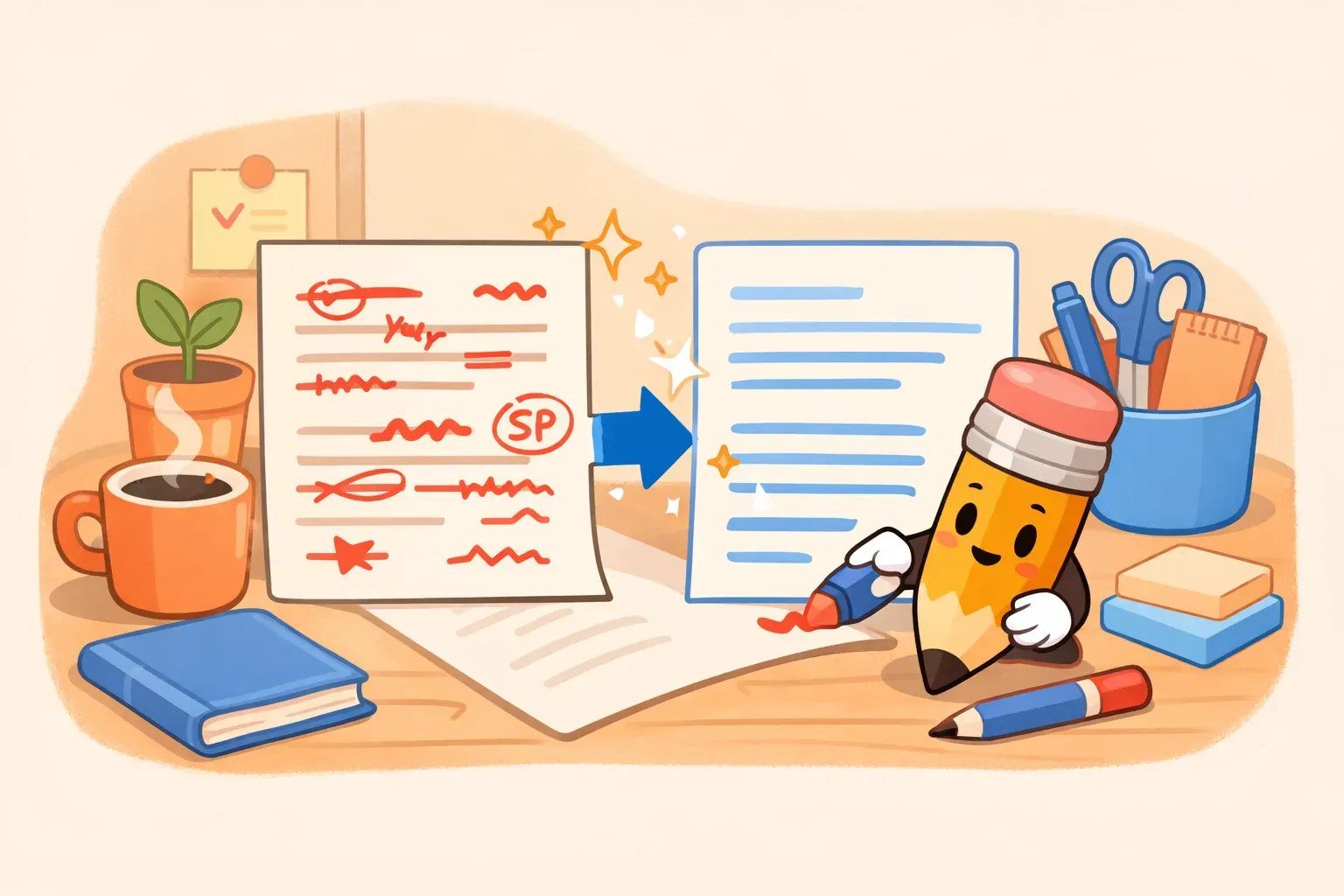
A writer reviewing AI-edited document with highlighted improvements
Pricing and Practical Tradeoffs
The AI writing market has standardized around a $20/month tier. Here's what you actually get:
ChatGPT Plus ($20/month): Access to GPT-5.2, DALL-E image generation, memory across sessions (remembers your preferences), and voice mode. The Memory feature is genuinely useful — tell it once that you prefer concise responses, and it remembers.
Claude Pro ($20/month): Access to Claude Opus 4.5, higher usage limits than free tier, and priority access during peak times. Claude's "Artifacts" feature lets you see code and documents in a side panel, which is useful for iterating on drafts.
Gemini Advanced ($19.99/month): Access to Gemini 3 Pro, 2TB of Google Drive storage (worth $10/month alone), and deep integration with Google Workspace. If you live in Gmail and Docs, Gemini can draft emails and documents directly within those apps.
The ecosystem integration matters. If you're already paying for Google Workspace, Gemini Advanced gives you the most bang for your buck. If you work across multiple tools and don't want to be locked into one ecosystem, ChatGPT or Claude are more portable.
How to Choose: A Simple Decision Framework
After testing all three extensively, here's the decision tree we'd recommend:
Choose Claude when:
You're editing or rewriting existing text
The writing needs to sound distinctly human
You're working on creative prose (fiction, narrative, dialogue)
Brand voice and differentiation matter
You've written a draft and need a thoughtful second opinion
Choose ChatGPT when:
You need a quick first draft
You're brainstorming ideas or generating variations
The task requires structured output (outlines, lists, templates)
Speed matters more than prose quality
You want one tool that does "good enough" at everything
Choose Gemini when:
Your writing requires current information from the web
You're working with very long documents (100+ pages)
You need deep Google Workspace integration
The task involves research synthesis or fact-heavy content
You're already in the Google ecosystem
The honest answer for most writers: you'll probably use all three. Different tasks call for different tools. ChatGPT for the rough outline, Claude to make it sound human, Gemini when you need to fact-check against current sources.
The challenge with using multiple AIs is keeping your prompts organized. That marketing headline prompt you perfected in ChatGPT? You'll want it available when you switch to Claude too. PromptNest was built for exactly this workflow — save your best prompts with variables, organize them by project, and access them from any app with a keyboard shortcut. It's free and works on macOS.
Whatever tools you choose, the more you understand each AI's quirks, the better your writing will be. And now you know which tab to open first.