How to Iterate on AI Prompts: A Simple Testing System
Stop guessing why your prompts fail. A 4-step cycle for testing and improving prompts that actually gets better results.
You wrote a prompt. The output was wrong. So you rewrote it. Still wrong, but differently wrong. You tweaked a few words, regenerated, got something closer — then lost track of what you changed. Thirty minutes later, you're back to square one, unsure which version was actually better.
This "regenerate and hope" approach is how most people use AI. And it's why most people stay frustrated. According to Workday research, roughly 37% of the time employees save using AI gets lost to rework — correcting errors, verifying outputs, and rewriting content that missed the mark.
The difference between random tweaking and systematic iteration isn't effort — it's method. When you test, evaluate, and document your changes, you stop repeating the same mistakes. You learn what actually works for your specific use case. And you build prompts that reliably produce good results instead of occasionally stumbling into them.
Why Random Tweaking Doesn't Work
There's a reason prompt iteration feels like gambling. When you change three things at once and the output improves, you don't know which change helped. When you rewrite from memory instead of comparing versions, you can't spot patterns. When you delete your old attempts, you lose the data that would tell you what works.
Research from MIT Sloan found that only half of performance gains from advanced AI models come from the model itself. The other half comes from how users adapt their prompts. In other words, your prompting skill matters as much as the AI's capabilities.
But skill isn't magic. It's pattern recognition built through structured practice. You need to see what changes produce what results — which means you need a system.
The 4-Step Iteration Cycle
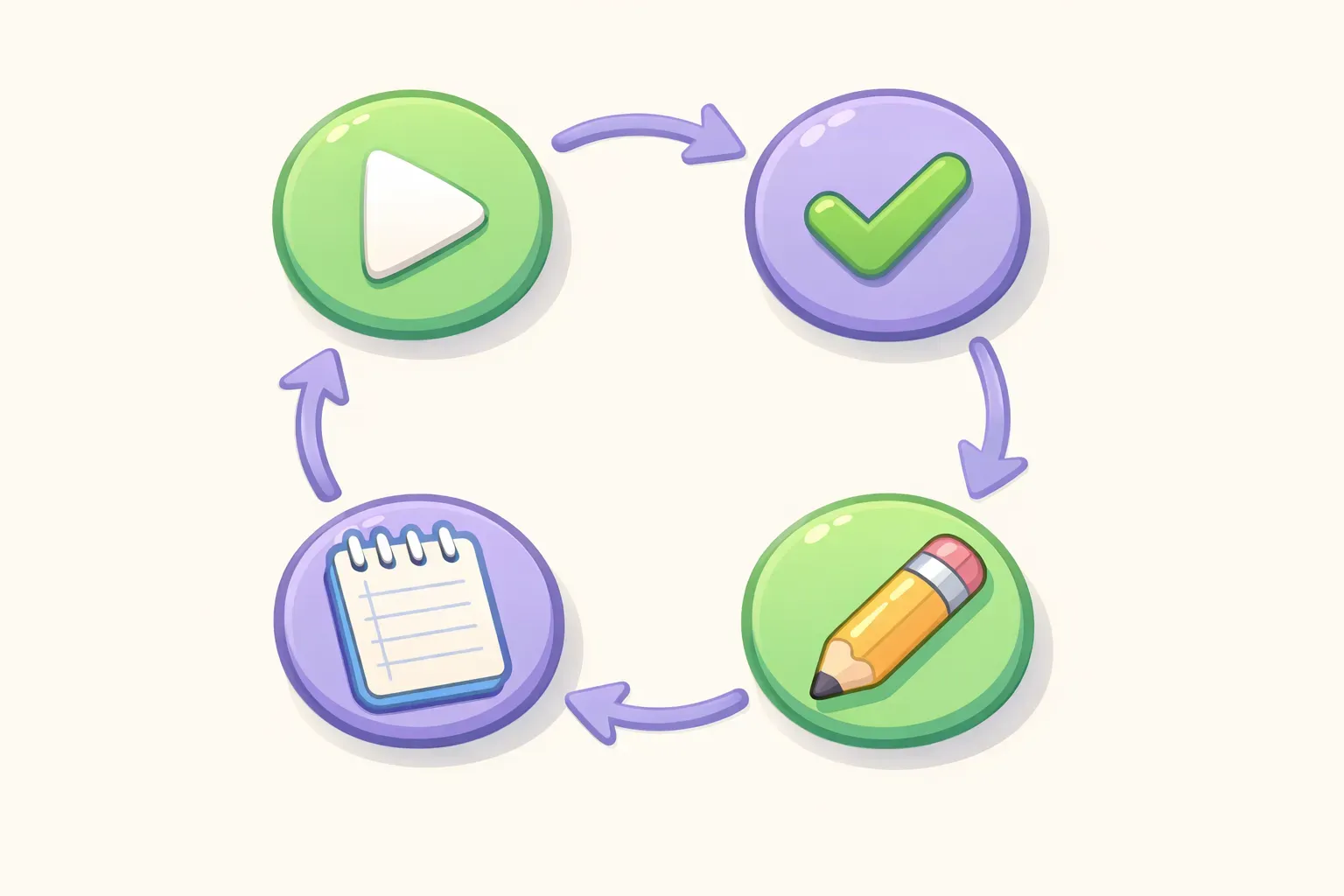
Effective prompt iteration follows a simple loop:
Test — Run your prompt and capture the full output
Evaluate — Compare the result against your specific goal
Refine — Make one targeted change based on what's wrong
Document — Record what you changed and what happened
This isn't complicated. But doing all four steps — especially the last one — is what separates people who get steadily better from people who keep wrestling with the same problems.
A circular diagram showing the four steps of prompt iteration: Test, Evaluate, Refine, Document
Step 1: Run Your Prompt and Capture Everything
Start with whatever prompt you have. Don't overthink the first version — you're going to improve it anyway. The goal is to get a baseline you can measure against.
When you run the prompt, save both the prompt and the complete response. Not just the good parts. Not a summary. The whole thing. You need the full picture to diagnose problems.
If you're testing in ChatGPT or Claude, copy the entire exchange into a note or document before making changes. Once you regenerate or edit, the original is gone.
Step 2: Evaluate Against Your Actual Goal
Here's where most people go wrong. They look at the output and think "this isn't quite right" — then immediately start rewriting. That vague dissatisfaction doesn't tell you what to fix.
Instead, use what I call the Red Pen Test. Go through the output and mark specific problems:
Is the tone wrong? Where exactly?
Is information missing? What specifically?
Is it too long? Which parts are filler?
Did it misunderstand the task? How?
Is the format wrong? What should it be instead?
Write down your evaluation. "Too formal in paragraph 2, missing the budget constraint, included irrelevant background on company history." Now you know exactly what to fix.
Step 3: Make One Change at a Time
This is the hardest discipline to maintain, and the most important. When you change multiple things at once, you can't learn which change worked. A/B testing research consistently shows that isolating a single variable is critical — testing multiple changes simultaneously makes it impossible to attribute outcomes.
Pick the most important problem from your evaluation and address only that. Common fixes include:
Add context: Give background the AI needs to understand your situation
Add constraints: Specify length, format, tone, or what to exclude
Add examples: Show what good output looks like (this is called few-shot prompting)
Clarify the task: Rewrite vague instructions to be specific
Assign a role: Tell the AI who it's supposed to be (see role prompting)
Make your one change, run the prompt again, and compare. Did it help? Did it create a new problem? You'll know because you only changed one thing.
Step 4: Document What You Changed
This step feels optional. It isn't. Without documentation, you'll repeat failed experiments, forget successful techniques, and lose your best prompts to chat history.
Your documentation doesn't need to be elaborate. A simple log works:
Version: v1, v2, v3...
What changed: "Added word count constraint of 200 words"
Result: "Output now correct length but lost conversational tone"
Keep or discard: Keep the constraint, fix tone next
Over time, this log becomes a personal playbook. You'll notice patterns — maybe adding examples always helps with your writing tasks, or maybe specifying format early produces better structure. These insights compound.
If you're iterating on prompts you'll use repeatedly, a tool like PromptNest lets you attach notes directly to each prompt. You can track what you've tried, what worked, and why — without maintaining a separate document.
Real Example: Iterating a Meeting Summary Prompt
Let's walk through a real iteration cycle. Say you need to summarize meeting notes into action items for your team.
Version 1:
Summarize these meeting notes.

{{meeting_notes}}
Result: A general summary that buries the action items in paragraphs of context. Too long, and you have to hunt for what actually needs to happen.
Evaluation: Missing structured output. No clear action items. Includes unnecessary recap.
Change: Add format constraints.
Version 2:
Extract action items from these meeting notes. Format as a bulleted list with the owner's name in brackets after each item.

{{meeting_notes}}
Result: Clean bulleted list of action items with owners. But some items are vague ("follow up on the thing we discussed") and deadlines are missing.
Evaluation: Good format, but items lack specificity and timing.
Change: Add requirements for specificity and deadlines.
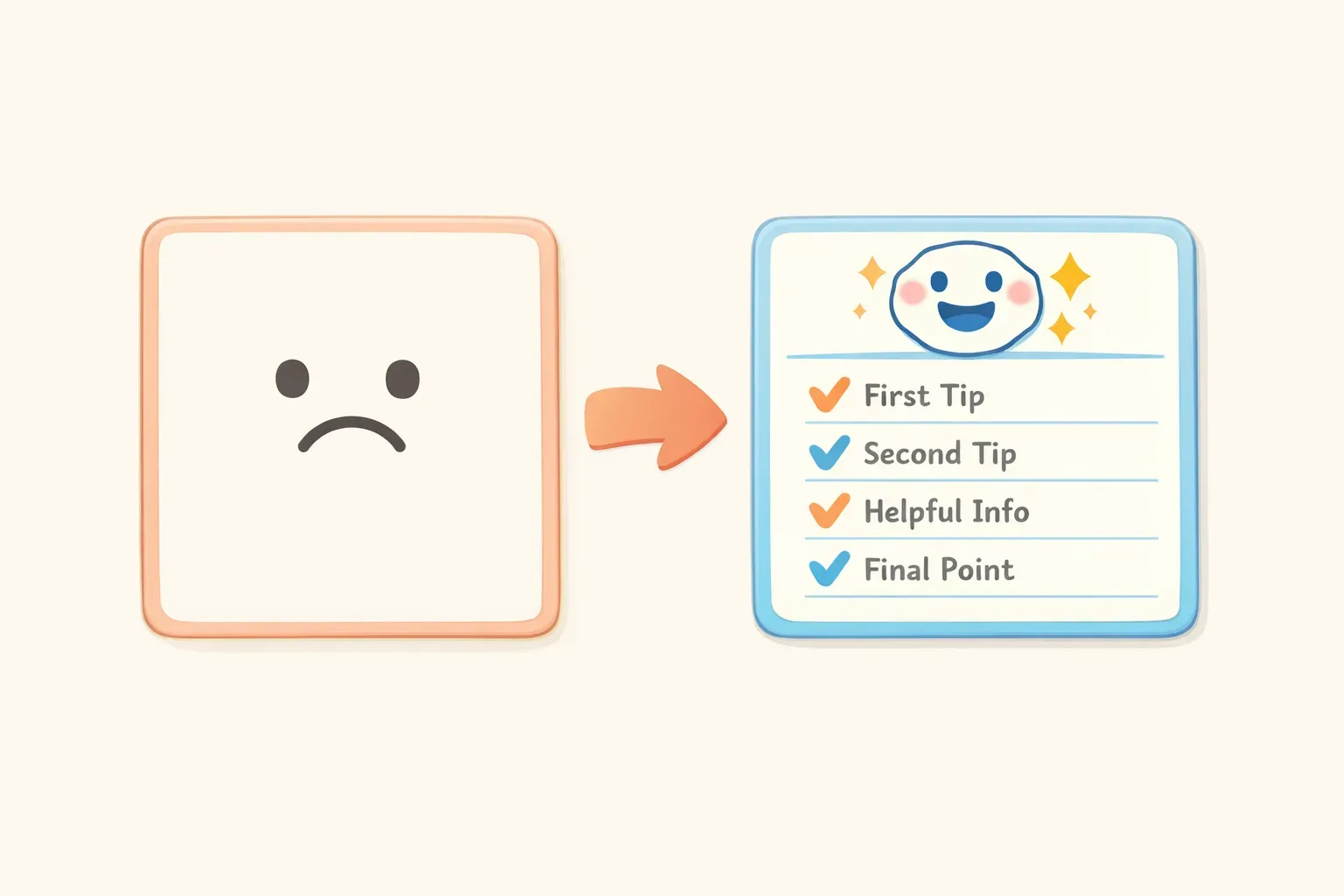
Before and after comparison showing a vague prompt transformed into a specific, structured prompt
Version 3:
Extract action items from these meeting notes.

For each action item, include:
- What specifically needs to be done (not vague references)
- Who owns it [in brackets]
- Deadline if mentioned, or "No deadline specified"

If an action item is unclear in the notes, flag it with "[NEEDS CLARIFICATION]" so I can follow up.

{{meeting_notes}}
Result: Specific action items, clear owners, deadlines where available, and flags on anything ambiguous. This is usable.
Three iterations. Each one addressed a specific problem identified in evaluation. The final prompt is dramatically better than the first — and you know exactly why.
When to Stop Iterating
Iteration has diminishing returns. At some point, you're polishing something that's already good enough. Here are signs you should stop:
The output meets your requirements. Not perfect — requirements. If it does what you need, ship it.
Changes are making things worse. Sometimes you hit a local maximum. If your last three changes all degraded quality, roll back to your best version and call it done.
You're optimizing for edge cases. If the prompt works 90% of the time and you're spending hours on the remaining 10%, consider whether that time is worth it.
The problem is the task, not the prompt. Some tasks are genuinely hard for current AI. If you've tried every reasonable approach, the issue might be asking AI to do something it can't reliably do yet.
Build Your System, Not Just Your Prompts
The real value of systematic iteration isn't any single improved prompt. It's the skill you develop and the library you build.
Every prompt you iterate through teaches you something about how AI responds to instructions. Over time, you'll start getting better first drafts because you've internalized what works. You'll recognize common failure patterns immediately. You'll have a collection of proven prompts you can adapt for new tasks.
That collection matters. The best prompt engineers don't start from scratch each time — they maintain libraries of tested prompts they can modify and reuse. According to a Rev.com survey, users who find prompt suggestions helpful are 280% more likely to get satisfactory answers in under two minutes compared to those who don't.
If you're building up prompts worth keeping, PromptNest gives them a proper home — organized by project, searchable, and accessible with a keyboard shortcut from any app. You can save your iterated prompts with variables like {{meeting_notes}} built in, fill in the blanks when you need them, and skip the iteration process entirely because you already did the work.
Start with the 4-step cycle on your next prompt. Test, evaluate, refine, document. It takes a little longer upfront. But every hour you invest in iteration is an hour you'll save — many times over — when your prompts actually work.