What Is Prompt Chaining? A Guide to Multi-Step AI Workflows
Learn how to break complex AI tasks into smaller steps that deliver better, more reliable results — no coding required.
You ask ChatGPT to write a blog post. It gives you something... fine. Generic intro, surface-level points, a conclusion that sounds like it was copied from a template. You try adding more detail to your prompt. Now it's 200 words long, and the AI still misses half of what you wanted.
The problem isn't your prompt. It's that you're asking the AI to juggle too many things at once. The fix? Stop trying to do everything in one shot. Break it into steps.
That's prompt chaining — and it's how you go from "meh" AI outputs to results that actually match what you had in mind.
Why Single Prompts Hit a Wall
Large language models like ChatGPT and Claude are good at following instructions. But when you pile ten different instructions into one prompt, something gets dropped. Maybe it forgets to include examples. Maybe it nails the structure but misses the tone. The more you ask for, the less reliable the output.
According to Anthropic's documentation, this happens because each subtask competes for the model's attention. When you chain prompts instead, "each subtask gets Claude's full attention, reducing errors."
Think of it like asking a colleague to research a topic, outline the key points, draft the content, and edit it for tone — all in one breath. They'd probably miss something. But if you asked for each step separately, you'd get better work at every stage.
What Prompt Chaining Actually Means
Prompt chaining is exactly what it sounds like: you break a complex task into a sequence of smaller prompts, where the output from one becomes the input for the next.
Instead of:
Write a blog post about remote work productivity tips. Include an intro, 5 tips with examples, a section about common mistakes, and a conclusion. Make it conversational but professional. Around 1500 words.
You'd do something like:
Prompt 1: "List 7 productivity tips for remote workers, with a one-sentence explanation of each."
Prompt 2: "Pick the 5 strongest tips from this list and expand each into a paragraph with a real-world example."
Prompt 3: "Write an intro that hooks the reader with a relatable remote work frustration."
Prompt 4: "Add a section about 3 common mistakes remote workers make."
Prompt 5: "Review the full draft and smooth out transitions between sections."
Each prompt is focused. Each output is better. And you can catch problems early — if the tips in step one aren't great, you fix them before wasting time on the full draft.
Three Ways to Chain Prompts
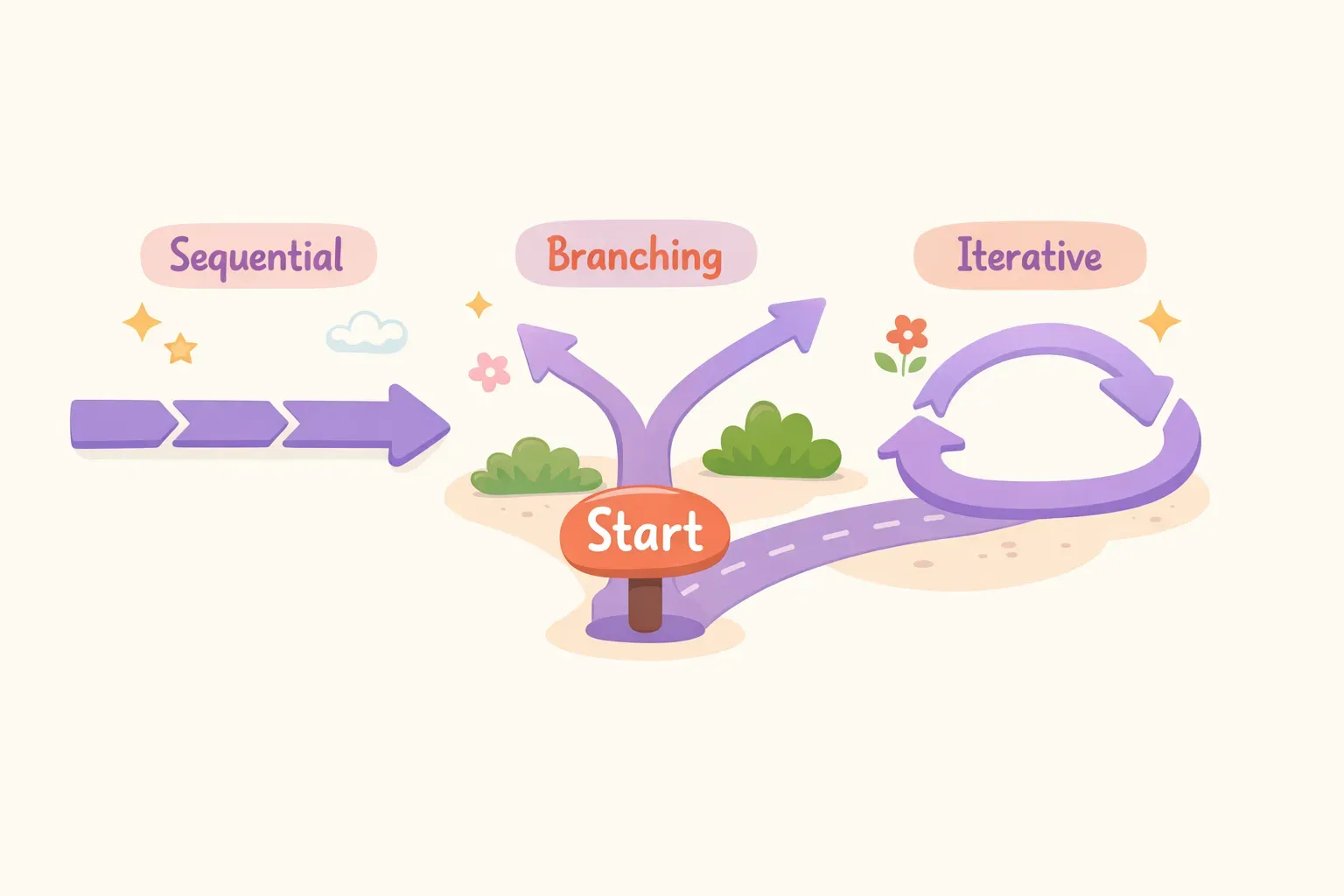
Not all chains look the same. Depending on what you're building, you'll use one of these patterns.
Sequential Chains
This is the most common type. Each step feeds directly into the next, like an assembly line. Research → Outline → Draft → Edit → Format. The blog post example above is a sequential chain.
Branching Chains
Sometimes the next step depends on what the AI found in the previous one. For example, you might ask the AI to categorize customer feedback first, then route to different follow-up prompts based on whether it's a complaint, a feature request, or praise. The path branches based on the output.
Iterative (Self-Review) Chains
Here, you ask the AI to check its own work. Generate → Review → Improve. This is especially useful for high-stakes content where accuracy matters. Anthropic's docs show an example where Claude summarizes a research paper, then reviews its own summary for accuracy, then improves it based on its own feedback.
Illustration showing three types of prompt chains: sequential, branching, and iterative loops
A Real Example: Research to LinkedIn Post
Let's walk through a practical chain you can use today. Say you want to turn a long article into a punchy LinkedIn post.
Step 1: Extract the Key Points
Read this article and identify the 3-5 most important takeaways. Focus on insights that would surprise or help a professional audience.

[Paste article here]
Step 2: Rewrite for LinkedIn's Audience
Take these takeaways and rewrite them in a punchy, conversational tone suitable for LinkedIn. Use short sentences. Avoid jargon. Make it feel like a smart friend sharing what they learned.

[Paste takeaways from Step 1]
Step 3: Format as a LinkedIn Post
Format this as a LinkedIn post. Start with a hook that makes people stop scrolling. Use line breaks for readability. End with a question to encourage comments. Keep it under 300 words.

[Paste rewritten content from Step 2]
Three prompts. Each one simple. The final post is sharper than anything you'd get from a single mega-prompt asking for all of it at once.
Five Prompt Chains You Can Steal
Here are ready-to-use chains for common tasks. Copy them, adapt them, make them yours.
1. Meeting Notes to Action Items
Prompt 1: "Read these meeting notes and list every action item mentioned, including who's responsible if stated."
Prompt 2: "Organize these action items by priority (urgent, this week, later) and format as a checklist."
Prompt 3: "Write a short email summary I can send to the team with the action items and next steps."
2. Customer Feedback Analysis
Prompt 1: "Analyze this customer feedback and identify the 3 most common complaints."
Prompt 2: "For each complaint, suggest 2 practical solutions our team could implement."
Prompt 3: "Create a prioritized action plan based on these solutions, considering implementation effort and customer impact."
3. Job Description to Tailored Resume Bullets
Prompt 1: "Extract the 5 most important skills and requirements from this job description."
Prompt 2: "Here's my work experience: [paste experience]. Match my experience to each of the 5 requirements you identified."
Prompt 3: "Write resume bullet points that highlight how my experience matches each requirement. Use specific metrics where possible."
4. Complex Email Response
Prompt 1: "Read this email and list every question or request the sender is making."
Prompt 2: "Draft a response that addresses each point. Be direct but friendly."
Prompt 3: "Review the draft for tone. Make it sound more [professional/casual/empathetic] and tighten any wordy sections."
5. Blog Post with SEO Focus
Prompt 1: "Generate a list of 10 blog post ideas for the keyword '{{topic}}'. Include search intent for each."
Prompt 2: "For idea #{{number}}, create a detailed outline with H2 headings, key points to cover, and questions to answer."
Prompt 3: "Write the full blog post based on this outline. Naturally include the keyword in the intro, one H2, and the conclusion."
Prompt 4: "Review the post for readability. Shorten any sentences over 20 words. Break up paragraphs longer than 4 sentences."
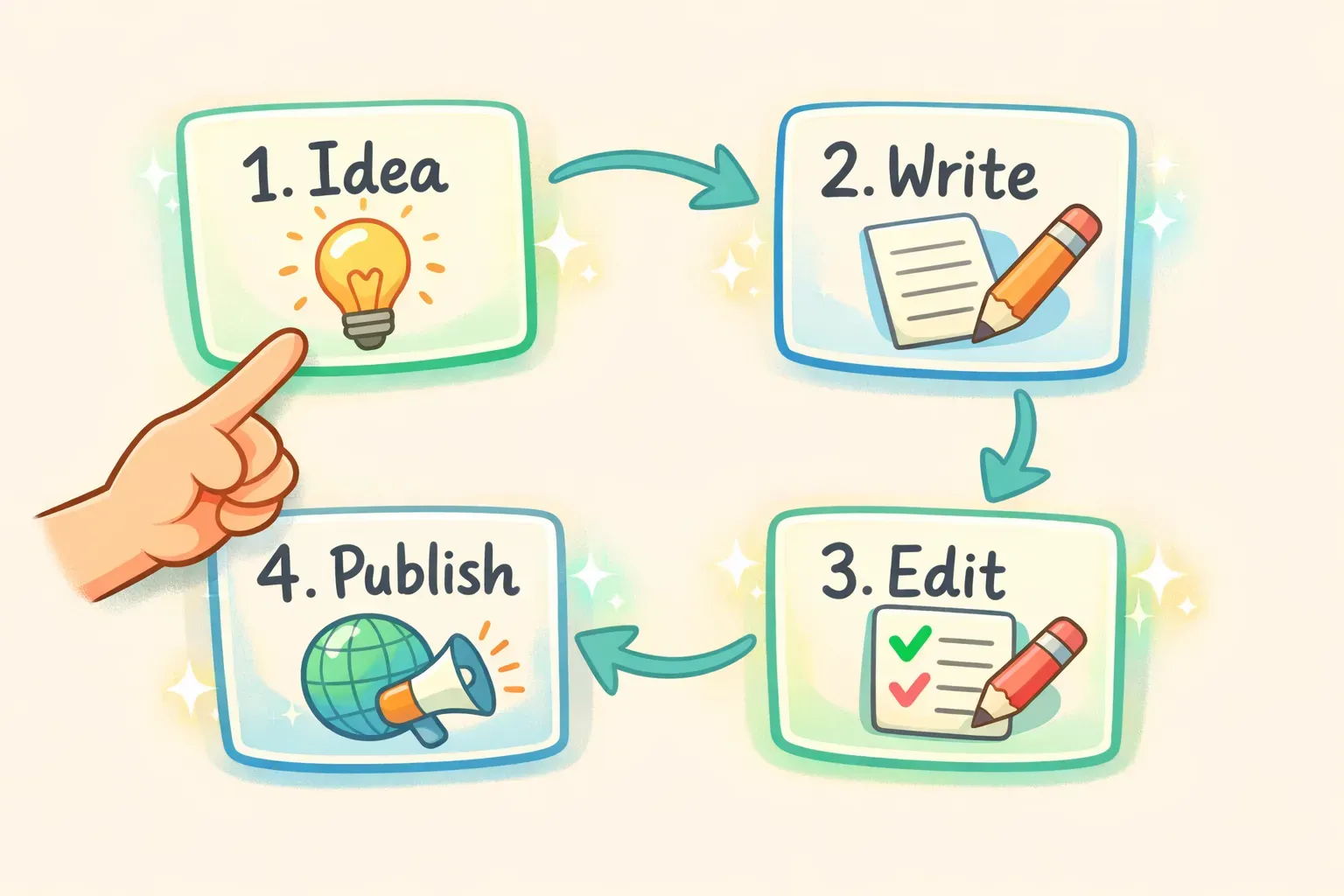
Illustration of prompt cards connected by arrows showing a workflow sequence
If you find yourself reusing these chains often, consider saving them somewhere you can grab them quickly. A tool like PromptNest lets you store prompt sequences with variables like {{topic}} or {{number}} — fill in the blanks when you copy, and you're ready to paste into ChatGPT or Claude.
When You Don't Need Prompt Chaining
Chaining isn't always the answer. For simple, single-purpose tasks, one well-written prompt works fine.
You probably don't need a chain for:
Quick translations
Simple rewrites ("make this more formal")
Summarizing a short document
Brainstorming a list of ideas
Answering a factual question
Use chaining when your task involves multiple transformations, different types of thinking (research vs. writing vs. editing), or when a single prompt keeps giving you inconsistent results. If you're adding instruction after instruction to a prompt and it still doesn't work, that's your sign to split it up.
Tips for Building Better Chains
After using prompt chaining across dozens of workflows, a few patterns make the difference between chains that work and ones that don't.
One task per prompt. If a step requires multiple actions, break it down further. "Analyze and rewrite" should be two prompts, not one.
Give context at each step. Don't assume the AI remembers nuance from earlier. If tone matters, remind it. If there's a constraint, restate it.
Check intermediate outputs. The beauty of chaining is you can catch problems early. If step 2 goes off-track, fix it before step 3. Don't wait until the end.
Start simple. Begin with a 2-3 step chain. Add complexity only when you see where outputs fall short. Over-engineering upfront wastes time.
Use clear output formats. Ask for bullet points, numbered lists, or specific sections. Structured outputs are easier to pass into the next prompt.
Turn Your Best Chains into Reusable Workflows
Once you've built a chain that works, you'll want to use it again. And again. That's where most people hit a snag — they forget the exact prompts, or they waste time hunting through old chat histories.
The simplest fix is to save your chains somewhere dedicated. A note, a doc, whatever works. But if you're running through prompt chains regularly, you'll want something faster.
PromptNest was built for exactly this. Save each prompt in a sequence, use variables like {{client_name}} or {{article_topic}} for the parts that change, and pull up the whole chain with a keyboard shortcut. Fill in the blanks, copy, paste into ChatGPT — done in seconds instead of minutes.
The goal isn't to make AI do everything for you. It's to make your best workflows repeatable. Prompt chaining gets you better outputs. Saving those chains gets you there faster every time.