Perplexity AI vs. ChatGPT: Which Is Better for Research?
Both hand you confident, well-sourced answers. One study found those sources are wrong 37% to 67% of the time. Here's which tool you can actually trust.
You ask a question, and within seconds you get a clean, confident answer with links underneath it. Perplexity does this. ChatGPT does this. The answer looks researched, sounds authoritative, and cites its sources. So you trust it.
Here's the uncomfortable part. When Columbia's Tow Center for Digital Journalism ran 1,600 of these queries through eight AI search tools, the tools got the citation wrong more than 60% of the time (Columbia Journalism Review, March 2025). The links were there. They just didn't say what the AI claimed they said.
So the real question for research isn't "which tool gives me an answer." Both do. It's "which one can I actually trust, and how do I check it." This article answers both — with numbers you can verify, not the invented accuracy stats most comparisons quietly recycle.
The Real Difference: Search Engine vs. Conversation
A common misconception is that Perplexity is "just ChatGPT with a search bar." It isn't. The two tools are built for different jobs, and that difference drives everything else.
Perplexity is an answer engine. It searches the live web first, then writes a short answer grounded in what it found, with numbered citations after almost every sentence. Under the hood it runs its own model (called Sonar) plus a router that can hand your question to GPT-5.5, Claude, or Gemini if you're on a paid plan. The point of Perplexity is to find and cite.
ChatGPT is a conversational assistant. It's built to reason, hold a long back-and-forth, draft, and rewrite. It can search the web too, but only when it decides to or when you switch on a search or Deep Research mode — otherwise it answers from training data, with no sources at all. The point of ChatGPT is to think and write.
For research, that distinction matters more than any benchmark. Perplexity is the tool you reach for when you need to know where something came from. ChatGPT is the tool you reach for when you need to do something with what you've found. The same split shows up in our Gemini vs. ChatGPT for everyday use comparison — the "best" tool depends entirely on the job.
Round 1: Citations and Sources
This is Perplexity's home turf. Every answer arrives with inline numbered citations and a sources panel you can click through. You can see the page each claim supposedly came from without asking. That transparency is the single biggest reason researchers prefer it.
ChatGPT cites sources too — but only in Search mode or Deep Research. In a normal chat, it'll happily state a fact, a date, or a statistic with zero attribution, and you have no idea whether it read that somewhere or invented it. For research, an unsourced answer is barely a starting point.
Real tests back this up. When Zapier asked both tools "What's the latest with the NASA rover on Mars?", ChatGPT pulled together around two dozen sources of mixed quality (including the New York Post and SlashGear), while Perplexity returned fewer but more authoritative ones — NASA itself and scientific publications — in a cleaner format (Zapier, March 2026). For factual, current-events questions, Perplexity wins this round.
Round 2: Accuracy — the Part Nobody Wants to Test
Most "Perplexity vs ChatGPT" articles claim one tool hits "92% accuracy" or "94% on research questions." Chase those numbers and they evaporate — they trace back to SEO pages with no study behind them, copied from one site to the next. We're not going to repeat them. Here's what an actual study found.
The Tow Center gave eight AI search tools a verbatim quote from a news article and asked each to identify the headline, publisher, date, and URL — a basic citation task. The results, across 1,600 queries:
Perplexity: 37% incorrect — the best of the eight, and still wrong on more than one in three
ChatGPT Search: 67% incorrect — wrong on 134 of 200 responses
So Perplexity is meaningfully more accurate than ChatGPT at sourcing — but "more accurate" here means "wrong a third of the time instead of two-thirds." Neither tool is a truth machine. Treat both as a research assistant who's fast, confident, and sometimes flatly wrong.
Two findings from that study deserve a flag. First, the researchers noted the tools "presented inaccurate answers with alarming confidence, rarely using qualifying phrases" — ChatGPT signaled any uncertainty only 15 times across 200 answers and never once declined to answer. Second, and counterintuitively, the paid tiers were often more confidently wrong, not more accurate: premium tools gave "definitive, but wrong, answers rather than declining." Paying for Pro buys you speed and features, not a guarantee of truth.
A Citation Is Not Proof: The 30-Second Verify Habit
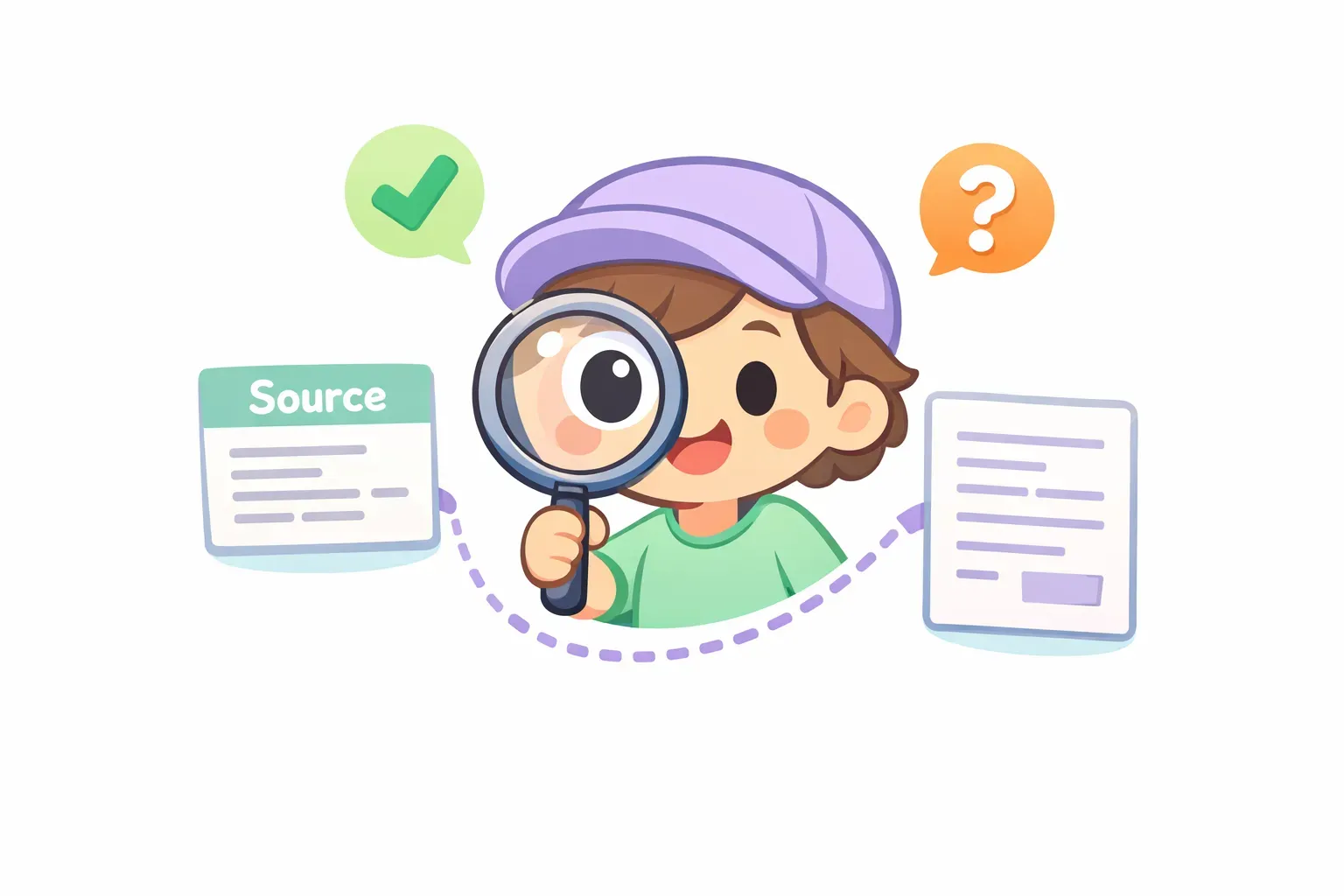
The trap with Perplexity is that the citations make answers feel verified. They're not. The most common failure mode isn't a fake link — it's a citation mismatch: the URL is real and authoritative, but the specific claim attached to it isn't actually on the page, or it's been overstated or distorted.
Cartoon character inspecting an AI citation with a magnifying glass, with a green checkmark and an orange question mark
So before you use any AI-sourced fact in real work, run a 30-second check on the load-bearing claims:
Click the citation. Does the page actually exist and load?
Find the exact claim on the page. Use Ctrl+F for the number or phrase. If it's not there, the citation is a mismatch — discard it.
Check the source itself. Is it the original (a journal, NASA, a government site) or a blog summarizing something else? Chase the original.
Check the date. Old data presented as current is the quietest way to be wrong.
You can make the AI do most of this for you. This prompt works on both Perplexity (Pro Search) and ChatGPT (with Search on), running GPT-5.5:
I want to verify this claim before I use it: "{{claim}}"

Do the following:
1. Find the original primary source (not a blog or news summary).
2. Quote the exact sentence from that source that supports or contradicts the claim.
3. Note the publication date and whether newer data exists.
4. Rate it: confirmed, partially true, unverified, or false — and say why.
If you do serious fact-checking, you'll paste a version of this constantly, swapping only the claim. That's exactly the kind of prompt worth saving once with a {{claim}} placeholder so you're not retyping the whole structure every time — more on that below.
Round 3: Deep Research Mode, Head to Head
Both tools now have a "Deep Research" mode that runs many searches, reads dozens of pages, and writes a long cited report. They take very different approaches.
Perplexity Deep Research is fast. It typically finishes in under three minutes and pulls from a large pool of sources — in one head-to-head it gathered around 49 — with a citation after nearly every sentence. It's built for breadth and speed.
ChatGPT Deep Research is slower and deeper. It often asks clarifying questions before it starts, then browses for anywhere from 5 to 30 minutes and returns a longer, more structured report. In G2's testing, it took about eight minutes and produced a "clear strategic structure" from a slightly smaller source set (G2, April 2026). It's built for synthesis.
The rule of thumb: reach for Perplexity Deep Research when you need a fast, well-sourced lay of the land on a fast-moving topic, and ChatGPT Deep Research when you need a deeper, more organized analysis and don't mind waiting. For long, document-heavy synthesis specifically, it's worth seeing how ChatGPT stacks up in our look at Claude vs. ChatGPT for long documents.
Round 4: Is Perplexity Pro Worth It vs. ChatGPT Plus?
The pricing is almost identical, which makes the "$20 vs $20" decision genuinely close for a research user.
ChatGPT Plus is $20/month. It's ad-free, gives you the flagship GPT-5.5 model, and includes 10 Deep Research runs per month, along with Projects, Agent mode, and Canvas. The free tier still gets you a capable model, but with tighter limits.
Perplexity Pro is also $20/month (or $200/year). For research specifically you get more generous limits: unlimited Pro Search, about 20 Deep Research queries per day, and a model picker that lets you run GPT-5.5, Claude, or Gemini inside Perplexity. The free tier is unusually useful here — it includes citations by default and 5 Deep Research queries a day, enough to evaluate the tool seriously before paying.
There's a $200/month top tier on both sides (ChatGPT Pro and Perplexity Max) aimed at heavy power users. For most people doing research, the relevant choice is the $20 tier — and if your work is citation-heavy, Perplexity Pro's far higher Deep Research allowance is the deciding factor. If you're still weighing the ChatGPT side, we go deeper in Is ChatGPT Plus worth it? and round up the no-cost options in the best free AI chatbots of 2026.
The Workflow That Beats Both: Use Them Together
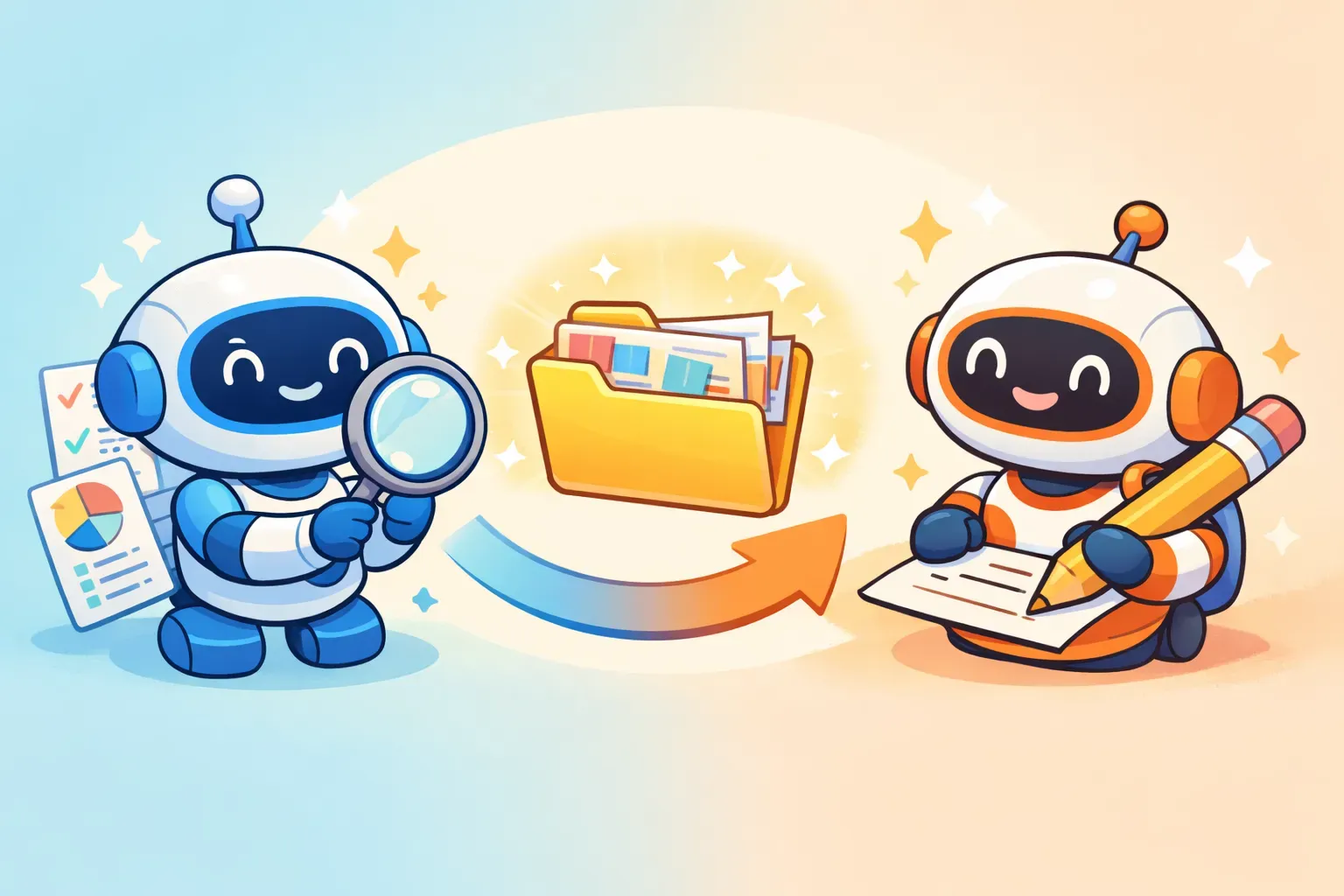
Here's the thing experienced researchers figured out: you don't pick one. Each tool is best at half the job. The winning workflow uses Perplexity to find and verify, then ChatGPT to synthesize and write.
Two cartoon robots passing a folder of organized research notes along an arrow, one with a magnifying glass and one with a pencil
A practical research flow looks like this:
Map the landscape in Perplexity. Ask a broad question to see the major sources and viewpoints.
Narrow down with focused, cited questions — switch to Academic focus mode for scholarly sources.
Verify the key claims using the 30-second check above. This is the step most people skip.
Hand the verified findings to ChatGPT to structure, synthesize, and draft.
Two prompts carry most of this. To pull a sourced overview in Perplexity (Pro Search or Deep Research):
Research the current state of {{topic}} as of {{year}}.

Include:
- Key statistics from the last 12 months, each with a primary source
- The main players or schools of thought and where they disagree
- Any recent shift or development
- One underreported or contrarian perspective

Cite at least 8 distinct primary sources.
Then, once you've verified the findings, hand them to ChatGPT (GPT-5.5) to write:
You are helping me write a {{document_type}} on {{topic}} for {{audience}}.

Here are my verified findings and sources:
{{verified_findings}}

Synthesize these into a clear, well-structured draft. Keep every factual claim tied to the source I gave you — do not add facts I didn't provide.
Notice that you'll reuse these prompts constantly, changing only the parts in {{double braces}}. That's the case for keeping them somewhere reusable instead of rewriting them each time. This is exactly what PromptNest was built for — save a prompt once with {{topic}} and {{verified_findings}} placeholders, and when you copy it a small form pops up to fill in the blanks, so the finished prompt lands on your clipboard ready to paste into either tool. (More on this technique in our guide to variables in AI prompts.)
So Which Is Better for Research?
If you have to pick one, Perplexity is the better research tool — it cites by default, gets sourcing wrong less often, and is built around exactly the transparency research demands. ChatGPT is the better thinking-and-writing tool once you have your facts.
More precisely:
Fast, sourced, current-events research → Perplexity
Academic and scientific sourcing → Perplexity (Academic focus mode)
Deep, structured synthesis of a complex topic → ChatGPT Deep Research
Turning findings into a written draft → ChatGPT
Serious research you'll actually rely on → both, in the find-then-write workflow above
The Practical Takeaway
Don't outsource your judgment to either tool. The most important number in this article is that even the best AI search tool got citations wrong 37% of the time. Both Perplexity and ChatGPT are fast, capable research assistants — and both will state something false with total confidence.
Use Perplexity to find and cite. Use ChatGPT to synthesize and write. Verify the load-bearing claims yourself in 30 seconds. Do that, and you get the speed of AI research without inheriting its mistakes.
Keep Your Research Prompts Ready
Once you find prompts that work — the verify-this-claim check, the sourced-overview request, the synthesis prompt — the real time-saver is not rewriting them every session. Start by saving your best research prompts somewhere you can find them: a note, a doc, whatever you already use.
Or, if you want something built for it, PromptNest is a native Mac app (a one-time $19.99 on the Mac App Store — no subscription) that keeps your prompts organized by project, searchable, and one keyboard shortcut away from any app. Save a research prompt with {{variable}} placeholders, fill in the blanks when you copy, and paste the finished prompt straight into Perplexity or ChatGPT. The research is still your job — the tools just make it faster.