Claude vs. ChatGPT for Long Documents: Which Handles Context Better?
A practical comparison of how Claude and ChatGPT handle large documents, with real context window limits, recall tests, and prompting strategies.
You've got a 50-page contract sitting in your downloads folder. Or maybe it's a stack of research papers you need to synthesize for a report. You paste the whole thing into your AI chat, ask a question about page 37, and get an answer that sounds confident but clearly missed the point.
Both Claude and ChatGPT advertise massive context windows — hundreds of thousands of tokens. But there's a difference between how much text an AI can accept and how much it can actually remember when answering your question. That difference matters when you're working with long documents.
This guide breaks down the real-world performance of both tools for long-document work: legal contracts, research papers, codebases, and more. No marketing fluff — just what actually works.
Why Context Window Size Isn't the Whole Story
A context window is the total amount of text an AI model can process in a single conversation. It's measured in tokens — roughly 0.75 words per token. A 200,000-token context window means the model can theoretically hold about 150,000 words, or around 500 pages of text.
But here's what the marketing doesn't tell you: context capacity and context retention are different things. A model might accept your entire 200-page document, but that doesn't mean it can recall a specific detail from page 47 with the same accuracy as something from page 1.
Think of it like reading a novel in one sitting. You remember the beginning and the ending clearly, but the middle gets fuzzy. AI models have similar patterns — and different models handle this differently.
The Numbers: Claude vs. ChatGPT Context Windows in 2026
Let's start with the raw specifications. These numbers are current as of early 2026:
Claude (Anthropic):
Claude Sonnet 4.5: 200K tokens standard, up to 1M tokens in beta for enterprise
Claude Opus 4.1: 200K tokens
Claude Haiku 4.5: 200K tokens
Maximum output: 64K tokens per response
Claude.ai Enterprise: 500K token context window
ChatGPT (OpenAI):
Free tier: 8K tokens
ChatGPT Plus: 32K tokens
ChatGPT Pro/Enterprise: 128K tokens
GPT-5 API: Up to 400K tokens (272K input + 128K output)
GPT-4.1 API: Up to 1M tokens (but not available in ChatGPT interface)
In practical terms: if you're using Claude's paid plan, you can paste in about 500 pages of text. With ChatGPT Plus, you're limited to about 40 pages. ChatGPT Pro gets you closer to 160 pages.
The gap is significant. But raw capacity only tells part of the story.
The Needle in a Haystack Test: Who Remembers Better?
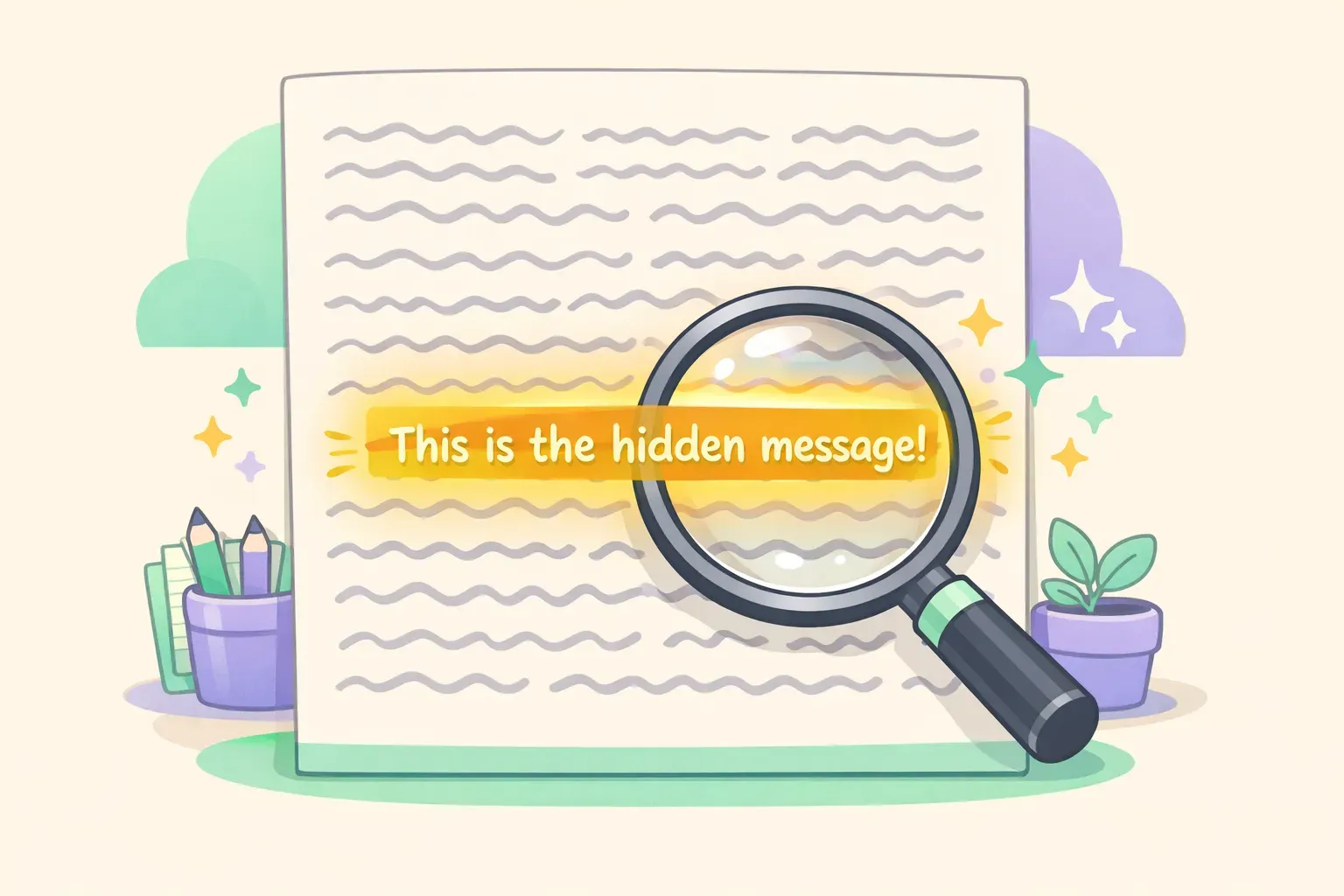
Researchers use a benchmark called the "Needle in a Haystack" test to measure how well AI models retain information across long contexts. The setup is simple: hide a random fact (the "needle") somewhere in a massive document (the "haystack"), then ask the model to retrieve it.
Illustration of the needle in haystack test concept showing a highlighted sentence within a long document
The original test used a sentence like "The best thing to do in San Francisco is eat a sandwich and sit in Dolores Park on a sunny day" buried in hundreds of pages of unrelated essays. The model is then asked: "What's the best thing to do in San Francisco?"
Claude 3's results were impressive. In Anthropic's testing, Claude 3 Opus achieved over 99% retrieval accuracy — near-perfect recall regardless of where the needle was placed. In one famous case, Claude actually identified that the test sentence seemed artificially inserted, essentially catching the researchers testing it.
Earlier models showed a pattern: information at the very beginning and end of documents was recalled accurately, but content in the middle (especially around the 50-70% mark) was often missed. Claude 3 and later versions largely solved this problem.
ChatGPT's performance varies more by model version and document length. GPT-4 showed similar middle-document recall issues in early testing, though GPT-5 has improved significantly. However, the smaller context windows available in the ChatGPT interface (32K for Plus, 128K for Pro) mean fewer opportunities for recall degradation to occur — you simply can't fit as much text.
Real-World Test: Legal Contract Review
Abstract benchmarks are useful, but what matters is how these tools perform on actual work. Let's look at legal contract review — a common use case for long-document AI.
The task: Review a 45-page commercial lease agreement. Find all mentions of early termination, identify conflicting clauses, and summarize the landlord's obligations.
With Claude: You can paste the entire contract in one go. Claude handles cross-references well — when it mentions "as defined in Section 4.2," it can actually reference what Section 4.2 says. It caught a conflict between the maintenance obligations in Section 7 and an exception buried in an appendix. The analysis was structured and comprehensive.
With ChatGPT Plus: At 32K tokens, a 45-page contract won't fully fit. You need to break it into chunks, which means the AI loses the ability to cross-reference between sections. ChatGPT Pro at 128K can handle it, but in testing, it was more likely to provide generic summaries rather than catching specific clause conflicts.
Winner for legal work: Claude. The larger context window and better recall across document sections makes it significantly more useful for contract review, legal research, and compliance checking.
Real-World Test: Research Paper Synthesis
The task: Synthesize findings from five academic papers (about 80 pages total) on the effects of remote work on productivity. Identify points of agreement, contradiction, and gaps in the research.
With Claude: All five papers fit comfortably in the context window. Claude produced a structured synthesis that tracked which claims came from which papers, noted where Study A contradicted Study C, and identified methodological differences that might explain the contradictions. It maintained coherence across the entire corpus.
With ChatGPT: Even with ChatGPT Pro, fitting all five papers is tight. The synthesis was more general and occasionally conflated findings from different papers. However, ChatGPT's web search integration let it pull in additional context and more recent studies that weren't in the original papers — a genuine advantage for research that needs to be current.
Winner: Claude for pure synthesis, ChatGPT for research that needs web sources. A practical workflow: gather recent sources with ChatGPT's web search, then hand the full collection to Claude for deep analysis.
Real-World Test: Code Repository Analysis
The task: Analyze a medium-sized codebase (about 15,000 lines across 50 files) to understand the authentication flow and identify potential security issues.
With Claude: The entire codebase fits. Claude traced the authentication flow across multiple files, identified where session tokens were generated, stored, and validated, and flagged a potential issue where error messages were too verbose (potentially leaking information to attackers). It understood how changes in one file would affect others.
With ChatGPT: You'd need to selectively share files or summaries. ChatGPT is competent at analyzing individual files, but loses the ability to trace dependencies across the full codebase. For targeted questions about specific functions, it works fine. For holistic architectural analysis, it struggles.
Winner: Claude, decisively. For code review at scale, Claude's context window is a major practical advantage. This is one reason Claude has become popular with developers working on large projects.
Prompting Strategies That Maximize Context Retention
Regardless of which tool you use, certain prompting techniques help you get better results from long documents.
1. Put key information at the beginning and end. Both models show stronger recall for content at the start and end of the context. If you're adding instructions, put them at the very beginning and repeat the most critical ones at the end, just before your question.
2. Use explicit recall instructions. Instead of asking "What does the contract say about termination?" try: "Search through the entire document and list every mention of termination, early termination, or contract ending, including the section numbers where each appears."
3. Request structured output. Ask for responses in a specific format — bullet points with section references, a table comparing different clauses, or a numbered list. This forces the model to be more systematic in its retrieval.
4. Break complex questions into steps. Instead of asking everything at once, first ask the model to identify all relevant sections, then follow up with analysis questions about those specific sections.
Here's a prompt template that works well for document analysis:
You are analyzing a {{document_type}}. Your task is to {{specific_task}}.

First, identify all sections relevant to this analysis and list them with their page/section numbers.

Then, for each relevant section, extract the key information and note any conflicts or ambiguities.

Finally, provide a synthesis that addresses: {{specific_questions}}

Document:
{{document_content}}
If you find yourself reusing prompts like this for different documents — swapping in different document types, tasks, and questions — a prompt manager like PromptNest can help. Save the template once with variables like {{document_type}} and {{specific_task}}, then fill in the blanks each time you use it. Faster than rewriting, and you won't forget the structure that works.
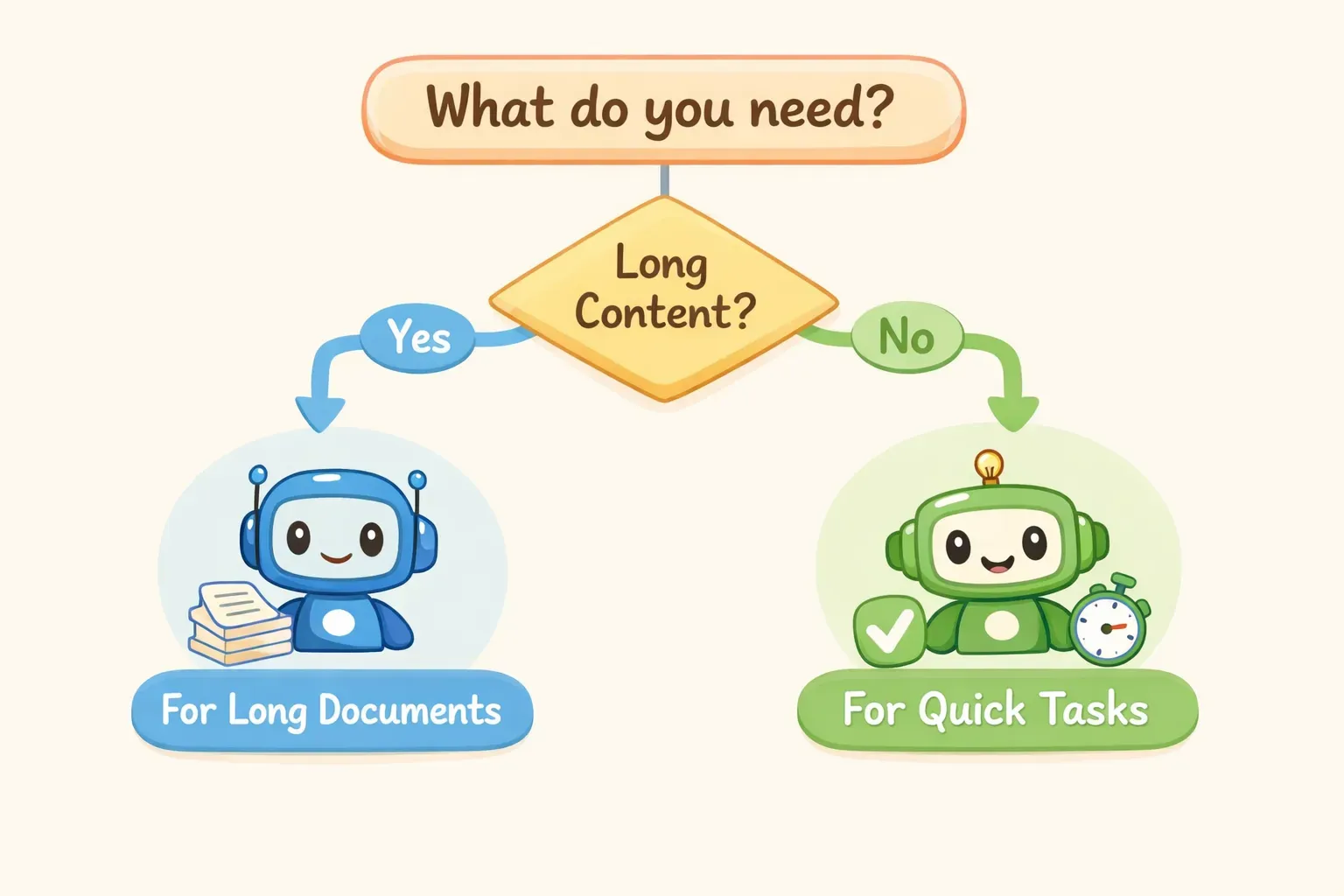
When to Use Which: A Quick Decision Guide
Decision flowchart showing when to use Claude versus ChatGPT for different document tasks
Choose Claude when:
Your document exceeds 40 pages (ChatGPT Plus limit)
You need to cross-reference between distant sections
You're doing legal, compliance, or contract work
You're analyzing a codebase or technical documentation
Accuracy of recall is more important than speed
Choose ChatGPT when:
Your document is under 40 pages and fits in your tier's limit
You need to supplement document analysis with web search
You want voice input/output or image analysis alongside text
You're already in the OpenAI ecosystem with custom GPTs
You need the free tier (ChatGPT Free beats Claude Free on context)
Consider both when:
Gather sources and recent information with ChatGPT's web search
Do deep synthesis and analysis with Claude's larger context
The Verdict: Claude Wins for Long Documents, With Caveats
For processing and analyzing long documents, Claude has clear advantages: a larger context window in the standard paid tier (200K vs. 32K for ChatGPT Plus), better demonstrated recall in benchmark testing, and stronger performance on practical tasks like contract review and code analysis.
The difference is especially stark if you're comparing subscription tiers. Claude Pro's 200K tokens versus ChatGPT Plus's 32K tokens is a 6x difference in practical capacity. You'd need ChatGPT Enterprise to match Claude's standard offering.
That said, ChatGPT has its strengths. The ecosystem is more mature — custom GPTs, plugins, web browsing, image generation, and voice all work together seamlessly. If your workflow involves shorter documents combined with web research or multimodal tasks, ChatGPT may still be the better choice.
The practical takeaway: if long-document work is a regular part of your job — legal review, research synthesis, code analysis, policy drafting — Claude is likely worth trying. The context window advantage is real and makes a noticeable difference in output quality.
Once you figure out the prompts that work best for your document analysis workflow, don't let them disappear into chat history. Whether you're sticking with one tool or using both, keeping your best prompts organized and reusable saves time on every future project. PromptNest is a native Mac app, $19.99 one-time on the Mac App Store — no subscription, no account, runs locally. It gives your prompts a permanent home — organized by project, searchable, and accessible with a keyboard shortcut from any application.