A blunt, tested ranking of the best free AI chatbots in 2026 — the real model you get, the message limits, and the privacy catch almost nobody mentions.
Here's a number that should change how you think about AI: only about 3% of the people using AI tools actually pay for them, according to Menlo Ventures' 2025 State of Consumer AI report. The other 97% get by just fine on free tiers.
So the real question isn't "should I pay for AI?" It's "which free chatbot is actually worth my time?" And most articles ranking for that question won't give you a straight answer. Half of them are quietly selling you a customer-service bot builder. The other half cheerlead every tool and skip the fine print.
This is the no-BS version. We'll rank the genuinely useful free AI chatbots, tell you the exact model you get on each free plan, where the message limits bite, and the privacy catch almost nobody mentions. No tool gets a free pass.
First, the Honest Part: What "Free" Really Means in 2026
Free AI chatbots are genuinely good now. The free version of ChatGPT can write, code, analyze files, browse the web, and generate images — things that cost money two years ago. But "free" comes with three catches that the marketing pages skip. Knowing them upfront will save you a lot of confusion.
Catch 1: The model you get isn't always the flagship. Free tiers usually start you on the best model, then quietly swap you to a smaller, faster, less capable "mini" version once you've sent a handful of messages. You're rarely told this is happening — the chatbot just gets a little dumber mid-session.
Catch 2: There are message limits, and they reset on a rolling clock. Hitting a limit doesn't lock you out forever. Most tiers use a rolling window — send too many messages in a few hours and you're throttled until the window resets. Companies almost never publish the exact numbers, so any specific figure you see (including ours below) is community-tested, not official.
Catch 3: Your free chats often train the AI by default. On several major tools, your conversations are used to improve the model unless you dig into settings and turn it off. We'll cover exactly how to opt out near the end — it's the part most rankings leave out entirely.
With that on the table, here's the ranking. It's ordered for a typical everyday user, but the honest truth is that the "best" free chatbot depends on what you're doing — which is why each entry tells you what it's actually good for.
What you actually get on free: As of May 2026, the free tier runs GPT-5.5 Instant, OpenAI's new default model for everyone — not the old "GPT-4o" or "mini" model that out-of-date articles still claim. You also get web browsing, file uploads, image generation, voice chat, and data analysis. That's a lot for $0.
Where it bites: After roughly ten messages in a five-hour window (community testing — OpenAI doesn't publish the number), you're downgraded to a smaller model until the window resets. File uploads and image generation are capped at a few per day. It's generous enough for everyday use, but heavy sessions hit the ceiling.
Best for: Everyday questions, drafting, brainstorming, light coding, and anyone who wants one tool that does most things acceptably well. If you're new to AI, start here.
2. Google Gemini — The Most Generous Limits
If ChatGPT's limits frustrate you, Gemini is the obvious free upgrade. The Gemini app passed 750 million monthly users in early 2026, and its free tier is the most forgiving of the big three — you can chat a lot more before hitting a wall.
What you actually get on free: Google's fast model with no credit card required, generous daily image generation, a limited number of "Deep Research" reports, voice conversations, and — the real differentiator — native access to your Google world. Gemini can pull from your Gmail, Docs, and Drive without you uploading anything.
Where it shines: Speed and factual lookups. In hands-on everyday-task comparisons, Gemini consistently returns sourced answers faster than ChatGPT. Where it falls short: users widely report its responses can feel impersonal and its conversational memory is weaker — it's a sharp researcher, not a warm writing partner.
Best for: People already living in Gmail and Google Docs, fact-checking, and anyone who keeps running out of free messages elsewhere. For a deeper head-to-head, see our honest comparison of Gemini vs ChatGPT for everyday use.
3. Claude — The Best Writer (With the Tightest Leash)
Ask people who write for a living which free chatbot they reach for, and a lot of them say Claude. The most repeated compliment on Reddit is some version of "Claude doesn't sound like an AI" — fewer clichés, fewer robotic intros, and it holds a style instruction ("no bullet points," "first person") without drifting.
What you actually get on free: Anthropic's mid-tier Claude model, which is excellent at writing, editing, reasoning, and working through long documents. In one head-to-head test on a 30,000-word PDF, Claude held the full context and adapted to the reader while ChatGPT cracked after about eleven prompts.
Where it bites — and it bites hard: Claude's free tier has the tightest limits of the big three. It counts usage by the size of your conversation, not by message count, so a long document plus some back-and-forth can burn your budget in surprisingly few turns. You'll hit "you're out for a few hours" faster than anywhere else.
Best for: Writing, editing, and reasoning over long documents — in focused bursts. If your work is mostly words, Claude's free tier is worth tolerating the limits. See our deep dives on the best AI for writing and Claude vs ChatGPT for long documents.
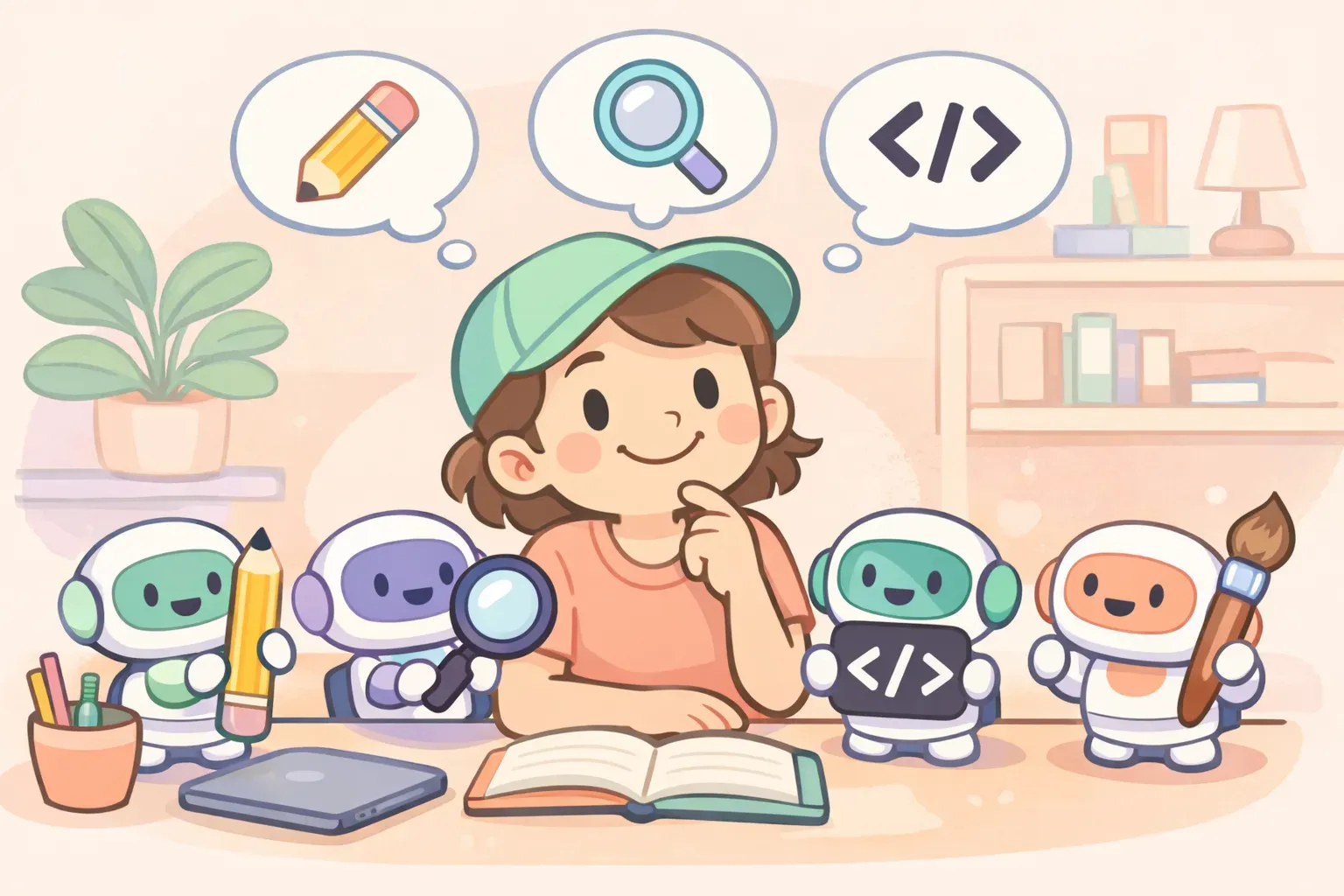
Illustration of a person choosing between different AI chatbot helpers, each holding a tool for writing, research, coding, or images
4. Perplexity — The Best for Research You Can Trust
Perplexity isn't trying to be your all-purpose assistant. It's an answer engine: ask a question, get a response with numbered footnotes citing the exact sources behind each claim. That makes it the free tool to reach for when being right — and being able to prove it — matters.
What you actually get on free: Unlimited basic searches with inline citations, plus a small daily allowance of "Pro" deep searches. Where ChatGPT might cite a handful of sources, Perplexity routinely stacks twenty or more per answer, and it pulls from a noticeably different set of websites — so it's a genuine second opinion, not the same answer reworded.
Where it bites: The deeper "Pro" searches are capped to a few per day on free, and Perplexity is weaker at open-ended creative work. Use it to find and verify, not to brainstorm.
Best for: Research, fact-checking, comparing products, and anything where you need to click through to the source. It's the antidote to AI confidently making things up.
5. Microsoft Copilot — The Best for Free Images
Copilot wraps OpenAI's models in Microsoft's ecosystem, and for everyday chat it's perfectly capable. But its standout free feature is image generation: it runs DALL·E 3, gives you a solid number of free images per day, and — unlike many free generators — the results come without a watermark and are cleared for commercial use.
What you actually get on free: Web-grounded chat, daily AI image generation, and tight integration with Windows and Microsoft accounts. The trade-off is that the newest, smartest model is reserved for the paid Copilot tier, so free chat quality trails the leaders.
Best for: Generating images for free, and Windows users who want AI a click away. One thing to keep straight: the consumer Copilot here is different from GitHub Copilot, the coding tool — don't confuse the two.
The Wildcards: Meta AI, Grok, and DeepSeek
Three more free chatbots are worth knowing — each with a real strength and a real asterisk.
Meta AI — free and everywhere
Meta AI is built into WhatsApp, Instagram, Messenger, and Facebook, so it's likely already on your phone with no signup. As of April 2026 it runs Meta's own proprietary model, Muse Spark — not the open-source Llama that older articles mention. It's convenient and genuinely free with no hard limits, but it trails the leaders on harder tasks.
Grok — best for real-time chatter
Grok's edge is live access to the firehose of posts on X, which makes it uniquely good at "what are people saying right now" questions. The free tier on X runs a lighter version of the model with tight limits, and the full model is paid. Treat it as a real-time news lens, not a careful researcher.
DeepSeek — powerful, but read the fine print
DeepSeek is genuinely impressive at reasoning and math, and it's free with no real caps — which is exactly why people ask "what's the catch?" The catch isn't a hidden paywall. It's data residency: DeepSeek stores user data in China, and it's been restricted by governments and on government devices in several countries over privacy concerns. Fine for casual, throwaway questions; think twice before feeding it anything sensitive.
So Which Free Chatbot Should You Actually Use?
There's no single winner — and any article telling you there is hasn't tested them. The honest answer is to match the tool to the task. Here's the cheat sheet:
Everyday questions & general help: ChatGPT
Running out of messages / Google ecosystem: Gemini
Writing & editing that sounds human: Claude
Long documents & PDFs: Claude
Research with clickable sources: Perplexity
Free image generation: Copilot (or Gemini)
What's happening right now: Grok
Notice that no single tool wins every row. That's the real power move with free AI: don't pick one — keep two or three open and switch. A common setup is ChatGPT as the daily driver, Claude for writing, and Perplexity for research. When you hit one tool's free limit, you bounce to the next instead of paying. Stacking free tiers gets you most of the way to a paid plan, for nothing.
The catch with juggling tools is that your good prompts end up scattered across three apps. The exact prompt that worked beautifully in Claude is now lost somewhere in your ChatGPT history. This is the problem PromptNest was built to solve — a single home for your prompts that you can pull up in any of those apps with a keyboard shortcut, so your best work follows you across whichever free chatbot you're using today.
The Catch Nobody Mentions: Your Free Chats Train the AI
Here's the part most "best free AI" lists skip entirely. On several major tools, your free conversations are used to train the next version of the model by default. It's legal, it's disclosed in the fine print, and the opt-out is usually buried — but you should know it's happening.
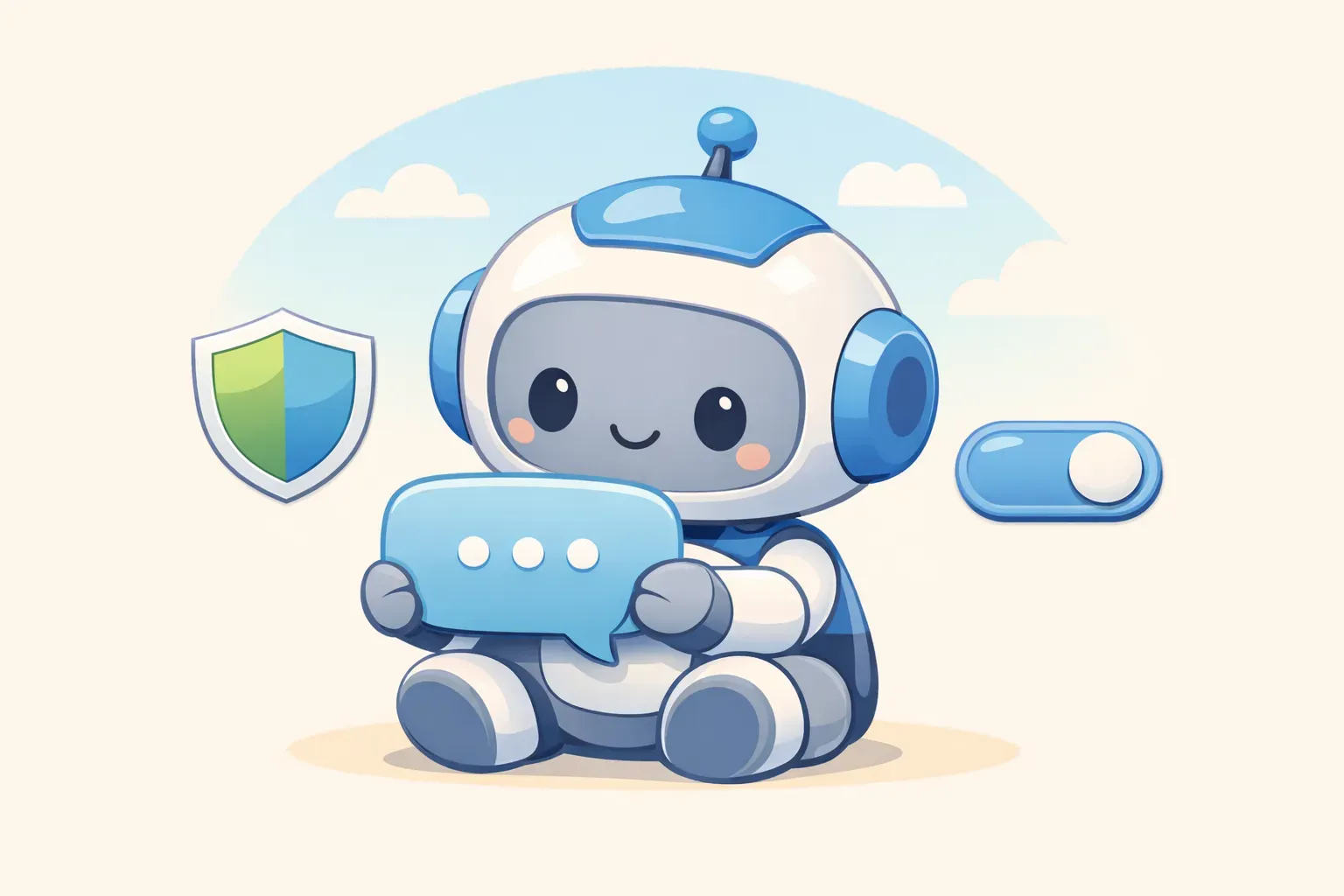
Illustration of a friendly robot reading a chat bubble with a privacy shield and a toggle switch nearby
The good news: opting out takes about thirty seconds, and it doesn't cost you anything or change how the chatbot works. Here's where to look:
ChatGPT: Settings → Data Controls → turn off "Improve the model for everyone"
Claude: Settings → Privacy → turn off "Help improve Claude"
Gemini: Settings → turn off "Gemini Apps Activity"
None of this means free AI is unsafe — it means you should treat free chatbots like a public space. Great for everyday tasks; not the place to paste passwords, client contracts, or anything you'd hate to see resurface in a future model. Opt out, and keep the genuinely private stuff out of the chat box.
The Practical Takeaway
You almost certainly don't need to pay for AI in 2026. The free tiers are good enough for the vast majority of people, and the only real reason to upgrade is if you're hitting message limits every single day. (If you are, our breakdown of whether ChatGPT Plus is worth $20 walks through the math.)
Here's the no-BS summary:
Start with ChatGPT if you're new — it does most things well.
Add Gemini when you run out of messages or live in Google's apps.
Use Claude for writing and long documents, in focused bursts.
Use Perplexity when you need sources you can verify.
Opt out of training on each tool, and keep sensitive info out of the chat.
Do that, and you've got a free AI setup that rivals what most people pay for — without spending a cent or handing over your data by default.
Getting the Most Out of Your Free AI Setup
Once you're switching between two or three free chatbots, the thing that actually slows you down isn't the AI — it's you, rewriting the same prompts from scratch in each app. The prompt that nailed your weekly report or polished your emails shouldn't live in one tool's history where you'll never find it again.
Start by saving your ten best prompts somewhere you control — a note, a doc, whatever works. Or, if you want something purpose-built, PromptNest is a native Mac app (a one-time $19.99 on the Mac App Store, no subscription) that keeps your prompts organized, searchable, and one keyboard shortcut away from any app — ChatGPT, Claude, Gemini, or whichever free chatbot you land on next. It even lets you save prompts with fill-in-the-blank {{variables}}, so a single saved prompt works for every project. Your best prompts, ready wherever the free AI takes you.