A practical breakdown of ChatGPT Free, Go, and Plus so you can decide which plan actually fits how you use AI.
You've been using ChatGPT for free, and it's been... fine. But every time you hit that message limit or watch the spinning wheel during peak hours, you wonder: would $20/month actually make a difference?
The honest answer is: it depends entirely on how you use AI. For some people, Plus pays for itself within the first week. For others, the free tier does everything they need. This guide breaks down exactly what you get at each tier so you can make the call based on your actual workflow — not marketing hype.
What You Actually Get with Free ChatGPT
Let's start with what the free tier includes in 2026, because it's more capable than most people realize.
Free users get access to GPT-5.1 — the same flagship model that Plus users get. The catch is the limit: 10 messages every 5 hours. After that, you're switched to GPT-5.1 mini, which is faster but less capable for complex reasoning tasks.
Here's what else comes with the free plan:
Basic image generation with DALL-E (~5 images per day)
File uploads (3 files per day)
Web browsing for current information
Access to the GPT Store to use pre-built custom GPTs
Thinking mode for complex reasoning (limited)
What you don't get: video generation, Advanced Voice mode, Agent mode, Deep Research, the Codex coding assistant, or the ability to create your own custom GPTs. You're also likely to see ads soon — OpenAI announced they're testing ads on free and Go tiers in the US.
For occasional use — quick questions, light research, casual brainstorming — the free tier handles it. The problems start when you try to use it as a daily work tool.
What ChatGPT Plus Adds for $20/Month
Plus isn't just "more of the same." It's a different experience, especially if you're using ChatGPT for actual work.
The biggest upgrade is message limits. Plus users get 160 GPT-5.1 messages every 3 hours, plus 3,000 weekly messages with the Thinking model for complex reasoning. That's roughly 16x more access to the flagship model compared to free.
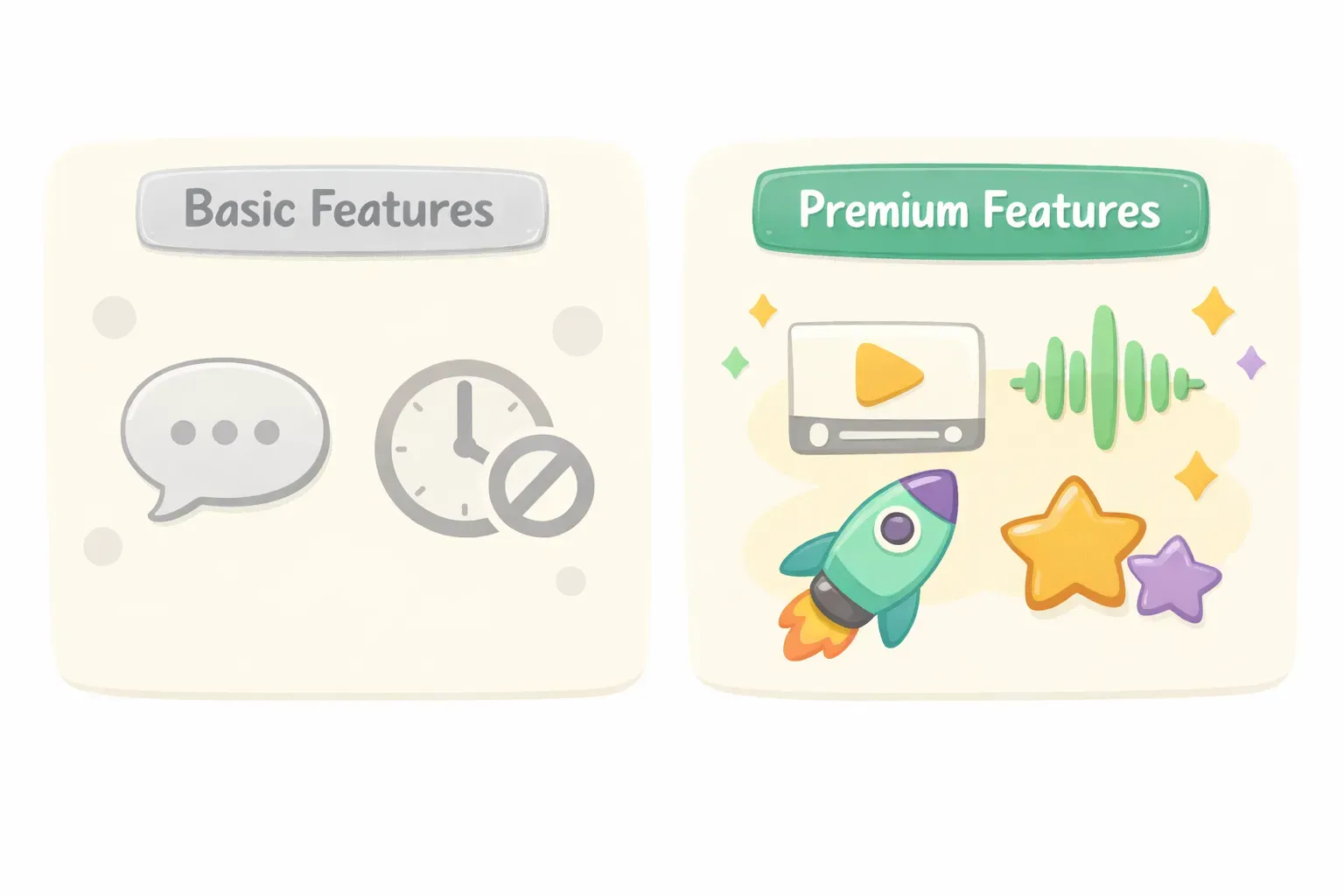
Comparison of ChatGPT Free versus Plus message limits and features
Here's the full Plus feature set:
Sora video generation — create 480p/10-second or 720p/5-second videos
DALL-E 3 — higher quality images with more generous limits (80 files per 3 hours)
Advanced Voice Mode — natural voice conversations with video input
Agent mode — ChatGPT can browse the web and complete tasks autonomously
Deep Research — 10 comprehensive research tasks plus 15 lightweight ones per month
Codex — an AI coding assistant for development work
Custom GPTs — build and share your own specialized assistants
Legacy model access — GPT-4o, GPT-4.1, o3, and o4-mini available in settings
Response speed matters too. Free users often wait 20-30 seconds during peak hours. Plus subscribers typically get responses in a few seconds thanks to priority processing.
And Plus remains ad-free — a bigger deal now that ads are rolling out to free tiers.
The Middle Ground: ChatGPT Go at $8/Month
OpenAI introduced ChatGPT Go as a middle option for people who find free too restrictive but don't need everything Plus offers.
For $8/month, Go gives you:
10x more messages than the free tier
Unlimited GPT-5.2 Instant (the faster model)
Extended memory and context window
File uploads and image generation
Projects, tasks, and custom GPTs
Access to Thinking mode for reasoning
What Go doesn't include: Sora video generation, Agent mode, Deep Research, legacy model access, or Codex. It will also show ads, just like the free tier.
Go hits a sweet spot for students, casual power users, and anyone who needs more than free but doesn't use the advanced creative tools. If you've never generated a video with Sora or used Agent mode, Go might be all you need.
When Free ChatGPT Is Enough
The free tier works well for certain use patterns. You probably don't need to upgrade if:
You use ChatGPT a few times per week. If you're asking occasional questions, getting help with a quick email, or doing light research, 10 messages every 5 hours is plenty. Most casual users never hit the limit.
You don't need real-time responses. If you can wait a bit during busy hours, the free tier still gets the job done. The delay is annoying, not deal-breaking.
You're not creating images or videos. The 5-image daily limit is fine for occasional use. If visual content isn't part of your workflow, you're not missing much.
You're just exploring AI. If you're still figuring out how AI fits into your life, start free. You can always upgrade once you know what you actually need.
When Plus Pays for Itself
Plus becomes worth it — sometimes obviously so — when AI is part of your daily workflow.
You hit message limits within hours. If you're regularly bumping into the free tier's 10-message cap, you're losing time waiting for resets. According to reviews, many users hit free limits within 2 hours of serious work. Plus lets you work all day without interruptions.
You use ChatGPT for professional work. Writers, marketers, developers, analysts, and entrepreneurs who rely on AI daily see the clearest ROI. Faster responses and higher limits translate directly to more output.
You need Deep Research or Agent mode. These features don't exist on lower tiers. If you're doing market research, competitive analysis, or need AI to complete multi-step tasks autonomously, Plus is required.
You create visual content. Video generation with Sora and expanded DALL-E access are Plus exclusives. Content creators and marketers get immediate value here.
You work with large files and data. The 80-file upload limit (vs. 3 for free) matters if you're analyzing documents, processing data, or working with code repositories.
If you're using ChatGPT professionally, consider how you're using it. Many power users find themselves typing the same prompts repeatedly — for client emails, content outlines, code reviews, or data analysis. That's where saving and reusing your best prompts becomes a productivity multiplier. Tools like PromptNest let you store your go-to prompts with variables like {{client_name}} or {{project_type}}, so you're not rewriting from scratch every session.
How Plus Compares to Claude and Gemini
ChatGPT Plus isn't your only option at the $20/month price point. Both Claude Pro and Google's AI Pro (formerly Gemini Advanced) cost about the same. Here's how they compare:
Comparison of ChatGPT Plus, Claude Pro, and Gemini Pro features and strengths
ChatGPT Plus ($20/month) is the most versatile. It leads in creative writing, has the largest feature set (video, voice, agents), and maintains the biggest ecosystem of custom GPTs. According to Improvado's comparison, ChatGPT achieves 95% coding correctness and remains the default choice for general-purpose AI work.
Claude Pro ($20/month) excels at long-document analysis with its 200,000-token context window. It produces fewer hallucinations and has a more natural writing tone. If you work with lengthy documents, contracts, or research papers, Claude often outperforms ChatGPT.
Google AI Pro ($19.99/month) wins on integration. It connects seamlessly with Gmail, Docs, Sheets, and the rest of Google Workspace. The 1-million-token context window handles massive inputs. If you're deep in the Google ecosystem, Gemini's convenience is hard to beat.
The market has shifted: ChatGPT's share dropped from 87% to 68% as competitors caught up. Over 60% of AI users now use multiple tools. Many professionals keep ChatGPT Plus for creative work and Claude for editing or long-form analysis.
The Real Question: How Often Do You Use AI?
Forget the feature lists for a moment. The decision comes down to one thing: frequency of use.
Ask yourself:
Do I use ChatGPT daily, or just a few times a week?
Do I hit message limits regularly?
Is AI central to my work, or just a helpful extra?
Do I need features like video generation, Agent mode, or Deep Research?
Would faster responses actually save me time?
If you answered "yes" to three or more, Plus likely pays for itself. If most answers were "no," stick with Free or try Go.
Here's a simple framework:
Free tier: Use AI occasionally, don't need advanced features, comfortable with some waiting
Go ($8/month): Use AI regularly, need more messages, don't need video/agent/research tools
Plus ($20/month): Use AI daily for work, need the full feature set, value speed and reliability
One user on Medium put it well: "If $20/month saves you hours of work or sparks valuable ideas, it's not an expense — it's an investment."
Getting More from Whatever Plan You Choose
Regardless of which tier you pick, the real productivity gains come from how you use the tool — not just which features you have access to.
The biggest efficiency hack is simple: stop rewriting the same prompts. If you're typing variations of the same request every day — for meeting summaries, email drafts, code reviews, content outlines — you're wasting time and getting inconsistent results.
Instead, save your best prompts somewhere you can actually find them. Whether it's a notes app, a document, or a dedicated tool, having your proven prompts one click away beats recreating them from memory.
For prompts you reuse with different inputs (different clients, different topics, different data), using variables makes sense. Instead of editing a prompt each time, you fill in the blanks:
Write a {{length}} summary of the following {{document_type}} for {{audience}}:

{{content}}
This is exactly what PromptNest was built for — it gives your prompts a permanent home, organized by project, searchable, and accessible from any app with a keyboard shortcut. Variables like {{client_name}} or {{tone:formal|casual|friendly}} let you customize prompts on the fly without editing the original. It's free, works offline, and keeps everything local on your machine.
Whether you're on Free, Go, or Plus, organized prompts mean you get better results faster — and you stop burning through your message limits on prompts you've already perfected.