How to Use ChatGPT to Write a Resume That Gets Interviews
Recruiters can spot a generic AI resume in seconds. Here's how to use ChatGPT to write one that actually lands interviews, without the obvious AI tells.
You've sent out forty applications this month. Maybe sixty. You've heard back from almost none of them, and at some point you start to wonder whether the problem is you, your resume, or the void itself.
It's mostly the void. LinkedIn alone now receives around 11,000 job applications every minute, up about 45% in a single year, partly because AI makes it so easy to mass-apply. Your resume isn't competing for attention. It's drowning in it.
So reaching for ChatGPT makes sense. About 900 million people use it every week, and plenty are pointing it at their resumes. The good news: it genuinely helps. A large randomized study published in Management Science followed nearly 480,000 job seekers and found that those who got algorithmic writing help on their resumes were hired about 8% more often.
The catch is hidden in three words: when done right. Used lazily, ChatGPT produces the exact generic resume recruiters have learned to spot and toss. This guide is about the difference. You'll get copy-paste prompts, an honest answer to whether anyone can tell, and the one step you can't skip if you want interviews instead of silence.
Does Using ChatGPT Actually Help, or Hurt Your Chances?
The honest answer is "both, depending on how you use it." Two fears stop most people, so let's settle both with real numbers before you write a single prompt.
Can recruiters tell?
They think they can, and they actively look for it. In a TopResume survey of 600 hiring managers, about one in five (19.6%) said they would reject a resume they believed was fully AI-generated. A separate Resume Genius survey found 53% named "AI-generated content" the single biggest red flag on a resume.
But here's the nuance that changes everything. That same TopResume survey found 52% are perfectly fine with using AI for proofreading and drafting. And a Resume Now report of 925 HR workers found 62% reject AI resumes that lack personalization, while 78% say personalized details signal genuine interest. Read those together and the message is clear: nobody is punishing the tool. They're punishing generic.
Will an ATS auto-reject it?
This is the other big fear, and it's mostly built on a myth. You've probably seen the claim that "75% of resumes are rejected by software before a human ever sees them." There is no credible source for that number. It traces back to a company that shut down over a decade ago, and HR researchers have repeatedly debunked it.
What's actually true: 97.8% of Fortune 500 companies use an applicant tracking system (ATS). What's also true is that those systems sort and search resumes by keywords and try to parse your formatting. They do not detect whether AI wrote your words. No major ATS, including Workday, Greenhouse, and Lever, flags AI authorship. So the real filter isn't a robot rejecting your phrasing. It's a human, a few seconds later, deciding whether you read like a person or a template.
That's the whole game. Treat ChatGPT as an editor that sharpens your real experience, not a ghostwriter that invents a new you. Do that and you earn the 8% lift. Skip it and you become one of the templates. Everything below is how to stay on the right side of that line.
First: Which ChatGPT, and What to Paste (and Never Paste)
The free version is fine
You do not need to pay for this. As of mid-2026, the default model is GPT-5.5, and free accounts get it. Free users can also upload a file (so you can drop in your existing resume as a PDF), search the web (handy for researching the company), and use ChatGPT's memory to keep your background across sessions. ChatGPT Plus at $20 a month mainly raises the usage limits, which only matters if you're running lots of edits in one sitting. One note for anyone following an older guide: don't go hunting for "GPT-4o." It was retired from ChatGPT in February 2026.
Do the brain-dump first
This is the single biggest lever for not sounding generic, and almost everyone skips it. Before you write any prompt, dump your real history into a plain document. Not polished. Just true and specific:
Something like: "Managed Instagram and LinkedIn for a retail brand. Grew followers from 2,000 to 12,000 over 18 months. Ran paid ad campaigns on a $15,000 budget." Real numbers, real tools, real projects.
ChatGPT can only rephrase what you feed it. Give it three vague lines and you get three vague, buzzword-stuffed bullets back. Give it specifics and it has something honest to sharpen. The detail you provide is exactly what separates your resume from the other 11,000 that landed in the same minute.
What not to paste
Your resume holds personal data, so a little caution pays off. Skip pasting your home address, phone number, and full date of birth, then add those back into the final document yourself. Use a Temporary Chat for the session. In Settings, under Data Controls, you can turn off "improve the model for everyone" so your inputs aren't used for training. And if your current job touches anything confidential, keep it out of the prompt entirely.
Step by Step: Build Each Section With ChatGPT
Here's the part you came for. The trick that makes a ChatGPT resume good is boring: work one section at a time, and hand it the actual job description every single time. Asking it to "rewrite my whole resume" gets you mush. These prompts run in order. Fill in the {{double-brace}} parts with your own text.
1. Tailor your experience to the job
Start here, because tailoring is what moves the needle with both the ATS keyword search and the human reader. Paste the job posting and your current experience:
You are a hiring manager for {{target_role}}. Using the job description and my existing bullet points, rewrite each bullet to:
- Keep the same task and scope (do not invent anything)
- Add a metric only where I already gave a number, or leave a [blank] for me to fill
- Work in one or two keywords from the job description per bullet
- Keep each bullet under two lines

Job description:
{{job_description}}

My experience:
{{experience}}
2. Make every bullet earn its place
Weak bullets describe duties. Strong bullets describe results. The most reliable formula comes from Laszlo Bock, Google's former head of People Operations: "Accomplished [X] as measured by [Y] by doing [Z]." In plain English, that's a strong verb, a number, and how you did it.
Rewrite each of these into a resume bullet using the formula "Accomplished [X] as measured by [Y] by doing [Z]." Start each one with a different strong past-tense verb. Use only the facts and numbers I give you. Never invent a metric. If a number is missing, leave a [blank].

My notes:
{{rough_notes}}
3. Write a summary that isn't filler
Most resume summaries say nothing ("results-driven professional seeking opportunities"). Make ChatGPT anchor yours to the role and your real numbers:
You are an experienced recruiter in {{industry}}. Write a 3-line professional summary for me that:
- Matches the target role: {{target_role}}
- Includes two or three hard skills from the job description
- Mentions one or two results using only numbers already in my resume
- Uses plain language, no buzzwords
Return only the summary.

Job description: {{job_description}}
My resume: {{resume}}
4. Find the keywords you're missing
This is the legitimate version of "beating the ATS." You're not stuffing keywords. You're checking whether the words you already qualify for are actually on the page.
From this job description, list the hard skills, tools, and certifications it asks for. Compare them to my resume and return a table: Skill | In the job ad? | On my resume? | Action (add / keep / ignore). Only suggest adding skills I genuinely have.

Job description: {{job_description}}
My resume: {{resume}}
5. Get an honest critique
Before you send it, have ChatGPT play the skeptic:
Act as a recruiter hiring for {{target_role}}. Compare my resume to this job description and score the match from 0 to 100. Then list: (a) the five most important requirements I'm missing, (b) bullets that read as vague or generic, (c) anything that sounds AI-written. Do not rewrite anything yet. Just give me the audit.

Job description: {{job_description}}
My resume: {{resume}}
One honest caveat: that 0-to-100 score is ChatGPT's rough guess, not a real ATS reading. Treat it as a gut check, then run your resume through an actual ATS scanner before you apply.
Notice that every one of these prompts has the same fill-in-the-blank shape: a job description, your experience, a target role. You'll paste them for every application, swapping only those pieces. That's exactly what variables in AI prompts are for. A tool like PromptNest lets you save each prompt once with {{job_description}} and {{experience}} placeholders, then fill in the blanks and copy the finished prompt in one click, so you're not digging through old chats for the version that worked.
A Real Before-and-After
Theory is easy. Here's one bullet moving through the whole process.
You start with the brain-dump line: "I did social media for a small online store and grew the following a lot over about a year and a half."
Using the XYZ prompt above, and only your real numbers, ChatGPT turns it into: "Grew the brand's Instagram following from 2,000 to 12,000 in 18 months by launching a weekly content calendar and a $15,000 paid-ad program."
Then you do the part ChatGPT can't. You sanity-check it. Were the numbers real? Yes. Is "$15,000 paid-ad program" something you can actually talk about in an interview? Yes. So it stays. If ChatGPT had written "drove a 312% engagement uplift" and you had no idea where 312% came from, you'd cut it on the spot. That last human pass is the difference between a strong bullet and a liability.
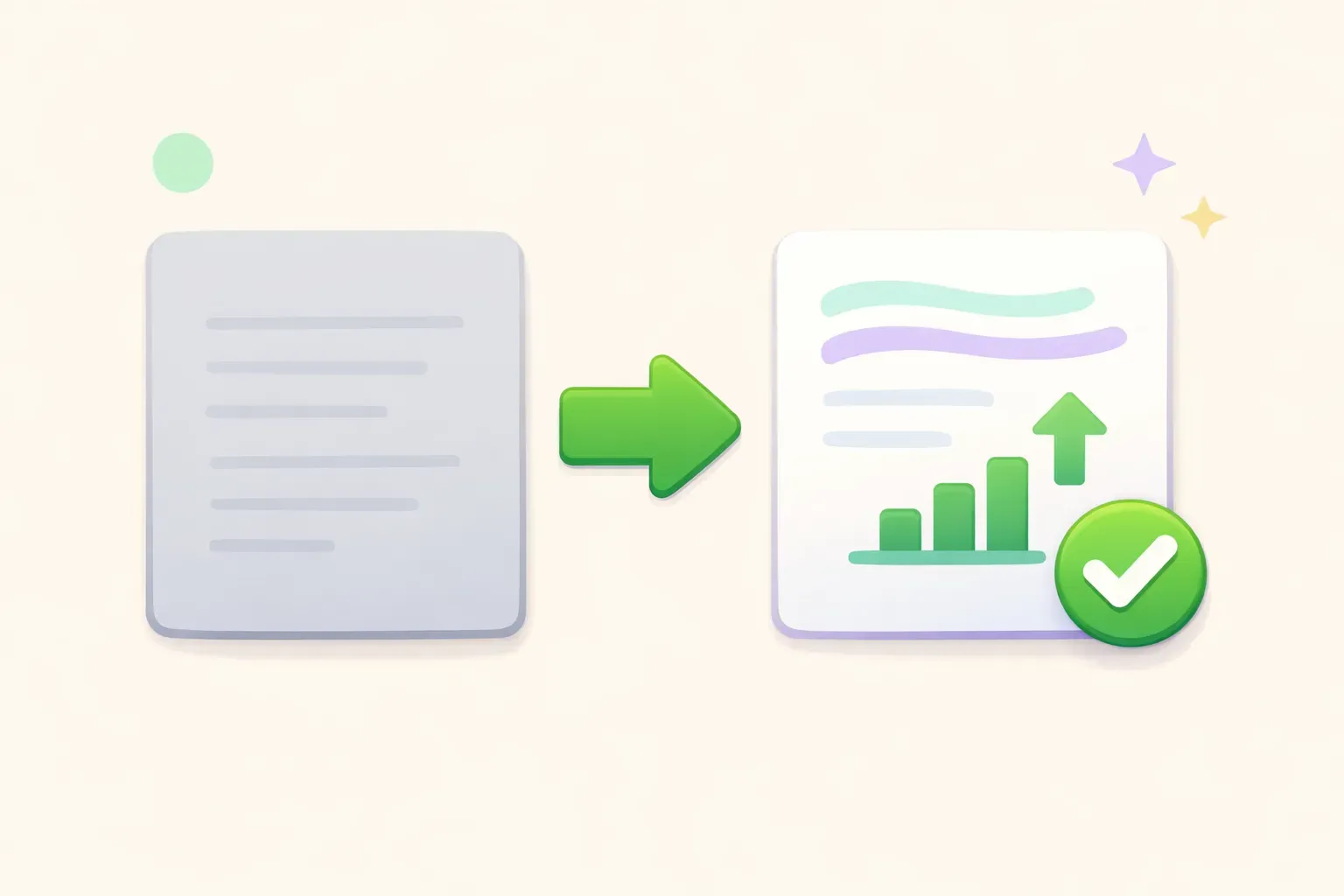
A dull grey resume next to a brighter, improved resume showing a bar chart, an upward arrow, and a green checkmark
Don't Let ChatGPT Invent Your Experience
ChatGPT wants to be helpful, and "helpful" sometimes means making things up. It will quietly add a skill because that skill tends to show up next to one you listed. It will round a vague "helped with sales" into "spearheaded a client-acquisition strategy that drove a 20% revenue uplift," inventing the 20% out of thin air. In one documented case it added "5S methodology" to a skills list purely because that phrase often appears near "Lean Six Sigma."
This is the most dangerous part of using AI for a resume, and it has nothing to do with getting "caught" by software. The trap is the interview. A recruiter reads "20% revenue uplift," gets interested, and asks you to walk through it. If you can't, you've just shown the one human who matters that you padded your resume, in person.
The fix is one sentence you add to every prompt:
Use only the experience, skills, and numbers I provide. Never invent a metric, tool, or accomplishment. If a number is missing, leave a [blank] for me to fill.
And one rule for yourself: don't put anything on your resume you can't talk about for two minutes. If ChatGPT writes a bullet you can't defend, the bullet goes, not the truth.
How to Make It Not Sound Like ChatGPT
Even when the facts are real, raw AI output has a smell. Recruiters have read thousands of these by now, and they pattern-match fast. Named recruiters told HuffPost exactly what tips them off: the same handful of words, the same rhythm, the same templated lines.
The words that give it away
ChatGPT has favorite verbs. "Spearheaded" is the big one (one resume team calls it "the absolute favorite verb of every major LLM"). So are "leveraged," "orchestrated," "seamlessly," and the phrase "at the intersection of." Buzzwords like "results-driven," "dynamic," "passionate," and "cutting-edge" land the same way. When you spot them, swap in the plain verb you actually mean: not "leveraged Salesforce" but "used Salesforce"; not "spearheaded an initiative" but "ran," "built," or "launched."
The other tells
Beyond vocabulary, watch for:
Em dashes everywhere. AI loves them, most people don't type them, which is why this whole article mostly avoids them.
Bullets that all start the same way and run the same length. Real careers are lumpier, so vary your opening verbs.
Leftover placeholders. An "[add metrics here]" left in a sent resume is a real and frequent giveaway.
Random bold words scattered through the text. Bold belongs on headings, not sprinkled for emphasis.
You can make ChatGPT do most of this cleanup itself:
Rewrite this resume text to sound like a real person wrote it. Vary the sentence length and the opening verbs. Remove buzzwords like spearheaded, leveraged, dynamic, and "at the intersection of." Do not use em dashes. Keep every fact exactly as written.

{{resume_text}}
Then add back what AI can't: the specific noun. The client's name, the exact tool, the team size, the real project. Those details are both what makes you believable and what ChatGPT leaves out. If you want a deeper method for keeping your own voice in AI writing, we wrote a whole guide on making AI prompts sound like you.
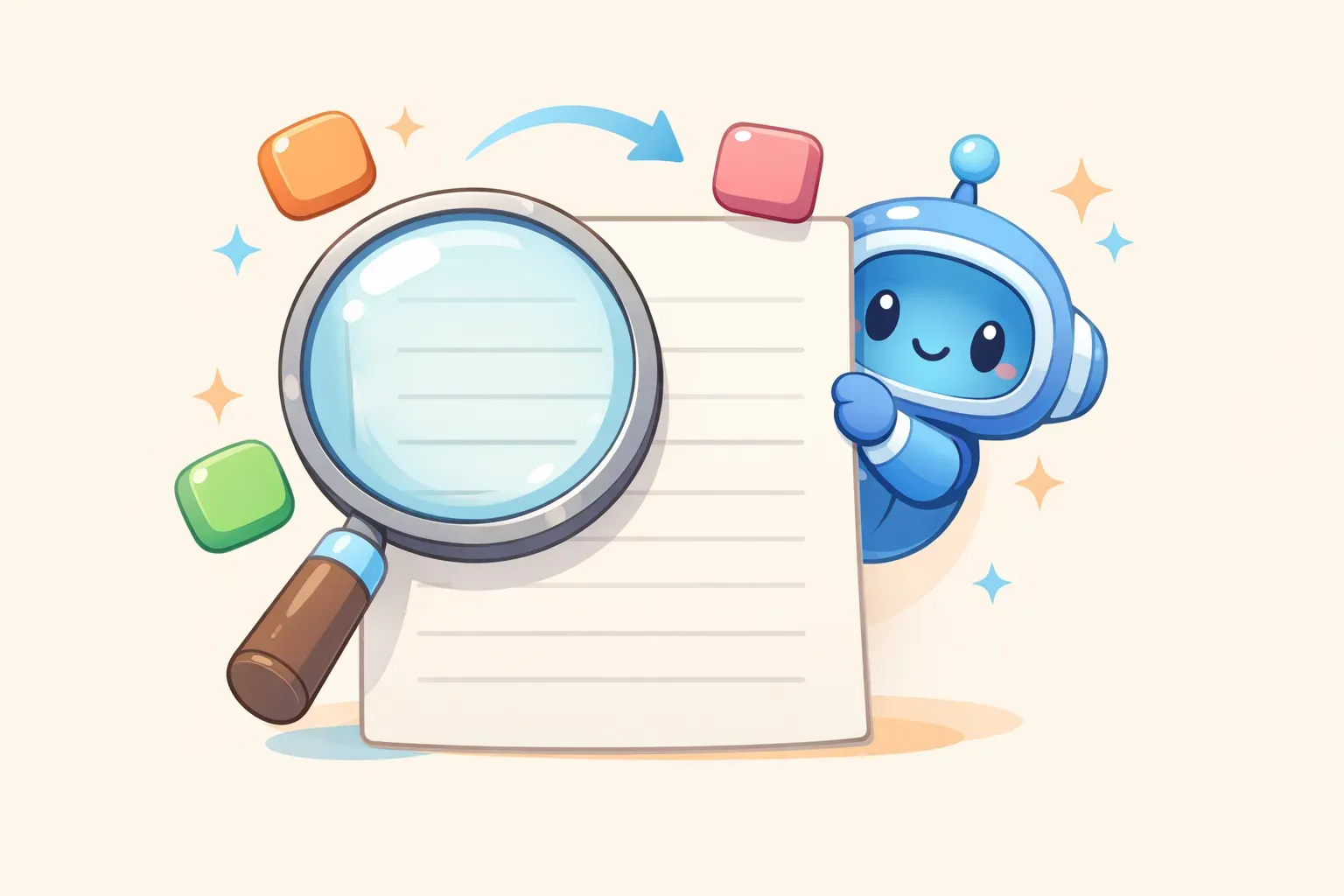
A magnifying glass over a resume with colored word blocks being swapped out, and a friendly robot peeking from behind the page
Will It Pass the ATS?
Short version: the words will, but the formatting might not. Remember, the ATS isn't reading for AI. It's reading for keywords and trying to parse your file into fields. What actually breaks it is fancy design, which is exactly what ChatGPT and many resume builders produce when you ask for a "polished" layout.
To stay parse-friendly:
Ask for plain, single-column text. No tables, no text boxes, no columns, no icons.
Use standard section headings like Experience, Education, and Skills. The ATS looks for those exact words.
Match the job's language for skills you have. If the posting says "project management" and you wrote "managed projects," add their phrasing too.
And keep the human reader in mind, because they're the real test. Ladders' eye-tracking study found recruiters spend about 7.4 seconds on a first pass. Your most relevant, best-quantified bullet should sit near the top, where that glance lands. ChatGPT is good at reordering for exactly this if you ask it to "put the bullets most relevant to {{target_role}} first." (It also helps to avoid the broader prompt mistakes that make any ChatGPT output worse.)
A Few Honest Answers to Common Questions
Is it cheating to use ChatGPT for my resume?
No, as long as everything on the page is true. Resumes have always been polished with help, whether from a friend, a career coach, or a paid writing service. The line that matters isn't AI versus no AI. It's honest versus invented. Use it to phrase your real experience better, and you're fine. Use it to manufacture a career you didn't have, and no tool will save you in the interview.
Should I tell employers I used ChatGPT?
You don't need to. Using AI as an editor is closer to using spell-check than to having someone else do your work. What matters is that the content is genuinely yours and accurate. If an application explicitly asks you not to use AI, respect that. Otherwise, the resume is judged on whether it's clear, specific, and true, not on which tools touched it.
Can I use the same approach for a cover letter?
Yes, and the rules are identical. Feed ChatGPT the job description plus your real, specific reasons for wanting the role, then cut anything generic. One warning from recruiters: the templated line "your company's mission of '[mission]' resonates with me" is an instant tell, because everyone pastes the same prompt. Make the why specific to you or leave it out.
Your ChatGPT Resume Checklist
Pull it all together. A ChatGPT resume that gets interviews comes from this loop, not from one magic prompt:
Brain-dump your real experience, with real numbers, before you prompt.
Work one section at a time, pasting the actual job description each time.
Rewrite bullets with the X-Y-Z formula: verb, result, how.
Add the anti-fabrication line to every prompt so it can't invent your past.
Strip the AI tells: kill buzzwords, vary your verbs, remove em dashes and leftover placeholders.
Add the specific details only you would know.
Keep the format plain so the ATS can read it.
Final check: can you talk about every line for two minutes? If not, cut it.
Done this way, you're not handing your job search to a robot. You're using a fast editor to put your real story in front of a human in the few seconds they'll give it. A sharper resume won't fix ghost jobs or sheer volume, but it will help you clear the gate that's been swallowing your applications.
Keep Your Best Prompts Where You Can Find Them
Here's what happens after your first good session: you close the tab, and a week later you're scrolling through chat history trying to find that tailoring prompt that worked. Multiply that by every application, every friend who asks for help, every time you switch roles.
The prompts in this guide are reusable by design. The smart move is to keep them somewhere you can grab them in a second, with the fill-in-the-blank parts built in. That's what PromptNest is for: a native Mac app that keeps your prompts organized and one keyboard shortcut away from any app. Save the tailoring prompt once with {{job_description}} and {{experience}} as variables, and the next time you apply you just fill in the blanks and paste the finished prompt in a couple of seconds. It's a one-time $19.99 on the Mac App Store, with no subscription.
Start simple: save your five best resume prompts today, wherever works for you. The point isn't the tool. It's that the work you did to land one good resume becomes work you never have to redo for the next hundred applications.