10 Prompt Engineering Mistakes Ruining Your ChatGPT Results
Why your prompts return generic fluff — and the simple fixes that get you useful answers every time.
You've been using ChatGPT for months. You know it's capable of impressive things — you've seen the examples online. But when you try it yourself, you get walls of generic text that miss the point entirely. So you rephrase. Regenerate. Rephrase again. Twenty minutes later, you're still fighting for a useful response.
Here's the uncomfortable truth: the problem usually isn't ChatGPT. It's how you're asking.
With over 800 million weekly active users sending 2.5 billion prompts every day, ChatGPT has become the default AI tool for work and personal tasks. But most users make the same handful of mistakes that sabotage their results. The gap between people who find AI genuinely useful and those who give up frustrated comes down to these avoidable errors.
This guide covers the 10 most common prompt engineering mistakes — with specific examples and fixes you can apply immediately.
Mistake #1: Being Too Vague
This is the single most common mistake, according to research from Great Learning. When you type something like "write an article" or "help me with my resume," you're giving ChatGPT almost nothing to work with. It doesn't know your topic, audience, tone, or purpose — so it guesses. And its guesses are usually wrong.
Vague prompt:
Write an article about productivity.
Specific prompt:
Write a 600-word blog post about three time-blocking techniques for remote workers who struggle with distractions at home. Use a conversational tone. Include one practical example for each technique.
The second prompt tells ChatGPT exactly what to produce, for whom, in what style, and at what length. No guessing required.
The fix: Before hitting enter, ask yourself: Would a new coworker have enough information to do this task? If not, add the details they'd need.
Mistake #2: Overloading a Single Prompt
When you ask ChatGPT to do five things at once — research, outline, write, format, and proofread all in one prompt — you get shallow results on everything. The AI tries to satisfy each request but can't give any of them proper attention.
Overloaded prompt:
Research the best CRM tools for small businesses, compare their features and pricing, write a recommendation report, include pros and cons for each, and format it as a presentation with bullet points.
Better approach: Break this into steps:
First: "List the top 5 CRM tools for small businesses with under 20 employees."
Then: "Compare these 5 CRMs on pricing, ease of use, and key features. Format as a table."
Finally: "Based on this comparison, write a 200-word recommendation for a small marketing agency."
The fix: One task per prompt. Use follow-up messages to build on previous responses. ChatGPT remembers the conversation context, so you don't need to cram everything into one request.
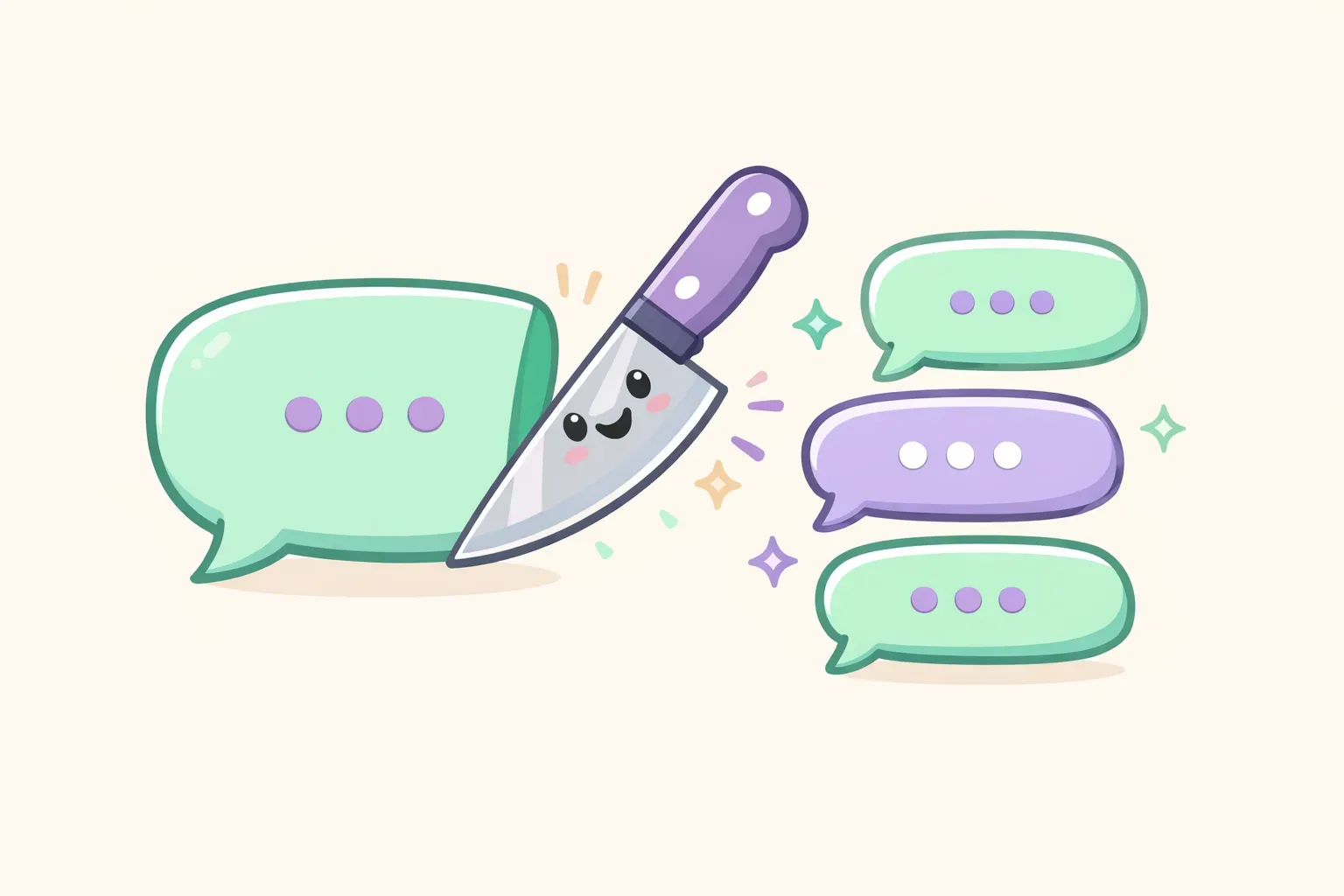
Comparison showing an overloaded prompt versus breaking tasks into focused steps
Mistake #3: Assuming ChatGPT Knows Your Context
You write prompts like you're talking to a coworker who already knows your situation. You leave things implied, reference "the project" or "the client" without details, and expect ChatGPT to connect dots the way a person would.
It can't. ChatGPT has no memory of your company, your ongoing projects, or your previous conversations (unless you're continuing in the same chat). When it lacks context, it fills gaps with generic assumptions — and that's how you get responses that sound fine but solve the wrong problem.
Context-starved prompt:
Help me respond to this customer complaint.
Context-rich prompt:
Help me respond to a customer complaint. Context:
- We're an online plant shop
- The customer's monstera arrived with damaged leaves due to cold weather during shipping
- Our policy offers free replacements for shipping damage
- We want the tone to be warm and apologetic while clearly offering the replacement
The fix: Include relevant background in every prompt. Company details, audience info, previous attempts, constraints — anything that would help a stranger do this task well.
Mistake #4: Skipping Role Instructions
When you don't assign ChatGPT a role, it responds as a generic AI assistant. The output lacks focus, expertise, and personality. A simple "Act as..." instruction changes the entire response — the vocabulary, the depth, and the perspective.
Without role:
Explain mutual funds.
With role:
You are a financial advisor explaining mutual funds to a first-time investor with no finance background. Keep it simple, avoid jargon, and use relatable analogies.
Useful roles to try:
"You are an experienced copywriter who specializes in email marketing."
"Act as a senior developer reviewing code for a junior teammate."
"You are a patient teacher explaining this to a complete beginner."
"Respond as a skeptical customer who needs convincing."
The fix: Start prompts with "You are..." or "Act as..." when you want a specific perspective or expertise level. Even a simple role like "You are a helpful writing assistant" is better than nothing.
Mistake #5: Not Specifying Format or Tone
ChatGPT defaults to paragraphs of prose in a neutral tone. If you want bullet points, a table, a specific length, or a particular voice — you need to ask. Otherwise, you'll spend more time reformatting than you saved by using AI.
Unformatted:
Give me feedback on my resume.
Formatted:
Review my resume and provide feedback as:
- 3 strengths (one sentence each)
- 3 areas to improve (one sentence each)
- 1 specific suggestion for my summary section

Keep the tone direct and constructive.
Format options to specify:
Length: "Keep it under 100 words" or "Write a detailed 500-word response"
Structure: "Use bullet points" or "Format as a numbered list" or "Create a table"
Tone: "Casual and friendly" or "Professional and formal" or "Witty but not cheesy"
Style: "Short, punchy sentences" or "Include specific examples for each point"
The fix: Always specify format and tone. It takes five extra seconds and saves five extra minutes of editing.
Mistake #6: Giving Up After One Try
Most people treat ChatGPT like a slot machine — type a prompt, get a result, accept it or start over. But prompt engineering is iterative. The first response is rarely perfect, and that's fine. The real skill is refining.
According to OpenAI's own guidance, testing and iterating is essential: "A lot of prompt engineering is trial and error. You'll need to write your prompt, see the results, and refine your prompt to get what you're requesting."
Instead of starting over, try:
"Good start, but make it more concise."
"Focus more on the customer benefit, less on features."
"Rewrite this with more specific examples."
"That's too formal — make it sound like a conversation."
"The third point is weak. Expand on it with a concrete example."
The fix: Treat the first response as a draft. Give feedback in follow-up messages. Two or three iterations usually gets you something much better than any single prompt could.
Mistake #7: Never Telling ChatGPT What to Avoid
You tell ChatGPT what you want. But do you tell it what you don't want? Negative constraints are surprisingly powerful — they sharpen results by eliminating the generic filler that clutters most AI outputs.
Without constraints:
Write a product description for our new project management tool.
With negative constraints:
Write a product description for our new project management tool.

Avoid:
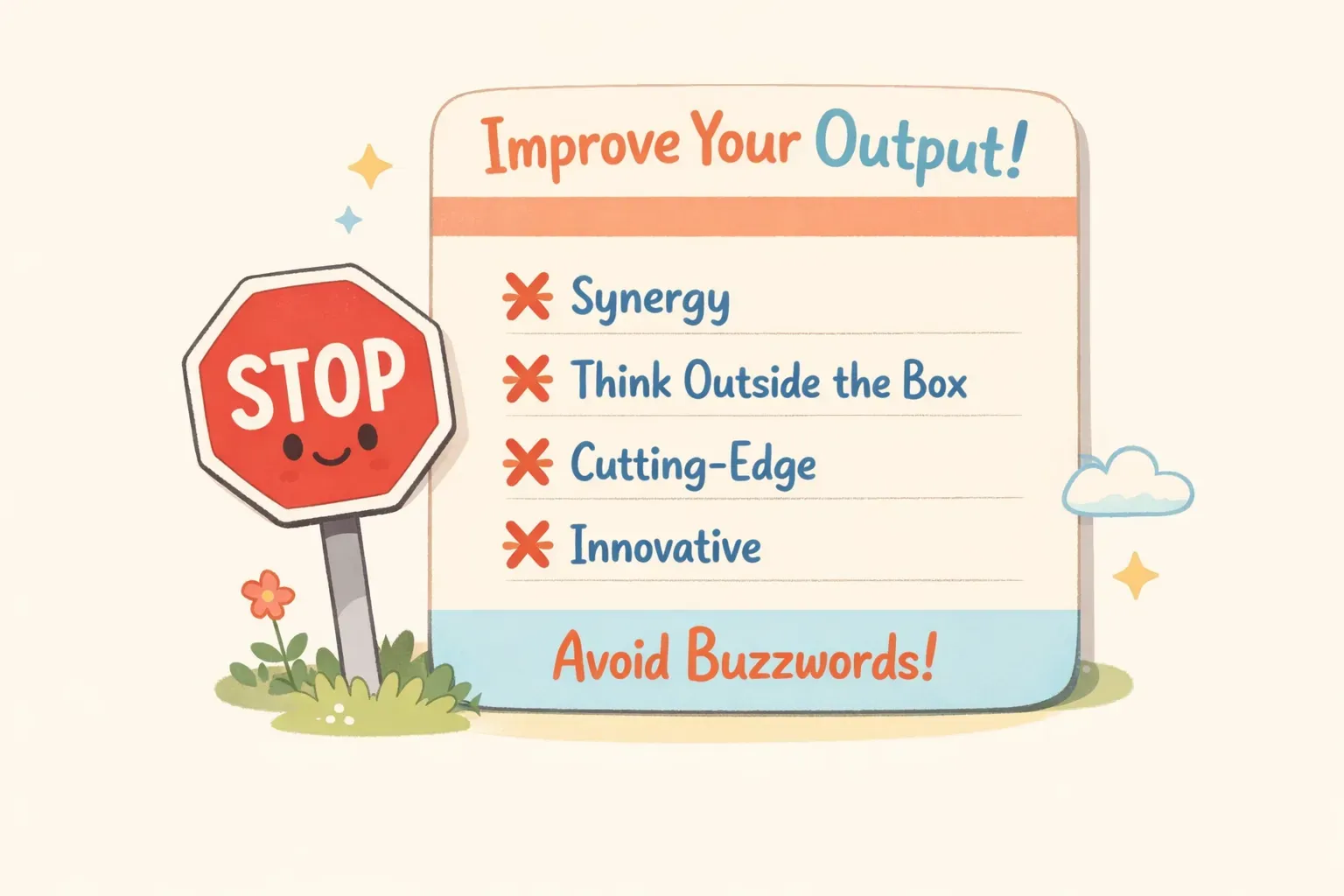
- Generic phrases like "innovative solution" or "best-in-class"
- Buzzwords like "synergy" or "leverage"
- Starting with "Introducing..." or "Meet..."
- Exclamation points
- Claims we can't prove ("#1 tool" or "fastest")
The fix: Add an "Avoid" or "Don't include" section to prompts where you've been disappointed by generic output before. You know what AI clichés annoy you — tell it to skip them.
A prompt card showing example negative constraints that improve AI output quality
Mistake #8: Trusting Everything It Says
ChatGPT can sound confident while being completely wrong. It generates plausible-sounding text, but it doesn't actually "know" things the way a database does. This is called hallucination — and it happens more often than you'd think, especially with specific facts, dates, statistics, and anything that changes over time.
WebFX reports that hallucination is "possibly the biggest and most well-documented limitation of ChatGPT." Every response has a chance of containing fabricated information that reads as professional and certain.
Especially risky areas:
Statistics and research citations
Company-specific information (funding, revenue, policies)
Legal or medical advice
Recent events (anything after the training data cutoff)
Technical specifications or version numbers
The fix: Always verify facts independently before publishing or sharing. Use ChatGPT to draft and brainstorm, not as your source of truth. When accuracy matters, ask it to cite sources — then check if those sources actually exist.
Mistake #9: Mixing Topics in One Chat
ChatGPT references your entire conversation history to inform its responses. This is helpful when you're iterating on a single topic — but it causes problems when you switch topics mid-conversation. Context from your earlier marketing discussion bleeds into your later coding question. The AI gets confused, and so do you.
Signs you need a fresh chat:
Responses reference things you mentioned earlier that aren't relevant now
The tone or format doesn't match what you asked for
ChatGPT seems "stuck" in a certain mode
You're starting a completely different type of task
The fix: Start a new chat for each distinct topic or project. It takes one click and prevents context pollution that degrades response quality.
Mistake #10: Not Saving What Works
You finally craft the perfect prompt. It took 15 minutes of iteration, but the results are exactly what you need. You use it, get great output, and close the chat.
Two weeks later, you need the same thing. Where's that prompt? Buried somewhere in your chat history — or gone forever. So you start from scratch. Again.
This is the quiet productivity killer. The people who get the most value from AI aren't necessarily better at writing prompts. They're better at saving and reusing prompts that work. They build a library over time instead of reinventing the wheel every session.
The fix: When a prompt works well, save it somewhere you'll find it again. A notes app, a document, a dedicated tool — anything is better than trusting your chat history or memory.
If your prompts include parts that change each time (client names, topics, dates), save them as templates with placeholders. Tools like PromptNest are built specifically for this — you can store prompts with variables like {{client_name}} or {{topic}}, fill in the blanks when you copy, and have your final prompt ready in seconds.
A Simple Framework That Fixes Most Problems
When your prompts aren't working, run through this checklist. Based on best practices from OpenAI and practical testing, most problems come from missing one of these elements:
The TACCF Framework:
Task — What exactly do you want? Be specific.
Audience — Who is this for? What do they know?
Context — What background does ChatGPT need?
Constraints — What should it avoid? What limits apply?
Format — How should the output look?
Here's an example using all five:
Write a follow-up email after a sales demo. (Task)

Audience: A marketing director at a mid-size e-commerce company who seemed interested but had budget concerns.

Context: We're a CRM company. The demo went well — she liked the automation features but asked about pricing twice. Her team is currently using Salesforce but finds it too complex.

Constraints: Don't be pushy or use high-pressure language. Don't mention competitors by name. Keep it under 150 words.

Format: Subject line + email body. Warm but professional tone.
This takes longer to write than "write a follow-up email." But the output will be usable on the first try instead of the fifth.
Start Getting Better Results Today
You don't need to master every advanced prompting technique. Just avoiding these 10 mistakes will put you ahead of most ChatGPT users.
Start with one change: the next time you write a prompt, add one element you usually skip. Specify the format. Include context. Tell it what to avoid. See the difference.
And when you find prompts that work well, save them. Build your personal library. The best prompt engineers aren't constantly inventing — they're constantly reusing what's already proven.
If you want a dedicated place for your prompts — organized by project, searchable, with built-in variables for the parts that change — PromptNest is a native Mac app built for exactly this. It's $19.99 one-time on the Mac App Store, no subscription, no account, and runs locally on your computer. But even a Google Doc works. The important thing is having a system.
Stop fighting your prompts. Fix the mistakes, save what works, and let AI actually help you.