The RISEN Framework: Structure Any AI Prompt for Consistent Results
A five-part system for writing prompts that work the first time — with ready-to-use templates for ChatGPT, Claude, and any AI assistant.
You asked ChatGPT the same question three times. You got three completely different answers. One was too vague. One missed the point. One was actually close — but you're not sure why that one worked when the others didn't.
This inconsistency is the most common frustration people have with AI assistants. And it's not the AI's fault. It's the prompt's fault. More specifically, it's the lack of structure in your prompt.
Research backs this up: a 2024 study on arXiv found that users who employ clear, structured prompts report significantly higher task efficiency and better outcomes. Organizations using structured prompt frameworks report 67% productivity improvements compared to those winging it. The difference isn't subtle.
The RISEN framework is one of the most practical systems for structuring prompts. Created by Kyle Balmer, it gives you a repeatable five-step checklist that turns vague requests into precise instructions. No guessing. No regenerating five times hoping for a better result.
Why Most Prompts Get Inconsistent Results
When you type a freeform prompt like "write me an email about the project update," you know exactly what you mean. You know the project, the recipient, the tone, what's important to mention. The AI knows none of that. It's filling in every blank with generic assumptions.
The result? Generic output. You regenerate. Still not right. You tweak one word and try again. Still off. Twenty minutes later, you've spent more time wrestling with the AI than it would've taken to write the email yourself.
The fix isn't longer prompts or magic words. It's providing the information the AI actually needs — in a structure that makes it impossible to miss. That's what RISEN does.
What RISEN Actually Stands For
There's some confusion online about what each letter means. Different sources use slightly different terms. Here's the definitive breakdown based on Balmer's original framework:
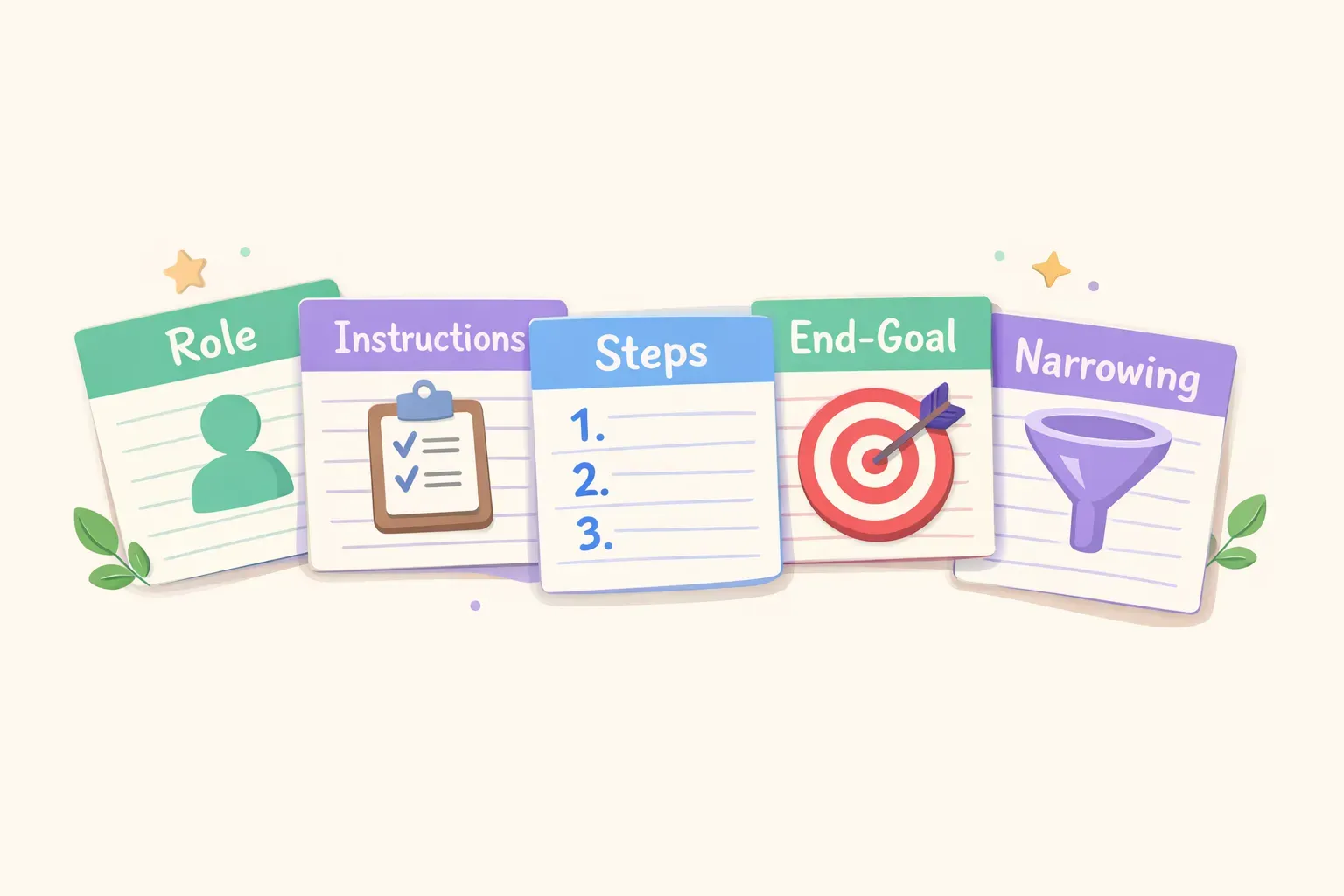
R — Role
Who should the AI be? A marketing expert? A patient teacher? A skeptical editor? Assigning a role shapes the perspective, expertise level, and tone of the response.
I — Instructions
What's the actual task? This is your clear, direct request. Not hints. Not context. The specific thing you want the AI to produce.
S — Steps
How should the AI approach this? Break the task into logical steps or components. This guides the AI's thinking process and ensures nothing gets skipped.
E — End Goal
What does success look like? Define the purpose, the outcome you're aiming for, or how this output will be used. This keeps the AI focused on what actually matters.
N — Narrowing
What constraints or boundaries apply? Word limits, topics to avoid, specific focus areas, format requirements. Narrowing eliminates the irrelevant.
The five components of the RISEN framework: Role, Instructions, Steps, End Goal, and Narrowing
How Each Component Improves Your Output
Let's look at what each piece does — and what happens when you skip it.
Role: Setting the Expertise Level
Without a role, the AI defaults to a generic helpful assistant voice. That's fine for simple questions, but for specialized tasks, you want specialized perspective.
Without role: "Give me feedback on this sales email."
With role: "You are a sales director with 15 years of experience in B2B software. Give me feedback on this sales email."
The second prompt gets you feedback from the perspective of someone who's actually sent thousands of sales emails — not generic writing advice.
Instructions: The Actual Request
Vague instructions get vague results. The more specific your ask, the more useful the output.
Vague: "Help me with my presentation."
Specific: "Write an opening hook for my presentation that grabs attention in the first 15 seconds."
One gives you a clear deliverable. The other leaves the AI guessing what "help" means.
Steps: Guiding the Process
For complex tasks, steps prevent the AI from jumping straight to a conclusion without proper analysis. They force a logical progression.
Without steps: "Analyze this customer feedback and give me recommendations."
With steps: "Analyze this customer feedback. First, identify the top 3 recurring complaints. Second, note any positive patterns. Third, prioritize which issues to address based on frequency and severity. Then give me recommendations."
The step-by-step version produces a more thorough, organized analysis because it mirrors how an expert would actually approach the problem.
End Goal: Defining Success
Telling the AI why you need something — the ultimate purpose — shapes the output in subtle but important ways.
Without end goal: "Summarize this article."
With end goal: "Summarize this article. The summary will be shared with executives who need to decide whether to invest in this technology."
Same task, different output. The second version focuses on investment-relevant points rather than a generic summary.
Narrowing: Setting Boundaries
Constraints aren't limitations — they're focus. Narrowing tells the AI what to include, exclude, or prioritize.
Without narrowing: "Write a blog post about remote work."
With narrowing: "Write a blog post about remote work. Focus specifically on communication challenges for hybrid teams. Keep it under 800 words. Avoid generic advice like 'use video calls' — I want actionable tactics."
Narrowing eliminates the fluff and keeps the output tight and relevant.
RISEN in Action: A Complete Transformation
Let's transform a real prompt step by step. Say you need help writing a weekly project update email.
The original prompt:
Write a project update email.
This will produce something generic and probably useless. Let's apply RISEN.
The RISEN version:
Role: You are a project manager who communicates with clarity and confidence.

Instructions: Write a weekly project update email for our website redesign project.

Steps:
1. Start with a one-sentence status summary
2. List 3 key accomplishments from this week
3. Note any blockers or risks
4. Outline next week's priorities
5. End with a clear ask if stakeholder input is needed

End Goal: This email goes to executives who want a quick read — they should understand project health in under 60 seconds.

Narrowing: Keep the total email under 200 words. Use bullet points for easy scanning. Avoid technical jargon — the audience is non-technical.
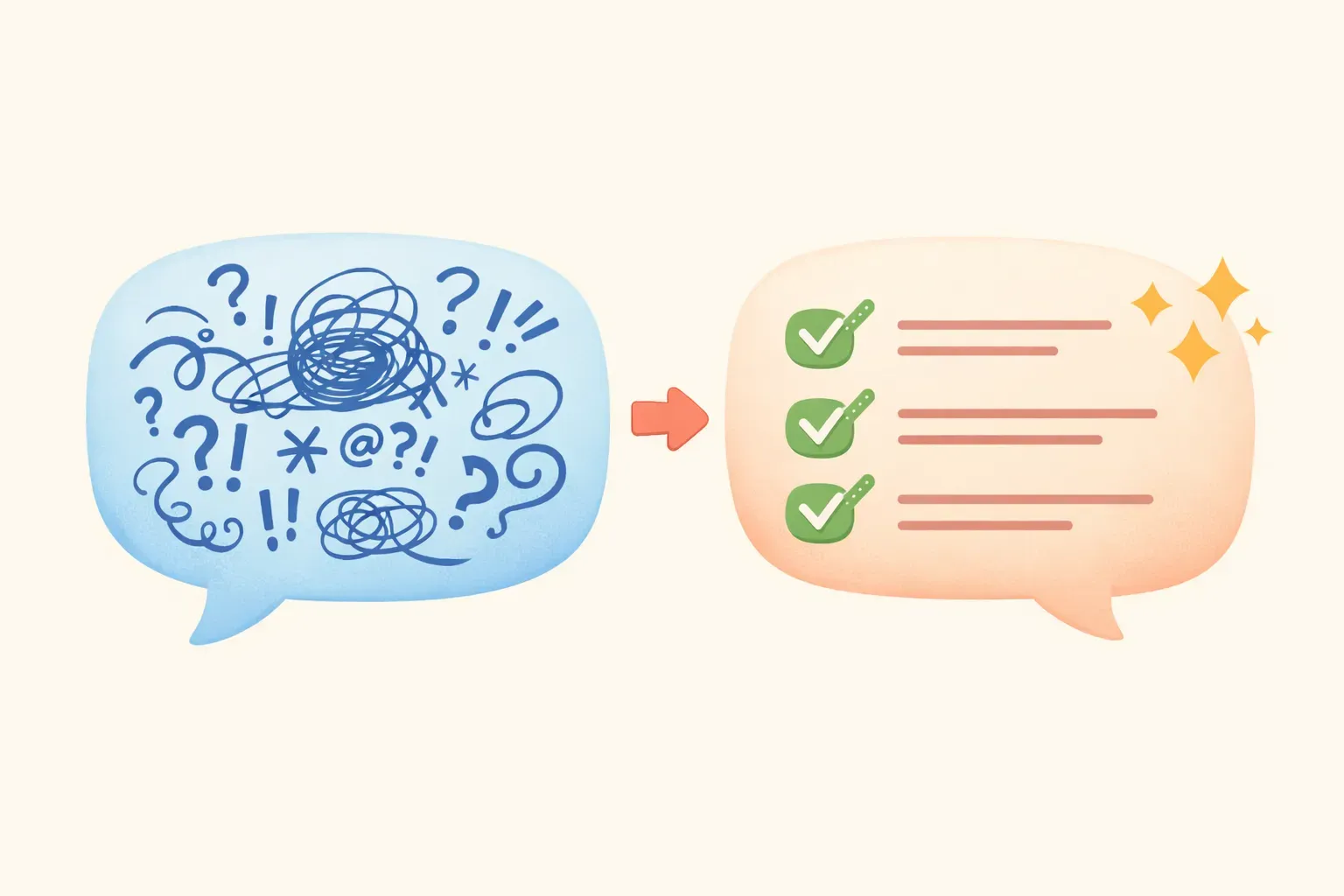
Before and after comparison showing a vague prompt transformed into a structured RISEN prompt
The difference in output quality will be dramatic. The RISEN version produces something you can actually send — the original produces something you'll spend 15 minutes rewriting.
3 Ready-to-Use RISEN Templates
Here are three templates you can copy, customize, and use immediately. Each uses {{variables}} for the parts you'll swap out each time.
Template 1: Professional Email Drafting
Role: You are a professional communicator who writes clear, concise emails.

Instructions: Write an email to {{recipient}} about {{topic}}.

Steps:
1. Open with context — remind them of the relevant situation
2. State the main point or request clearly
3. Provide any necessary details or background
4. Close with a specific next step or call to action

End Goal: The recipient should understand exactly what I need from them and be able to respond or act quickly.

Narrowing: Keep it under {{word_count}} words. Tone should be {{tone}}. Don't use filler phrases like "I hope this email finds you well."
Template 2: Content Creation
Role: You are a {{expertise}} content writer who specializes in {{industry}}.

Instructions: Write a {{content_type}} about {{topic}}.

Steps:
1. Hook the reader with a compelling opening
2. Present the main points with specific examples
3. Address common objections or questions
4. End with a clear takeaway or call to action

End Goal: The reader should {{desired_outcome}} after reading this.

Narrowing: Target audience is {{audience}}. Length should be {{length}}. Avoid jargon unless necessary. Use a {{tone}} tone.
Template 3: Problem-Solving and Analysis
Role: You are a {{role}} with expertise in {{domain}}.

Instructions: Help me solve this problem: {{problem_description}}

Steps:
1. Clarify the root cause of the problem
2. List possible solutions with pros and cons of each
3. Recommend the best approach based on {{criteria}}
4. Outline implementation steps

End Goal: I need to {{what_you_need_to_do}} by {{deadline_or_context}}.

Narrowing: Consider these constraints: {{constraints}}. Focus on solutions that are {{requirements}}.
If you're going to reuse templates like these regularly — swapping in different topics, recipients, or contexts — a tool like PromptNest lets you save them with those {{variables}} built in. When you copy, you get a form to fill in the blanks, and the final prompt is ready to paste.
When RISEN Is Overkill
RISEN is powerful, but you don't need it for everything. For simple questions or quick tasks, a full five-part structure adds friction without adding value.
Use RISEN when:
You need consistent, high-quality output
The task is complex or multi-step
You've tried simpler prompts and gotten poor results
You'll reuse this prompt multiple times
The output matters (client work, public content, important decisions)
Skip RISEN when:
You're asking a simple factual question
The task is straightforward and low-stakes
You just need a quick brainstorm or starting point
You're in a back-and-forth conversation where you can iterate
For the basics of prompt structure when RISEN is overkill, check out Prompt Engineering 101 — it covers simpler building blocks you can mix and match.
Common RISEN Mistakes and How to Fix Them
Even with a framework, there are ways to go wrong. Here's what to watch for:
Mistake 1: Skipping the Role
Many people jump straight to instructions. But without a role, you get generic responses. Even a simple role like "You are an experienced editor" changes the output significantly.
Mistake 2: Vague Instructions
"Help me with marketing" isn't an instruction — it's a topic. Rewrite it as a specific deliverable: "Write 5 headline options for our email campaign announcing the summer sale."
Mistake 3: Missing Steps for Complex Tasks
If your output is disorganized or missing pieces, you probably need more explicit steps. Break down how you'd approach the task manually, then include those steps.
Mistake 4: No End Goal Context
The AI doesn't know what you'll do with its output. A summary for your own notes looks different from a summary for a board presentation. Always share the purpose.
Mistake 5: Forgetting to Narrow
Unbounded prompts produce unbounded responses. If you're getting walls of text, irrelevant tangents, or off-topic sections, add narrowing constraints.
The real power of RISEN isn't in single prompts — it's in building a library of templates you can reuse. Once you've crafted a RISEN prompt that works for weekly updates, client emails, or content briefs, you shouldn't have to write it again.
Start by identifying your 5-10 most common AI tasks. Draft a RISEN template for each. Save them somewhere you can actually find them — not buried in a random notes file.
You can do this in any notes app or document. But if you want something purpose-built, PromptNest is a native Mac app designed specifically for this. You can organize prompts by project, search across your whole library, and use variables like {{client_name}} or {{topic}} so each prompt becomes a reusable template. One keyboard shortcut brings up the search, you fill in the blanks, and the final prompt is copied to your clipboard.
It's $19.99 one-time on the Mac App Store — no subscription, no account, no cloud — and works entirely offline.
Start with One Prompt
You don't need to RISEN-ify every prompt you write. Start with one task you do regularly that keeps giving you inconsistent results. Apply the framework. Compare the output.
Once you see the difference — and you will — you'll naturally start using it for other tasks. The framework becomes second nature after a few uses.
Pick your prompt. Add the five components. Watch the results improve.