AI Tools for Students: The Complete Guide for 2026
The best AI tools for studying, research, notes, and writing in 2026 — what's actually free, which tool fits which task, and how to use them without cheating.
You already use AI for school. So does almost everyone sitting near you. The real question isn't whether to use it — it's which tool for which task, what costs money and what's genuinely free, and how to use any of it without getting flagged for cheating.
More than half of US teens — 54% — now use an AI chatbot to help with schoolwork, according to a Pew Research Center report. Among college students, 57% use AI for coursework at least once a week and about one in five use it daily, Gallup found. This isn't a trend anymore. It's just how studying works now.
But more tools doesn't mean better grades. Most "best AI tools" lists hand you 15 names and a shrug. This guide does the opposite: it sorts the tools by the job you actually need done — summarizing a chapter, making flashcards, getting essay feedback, transcribing a lecture — and tells you which one wins, what it costs in 2026, and where the line is between getting help and cheating.
How Students Actually Use AI in 2026
The headline story isn't just that students use AI — it's how routine it's become, and how fast the worry is rising alongside it. Among young people aged 12 to 29, the share using AI for homework jumped from 48% to 62% in just seven months of 2025, RAND reported. In the same survey, 67% said they believe using AI for schoolwork harms critical thinking — up from 54% earlier in the year. Students are leaning in and feeling uneasy about it at the same time.
That tension points to the right way to use these tools. The students who get the most out of AI treat it as a study partner that drafts fast and gets things wrong — not an answer machine. The ones who get burned treat it as a vending machine for finished work.
One more thing that surprises people: there is no single "best" AI for students. The tools have specialized. ChatGPT is the strongest all-rounder and the best at math. Claude handles long documents and writing feedback best. Gemini is built for research on current topics and plugs into Google Docs. NotebookLM is unbeatable when you're studying your own materials. Knowing which tool fits which task is most of the skill.
The Best AI Chatbots for Studying
These four general assistants do the bulk of student work. Here's what each is genuinely best at, and what you'll pay.
ChatGPT — the best all-rounder
ChatGPT is the default for a reason: it's strong across writing, explaining, and especially math. Its standout feature for students is Study Mode (added in mid-2025), which walks you through a problem step by step and asks you questions instead of just printing the answer — which is exactly how you actually learn something. The free tier handles a lot of casual studying; ChatGPT Plus runs around $20/month and lifts the limits. (Heads up: the free tier now shows ads in the US.)
Claude — best for long documents and writing feedback
If you need to work through a 40-page reading, a long problem set, or a full essay draft in one go, Claude handles long documents better than the others and gives more thoughtful writing critique. There's a usable free tier; Claude Pro is about $20/month (cheaper billed annually).
Gemini — best for research and Google integration
Gemini is wired into Google Search and your Google Docs, Slides, and Calendar, which makes it the natural pick for researching current topics and dropping results straight into your workflow. The free tier is generous and includes NotebookLM (more on that below). One important correction for 2026: the popular "free Google AI Pro for a year" student offer ended on March 11, 2026. New students now get a one-month trial, then it's $19.99/month — though a student discount around $9.99/month is available with verification. If you read an older guide promising a free year, it's out of date.
Microsoft Copilot — free through many schools
If your school runs Microsoft 365 Education, you likely get Copilot Chat free with your school account — worth checking before you pay for anything. It lives inside Word, Excel, and PowerPoint, which is handy for assignments built in those apps.
AI for Research and Citations — Without Fake Sources
This is where AI gets students in real trouble, so read this part carefully. Standard chatbots invent citations. They produce references that look completely real — plausible authors, real-sounding journals, even fake DOIs — for papers that don't exist. Studies have found fabricated or erroneous citation rates ranging from a few percent up to well over half. If you paste an AI-generated bibliography into a paper without checking it, you will eventually cite a source that isn't real.
The fix is to use tools built for sourcing, and to verify everything regardless:
- Perplexity answers questions with inline citations you can click and check. The free tier covers casual research; Pro is about $20/month, with a student rate around $10/month.
NotebookLM (free, from Google) is the safest option for studying sources you already have. You upload your readings, lecture slides, or PDFs, and it answers only from those documents — so it can't wander off and invent a fact. It'll even generate an audio overview to listen to on a walk.
- Zotero (free and open-source) isn't AI, but it's the reference manager serious students rely on — it grabs citations from your browser and formats them in thousands of styles. Pair it with the tools above.
The habit that matters most: never ask an AI to summarize a source "from memory." Paste in the actual text or upload the file. A summary grounded in real text is reliable; a summary pulled from the model's memory is where hallucinations come from. And open every citation before it goes in your paper. For a fuller look at sourcing, see Perplexity vs ChatGPT for research.
AI Note-Taking and Voice Tools
Most guides cover this category in one line and move on. That's a mistake — turning what happens in class into clean, studyable notes is one of the highest-value things AI does for students. There are two different jobs here: transcribing (capturing speech you don't want to type) and dictating (typing with your voice on purpose).
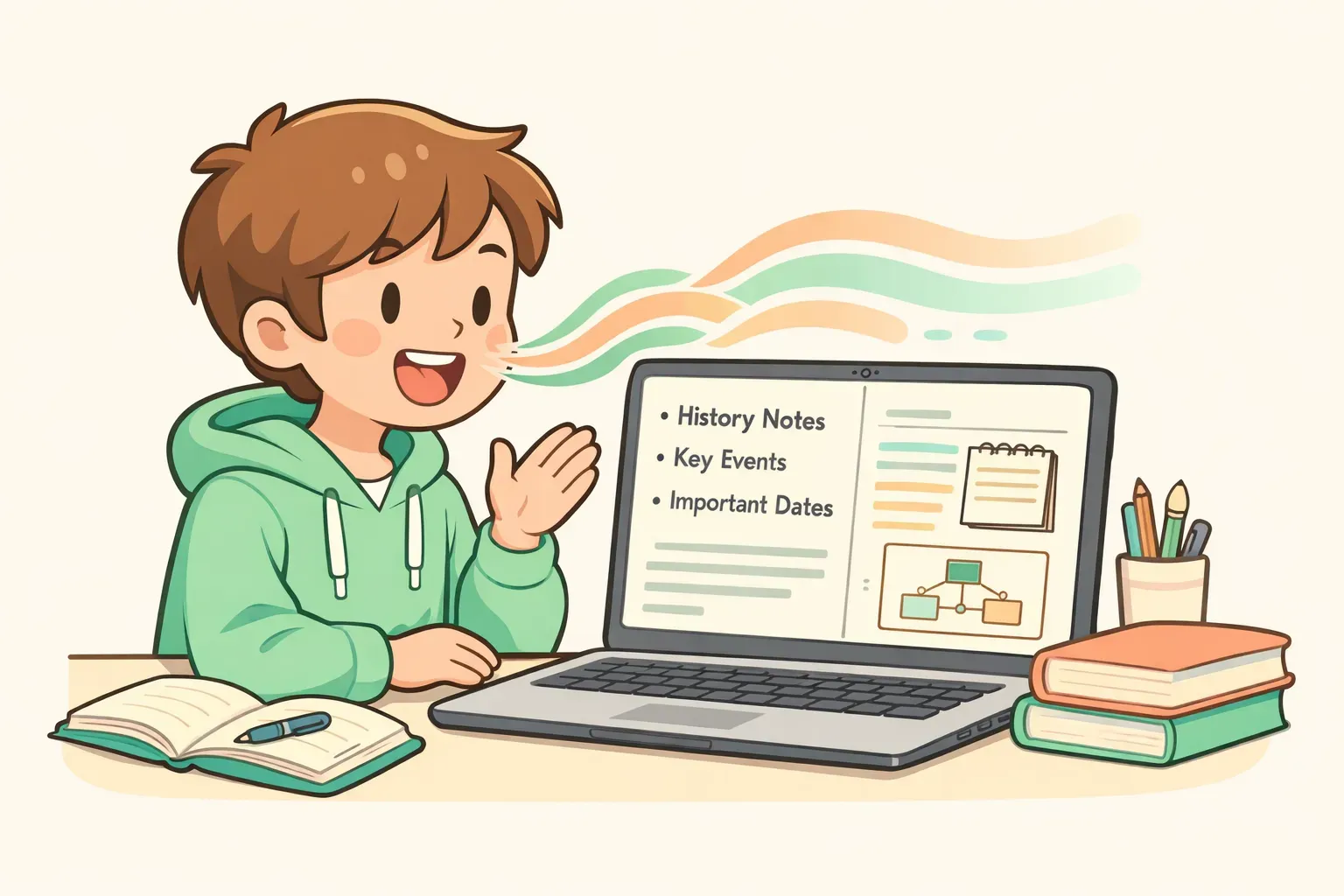
Cartoon illustration of a student speaking into a laptop with sound waves turning into neat lines of text and study notes
Transcribing lectures
Otter.ai is the go-to for live lectures — it transcribes in real time so you can pay attention instead of scrambling to write. Know the free-tier limits before you rely on it, though: it caps you at 300 minutes a month, 30 minutes per recording, and only three file imports total (not per month). For heavy use you'll want Pro (around $8.33/month annually, with a 20% student discount). Once you have a transcript, drop it into NotebookLM or a chatbot to turn it into organized notes — there's a prompt for exactly that further down.
Dictating: typing with your voice
Different job: sometimes you just want to get words out faster than you can type — a discussion-board reply, an email to a professor, a rough first draft, study notes while your hands are busy. Talking is roughly three times faster than typing for most people, and it's a genuine accessibility win if typing is hard for you or English isn't your first language.
Your Mac, Windows PC, and phone all have built-in dictation that's free and decent for short bursts. If you want something that actually cleans up what you say, Voicr is a native Mac app worth a look: you hold a key, speak, and it transcribes, strips out the filler and "ums," fixes the grammar, and pastes the polished text straight into whatever app you're in — your essay, an email, Notion, anywhere. It handles around 100 languages and can translate as you speak, which is genuinely useful for international and ESL students drafting in a second language. There's a free tier (5,000 words a month), with paid plans at $3 and $10/month if you lean on it daily. It's a "type by voice" tool, not a lecture recorder — so think of it as a faster keyboard, not an Otter replacement.
AI Flashcards and Study Tools
Flashcards still work because of active recall — pulling an answer out of your head is what builds memory, far more than re-reading notes. AI's job here is to do the tedious part: turning your notes into good cards in seconds.
- Quizlet has the biggest library of ready-made study sets. Basic flashcards are free; the AI features that auto-generate cards from your notes (Magic Notes, Q-Chat) need Quizlet Plus, around $7.99/month.
Anki is the serious-student favorite — free and open-source on desktop, with the best spaced-repetition system anywhere (it shows you each card right before you'd forget it). It has no built-in AI, so you make the cards, but it's unmatched for long-term memorization. The iPhone app is a one-time paid purchase.
- NotebookLM (free) will generate flashcards and practice quizzes straight from your uploaded notes — a quietly excellent feature most students don't know exists.
You don't need a paid flashcard app, though. Any chatbot will make import-ready cards from your notes with the right prompt. Here's one that works in ChatGPT, Claude, or Gemini:
Turn my notes below into active-recall flashcards.

Notes:
{{notes_text}}

Rules:
- Output as a two-column table separated by tabs: Question[TAB]Answer.
- One fact per card. No multi-part answers.
- Keep each answer under 25 words. Cut trivia and filler.
- Cover definitions, cause-and-effect, and "why/how" — not just "what."

Then give me the cards as a plain delimited block I can paste straight into Anki or Quizlet.
If you'll reuse this every week with different notes, save it once with the {{notes_text}} placeholder instead of retyping it. A tool like PromptNest lets you keep prompts like this with fill-in-the-blank variables — when you copy, you just paste your notes into the blank and the finished prompt is ready to go. It's a small thing that saves you from rewriting the same instructions all semester.
AI for Math and Problem-Solving
Math is the one area where "just give me the answer" is most tempting and most useless — you'll get wrecked on the exam. Use these to understand the steps, not to skip them.
- Wolfram Alpha is the computational heavyweight — it solves and shows work for serious math, from calculus to linear algebra. Answers are free; full step-by-step solutions need Pro (around $7/month).
Symbolab specializes in detailed, learn-the-process step-by-steps, with a solid free tier.
- Photomath lets you point your phone camera at a problem — even handwritten — and get the steps instantly. Great for checking your own work.
ChatGPT's Study Mode is excellent for word problems and "explain why this step works," since it's built to teach rather than just answer.
Whatever you use, do the problem yourself first, then check. The tool that solves it for you teaches you nothing the day of the test.
AI Writing Help That Isn't Cheating
Here's the line, as clearly as it can be drawn: having AI give you feedback on your own writing is widely accepted. Having AI write the thing you submit is not. Even students agree on this — in Pew's data, 54% said using ChatGPT to research a topic is fine, but only 18% thought using it to write an essay is acceptable.
Grammarly is the low-stakes everyday tool — grammar, spelling, and tone, with a free tier that's enough for most people. (Many universities hand out Grammarly Premium free, so check before paying.) But for real feedback — is my argument actually convincing? — a chatbot does more, if you tell it to critique rather than rewrite. This prompt keeps it on the right side of the line in ChatGPT or Claude:
You are a writing tutor. Do NOT rewrite or edit my essay — I have to do all the writing myself.

Here is my draft for a {{course}} assignment. The prompt was: {{assignment_prompt}}

Draft:
{{essay_draft}}

Give critique only, organized as:
1. Thesis: is it clear and arguable? Quote the exact line.
2. Structure: does each paragraph earn its place? Flag any that drift.
3. Evidence and logic: where are claims unsupported or the reasoning weak?
4. Clarity: quote 3 sentences that are confusing and say WHY — don't fix them.
5. The single most important change to make next.

End with 3 questions I should ask myself while revising.
Used this way, AI works like a writing-center session: it points at the weak spots, and you do the actual fixing. You learn more, and you have nothing to hide.
The Academic-Integrity Question Every Student Is Asking
"Is this cheating?" and "will I get caught?" are the two questions underneath every search students do about AI. Let's answer both honestly.
Cartoon illustration of a balance scale weighing a brain on one side and a robot helper on the other, in soft pastel colors
A simple rule for what's okay
Most confusion clears up with one question: did the AI help you think, or think for you?
Generally fine: brainstorming ideas, explaining a hard concept, making practice questions and flashcards, getting critique on your own draft, planning a study schedule, summarizing sources you provide.
- Generally not okay: generating the essay, thesis, or answers you turn in as your own work, or using AI where your instructor banned it.
The gray middle — heavy editing, restructuring, "fix my sentences" — depends on the class. Ask your instructor. And don't assume "my syllabus says nothing" means "anything goes"; many schools default to not allowed unless your instructor permits it.
About AI detectors
Detectors like Turnitin's are far less reliable than the panic suggests, and you should know this in both directions. A Stanford study found AI detectors falsely flagged about 61% of essays written by non-native English speakers as AI-generated — meaning honest students get accused. Turnitin itself states its AI score "should not be used as the sole basis for adverse actions against a student."
Two takeaways. First, don't trust "humanizer" tools that promise to make AI text undetectable — detectors now specifically hunt for them, and it's an arms race you don't want to be in. Second, protect yourself even if you do all your own work: draft in Google Docs or another tool that keeps version history. If you're ever falsely accused, your revision timeline is the proof that you wrote it. And when your school requires it, cite your AI use — disclosure is always safer than hoping no one asks.
Keep Your Tools — and Your Prompts — Organized
Here's the practical takeaway. You don't need every tool on this list. Pick one of each: a main chatbot (ChatGPT, Claude, or Gemini), one sourced-research tool (Perplexity or NotebookLM), one way to capture and study notes (Otter or NotebookLM plus Anki or Quizlet), and your phone or Voicr for dictation. Most of that is free. The skill isn't owning the tools — it's matching the right one to the task and verifying what it gives back.
The other quiet productivity killer is your prompts. The good ones — the flashcard maker, the essay-critique prompt, the lecture-notes organizer — are worth keeping, because you'll use them every week. Most students paste them into a messy note or rewrite them from scratch each time and slowly lose the best versions.
That's the exact problem PromptNest was built for: a dedicated home for your prompts, organized by class or task, searchable, and one keyboard shortcut away from any app. Save a prompt once with {{variables}} for the parts that change, and reuse it all semester by filling in the blanks. It's a native Mac app — a one-time $19.99 on the Mac App Store, no subscription. Start by saving the three prompts from this guide; you'll be surprised how often you reach for them.
AI won't make you a better student on its own. But the right tool for each task, used to understand rather than to outsource, genuinely will free up hours — and those are hours you can spend actually learning the material instead of fighting your tools.