Your AI prompts,
finally organized.
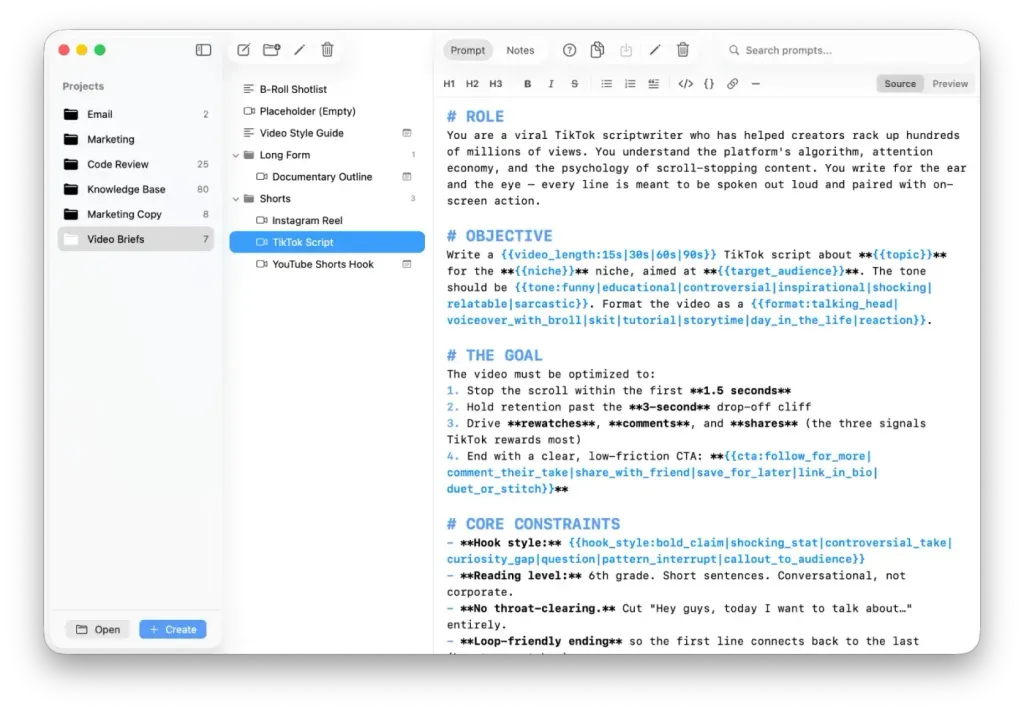
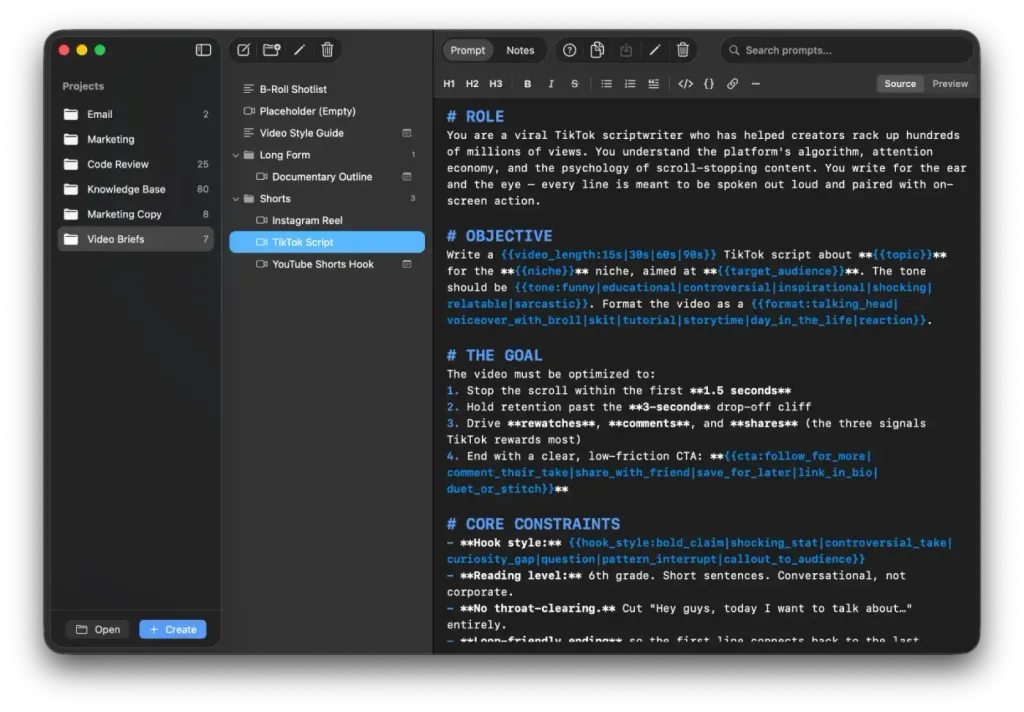
A fast, native Mac app for every AI tool you use. Store, search, and paste your best prompts in one keystroke.
Native Mac app · Works offline · Your files stay local
Sound familiar?
Lost prompts
Where did I save that perfect prompt?
Repetitive work
Rewriting the same prompt again and again
Scattered storage
Prompts across 10 different apps and docs
Wasted time
Searching instead of getting results
You're not alone. That's why we built PromptNest.
Everything you need
A prompt manager built for how you actually work
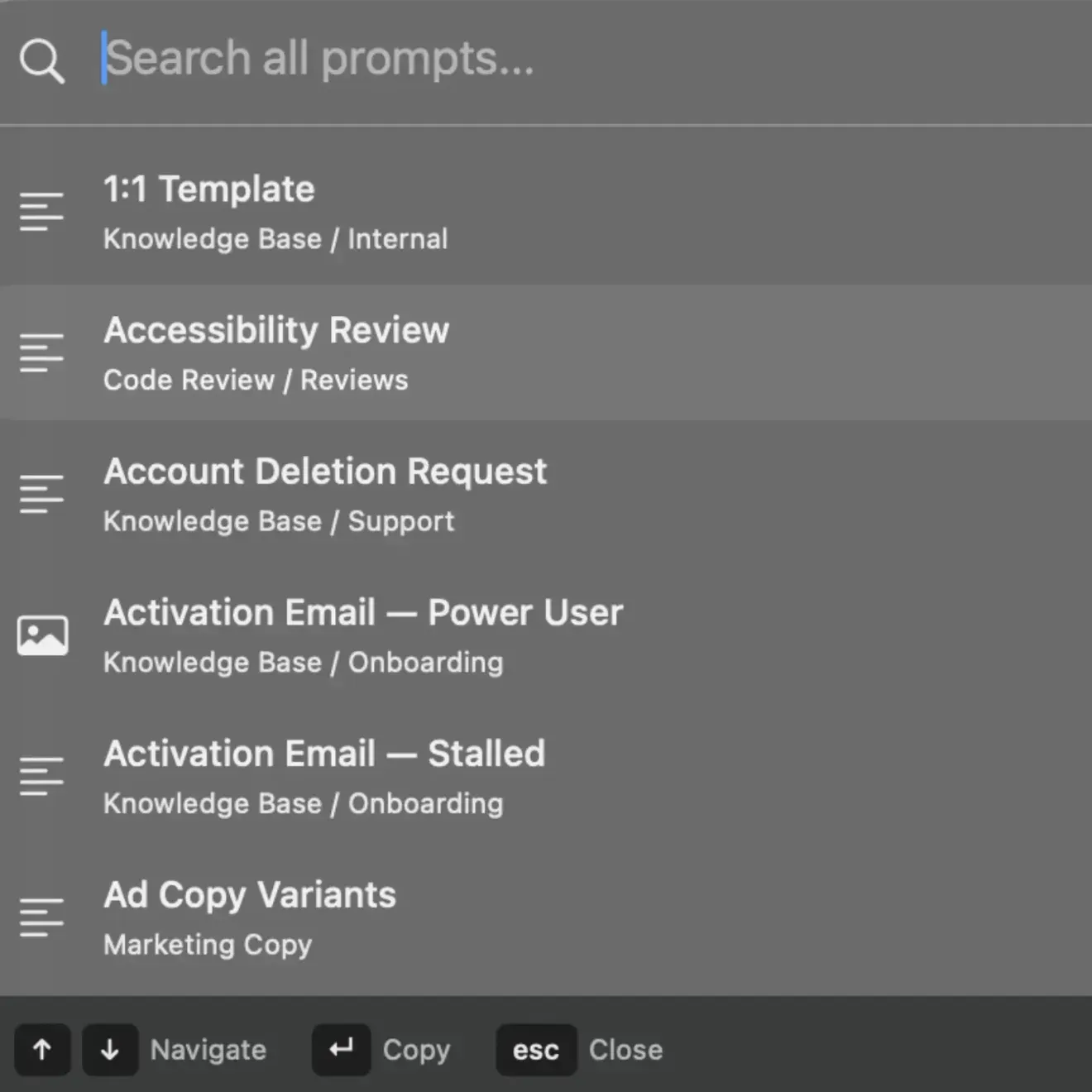
Quick Search
Your prompts from anywhere on your Mac
Press ⌘ ⌥ P from any app — even outside PromptNest. A floating, translucent panel appears in the middle of your screen. Type a few letters, hit return, the prompt is on your clipboard. Like Spotlight, but for prompts.
One-Click Copy
From prompt to clipboard in a second
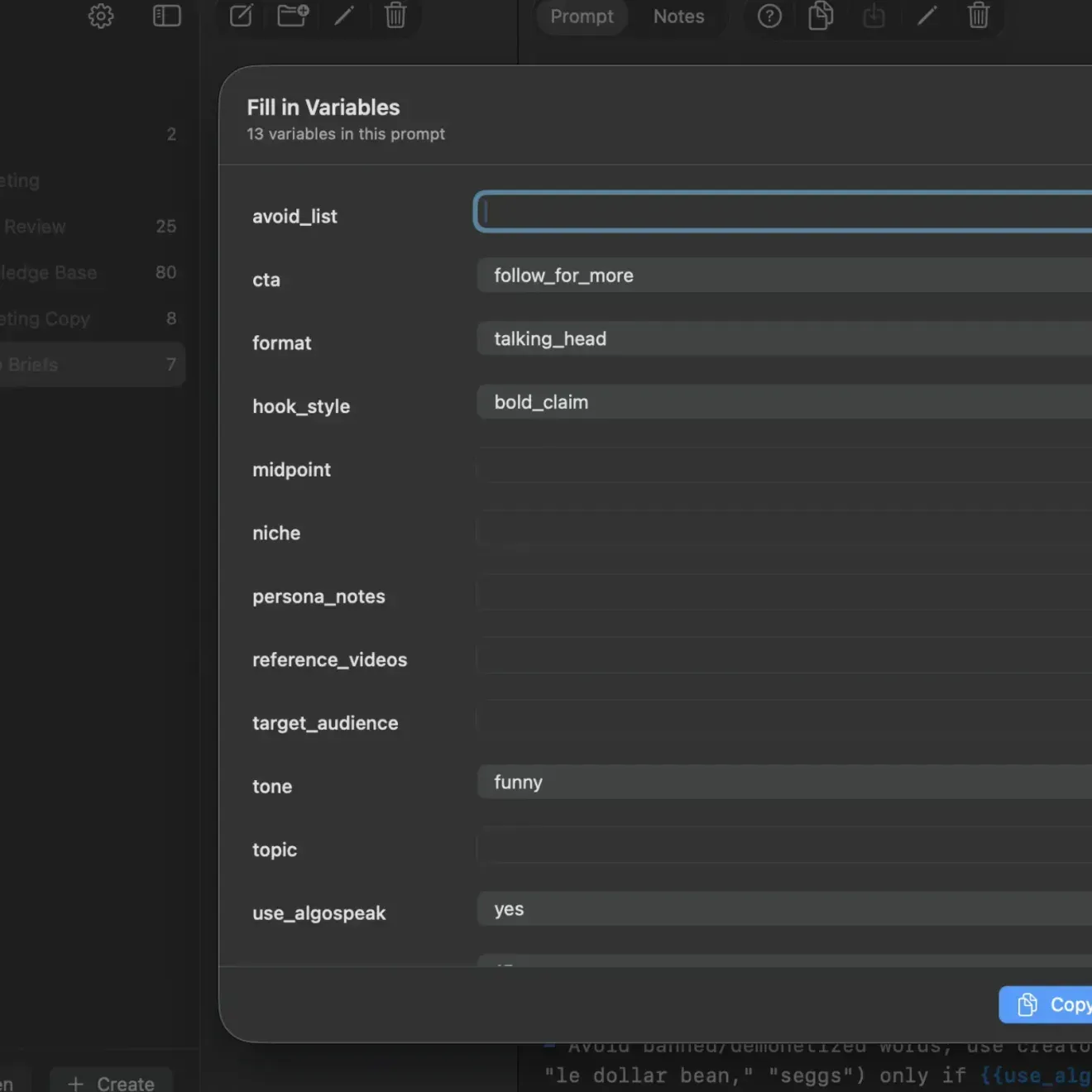
Click copy and your prompt is ready to paste into ChatGPT, Claude, or any AI tool. Variables? A quick form appears. The fastest path from saved prompt to AI conversation.
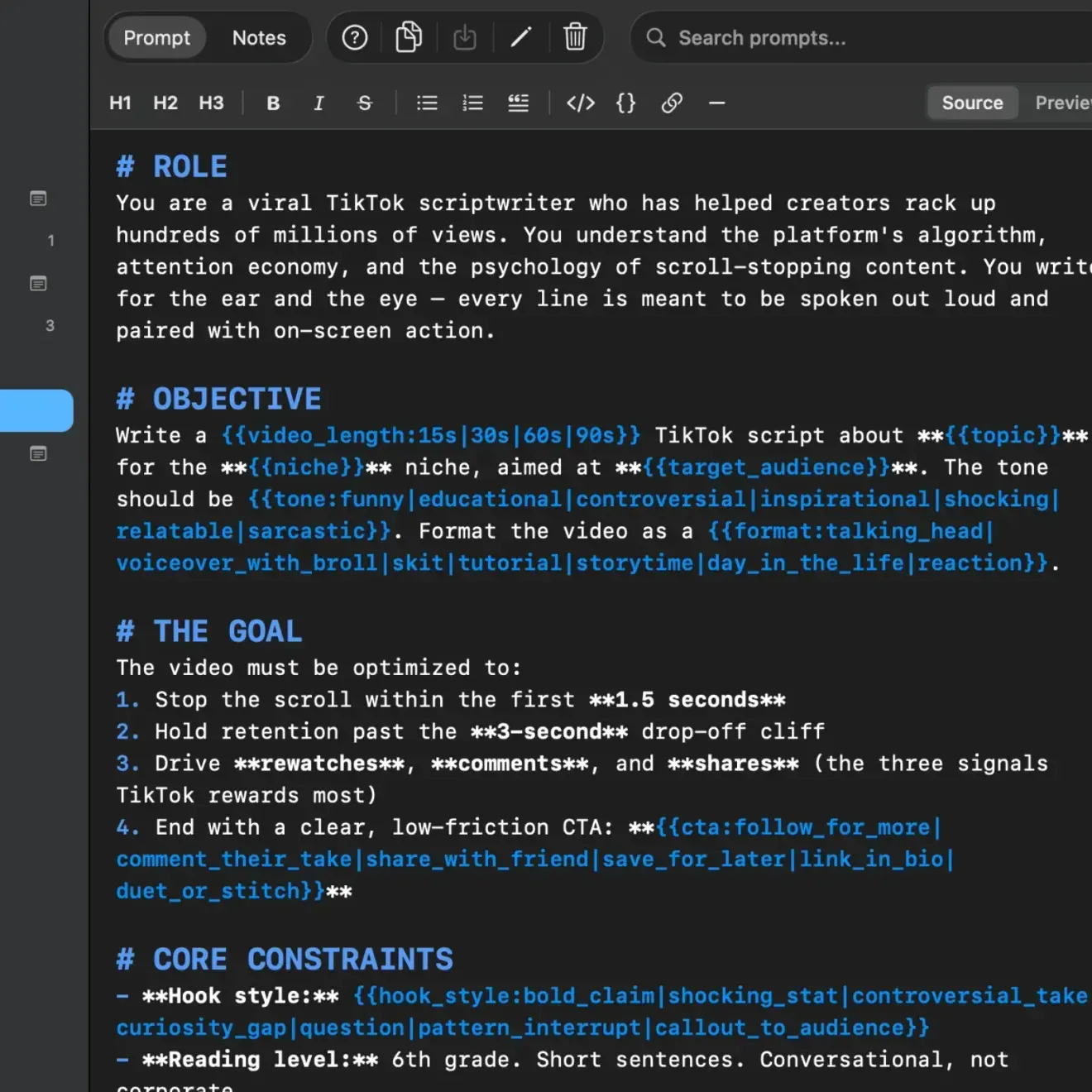
Smart Variables
Templates that adapt to every situation
Create prompts with {{placeholders}}. PromptNest asks you to fill them in before copying — no forgotten client names or topics. It even remembers your previous values per project so autocomplete just works.
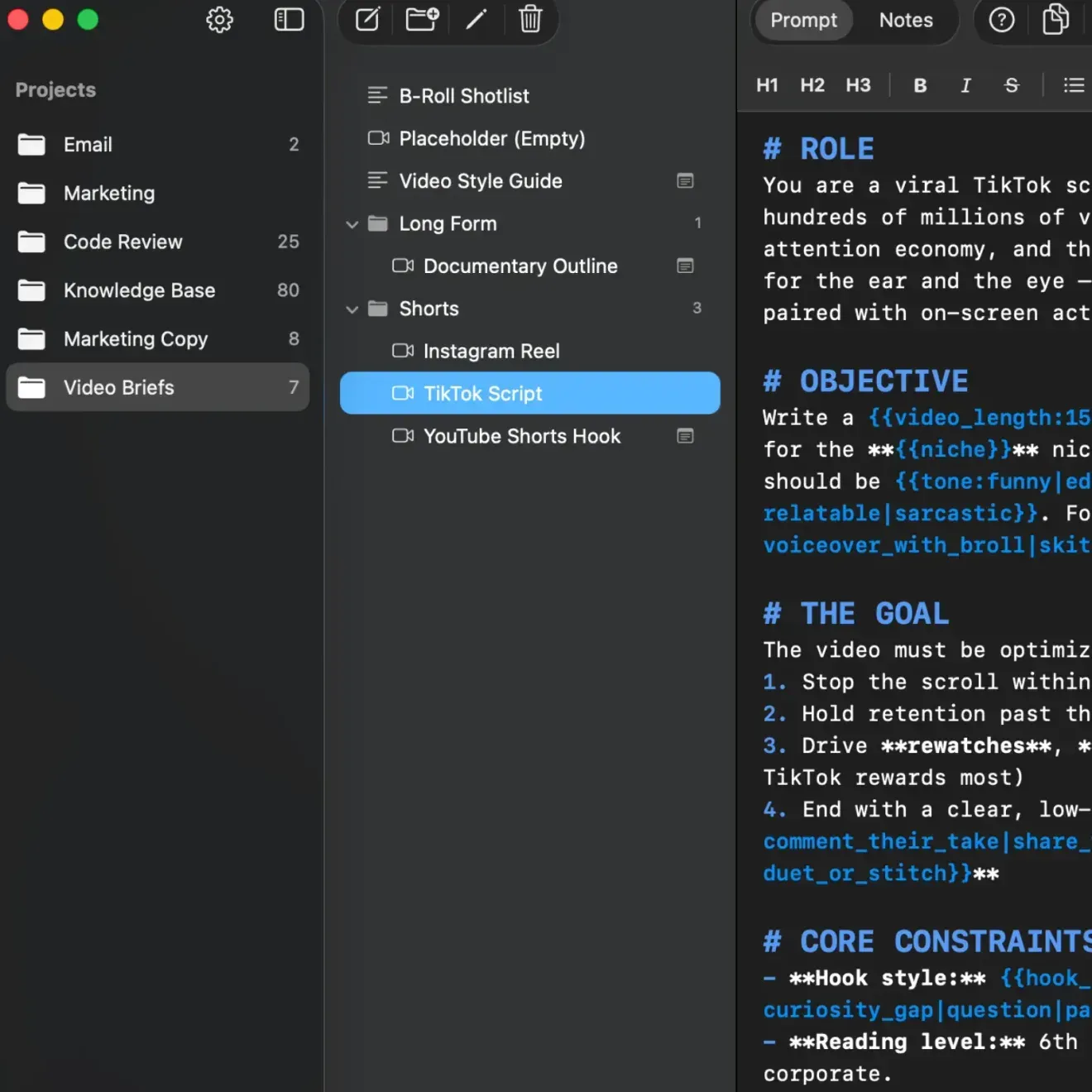
Projects
A place for everything
Keep work prompts separate from personal. Create projects for clients, workflows, or life areas. From 10 prompts to 500, everything stays organized.
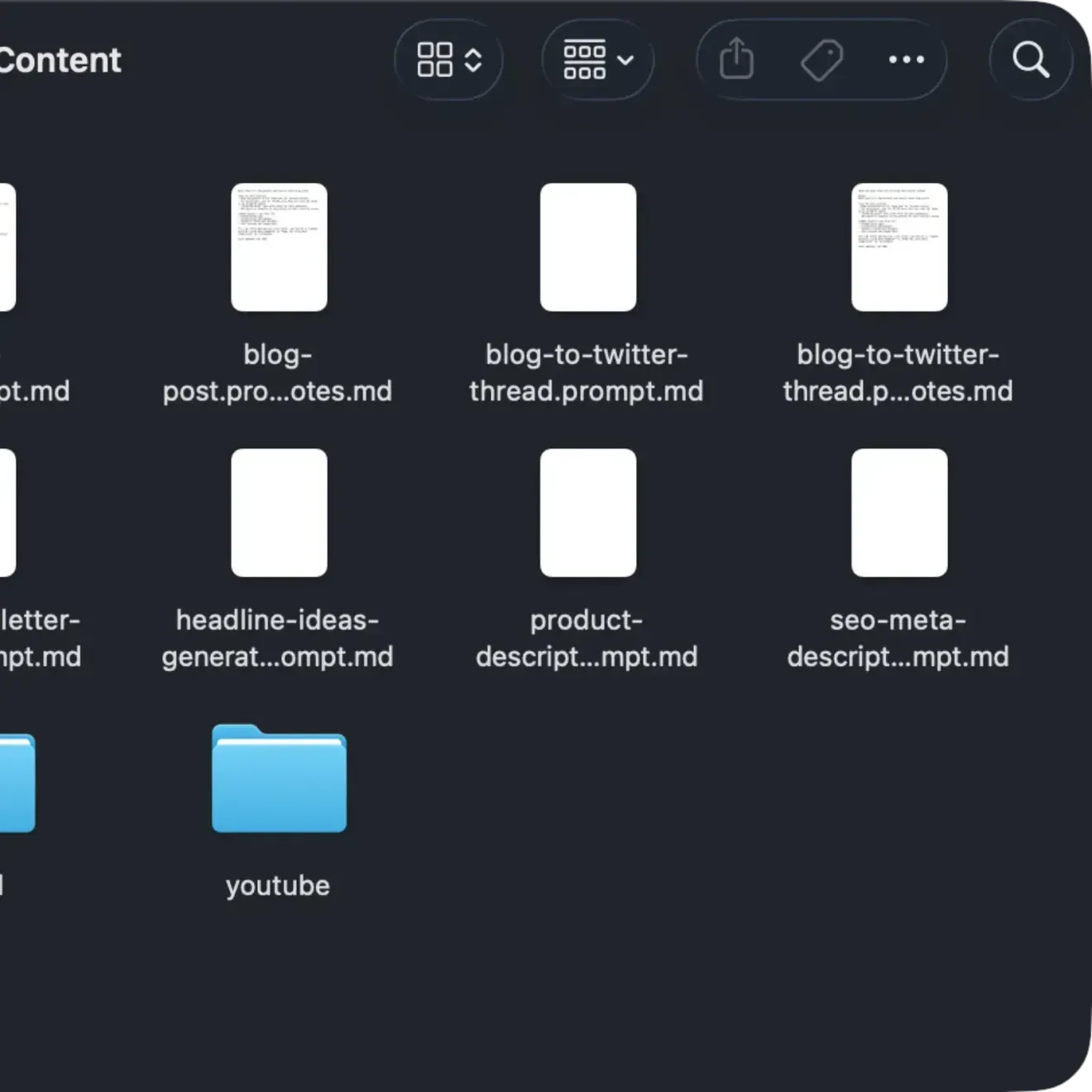
File-Based
Your prompts, your files
Every prompt is a plain .prompt.md file on your Mac. No proprietary database, no vendor lock-in. Edit in any text editor, sync with iCloud Drive or Dropbox, version control with git.
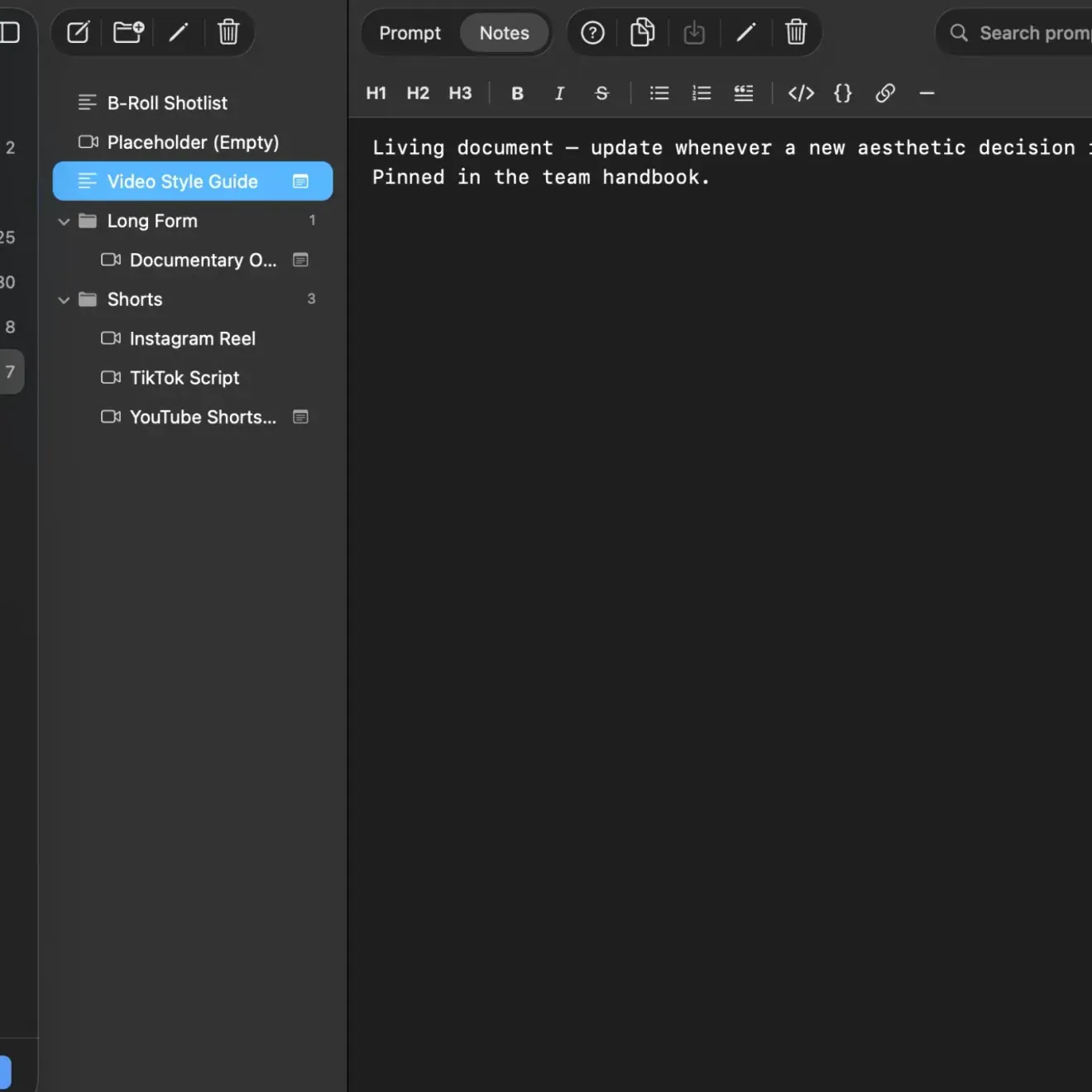
Notes
Remember what makes a prompt work
Attach notes to any prompt. Document why it works, save example outputs, track iterations. Stored as .prompt.notes.md next to the prompt itself, always backed up with your library.
Built for people who use AI every day
Whether you prompt once a day or a hundred times — your prompts deserve a home.
Get PromptNest
One-time purchase. No subscription.
Lifetime updates · Mac App Store
macOS 14+ · Sandboxed · 41 languages
Questions?
Feature request, need help, or just want to say hi — we'd love to hear from you.
[email protected]→