The Art of Constraining AI: How Limits Produce Better Results
Why setting boundaries in your prompts — length, format, tone, and style — leads to sharper, more useful AI responses. With examples you can copy.
You asked ChatGPT to "write something about productivity." What you got back was 800 words of generic advice you've read a hundred times. So you tried again: "Write something good about productivity." Somehow, it got worse.
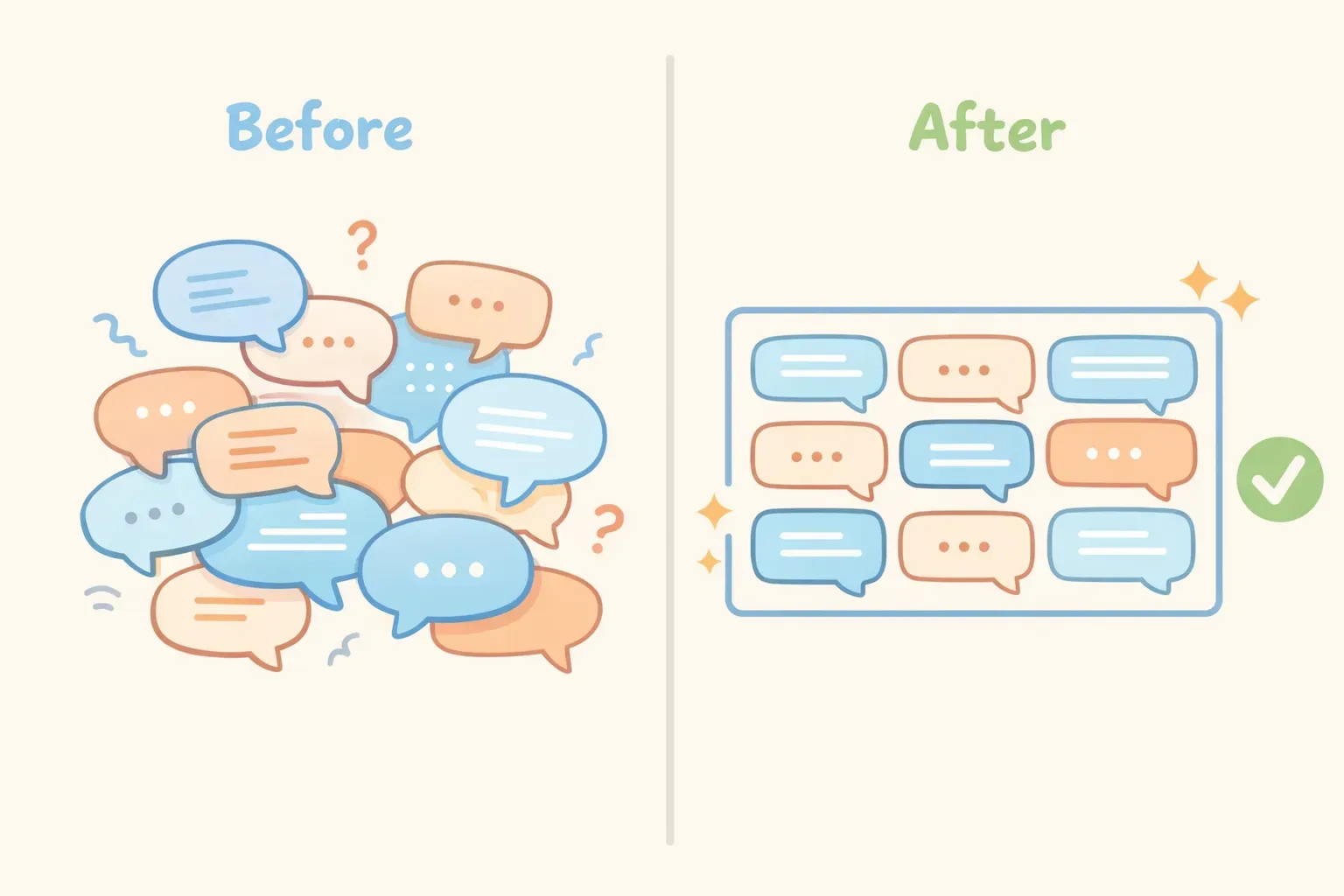
Here's the counterintuitive truth: the more freedom you give AI, the worse the output tends to be. Not because the AI is broken, but because unlimited options lead to the safest, most generic choices.
The solution isn't better AI. It's better constraints. When you limit what the AI can do — specify a word count, demand a specific format, exclude certain approaches — you force it off the path of least resistance and into territory where the interesting stuff lives.
Why Unlimited Freedom Produces Mediocre Results
This isn't just an AI problem. It's a human one.
A review of 145 empirical studies on creativity and innovation found something surprising: individuals, teams, and organizations all produce better creative work under constraints. When there are no limits, people default to what psychologists call the "path of least resistance" — the most obvious, intuitive idea rather than investing effort in finding a better one.
AI models work the same way. When you give a vague prompt, the model draws on the most common patterns in its training data. "Write about productivity" triggers the same tired advice because that's what statistically dominates the topic. Generic prompts produce generic outputs.
But add constraints, and something shifts. Researchers Moreau and Dahl demonstrated this in a study where participants created art under either free conditions or specific constraints. Independent judges rated the constraint-driven works 37% higher for originality. The constraints had blocked familiar pathways, forcing participants to find new ones.
The most famous example? Dr. Seuss. When his editor bet him he couldn't write a children's book using only 50 different words, the result was Green Eggs and Ham — one of the best-selling children's books of all time, with over 200 million copies sold.
The Five Types of Prompt Constraints
Constraints in AI prompts fall into five main categories. You don't need all five in every prompt, but knowing them gives you tools to reach for when your outputs aren't working.
1. Length constraints — Word counts, paragraph limits, character maximums
2. Format constraints — Lists, tables, headers, specific structures
3. Tone and voice constraints — Professional, casual, "like a friend explaining," brand voice
4. Scope constraints — What to focus on, what depth to go to
5. Exclusion constraints — What to avoid, skip, or leave out
Let's look at each one with examples you can steal.
The five types of prompt constraints: length, format, tone, scope, and exclusions
Length Constraints: The Simplest Upgrade
Adding a length constraint is the fastest way to improve almost any prompt. Without one, AI tends to ramble — it has no reason to be concise.
Without length constraint:
Explain what a mutual fund is.
With length constraint:
Explain what a mutual fund is in 3 sentences. Assume I have no finance background.
The second version forces the AI to prioritize. It can't include every detail, so it has to choose the most important ones.
One tip: use ranges instead of exact numbers. AI models don't count words precisely — they work in tokens, not words. Asking for "exactly 150 words" often leads to frustration. Instead, try:
"Keep it under 200 words"
"Write 2-3 paragraphs"
"Aim for 100-150 words"
"One sentence only"
Length constraints also save you editing time. A 500-word draft you need to cut in half is more work than a 250-word draft that's already tight.
Format Constraints: Tell AI What Shape to Take
AI defaults to paragraphs. If you want something different — a bullet list, a comparison table, a structured breakdown — you have to ask.
Without format constraint:
Compare React and Vue for a new web project.
With format constraint:
Compare React and Vue for a new web project. Format as a table with these columns: Learning Curve, Community Size, Best For. Keep each cell to one sentence.
Format constraints work especially well for:
Comparisons: "Format as a table comparing X, Y, Z by [criteria]"
Instructions: "Number each step. Start each step with a verb."
Summaries: "Use bullet points. Maximum 5 bullets, one sentence each."
Analysis: "Structure as: Problem → Cause → Solution → Next Steps"
Here's a more complete example:
Review this product description and give me feedback.

Format your response as:
- 3 strengths (one sentence each)
- 3 weaknesses (one sentence each)
- 1 suggested rewrite of the opening line

Product description:
{{product_description}}
The format constraint turns a vague "give me feedback" into structured, actionable output.
Tone and Voice Constraints: Shaping How It Sounds
The same information delivered in different tones creates completely different results. A prompt asking for "a professional summary for stakeholders" produces something very different from "a casual explainer for a blog audience."
Tone constraints can be simple descriptions:
"Write in a warm, conversational tone"
"Keep it professional but not stiff"
"Friendly and encouraging, like a coach"
"Direct and no-nonsense"
Or you can reference a style:
"Match the tone of Duolingo's notifications"
"Write like an Apple product page"
"Sound like a helpful colleague, not a textbook"
Combining tone with a role often works well:
You are a patient, encouraging tutor. Explain how compound interest works to a high school student who's nervous about math. Use everyday examples. Keep it under 200 words.
Notice how the constraints stack: role (tutor), tone (patient, encouraging), audience (nervous high schooler), content guidance (everyday examples), and length (under 200 words). Each constraint narrows the possible outputs toward something useful.
Scope Constraints: Narrowing the Focus
Scope constraints tell the AI what to include — and just as importantly, what depth to go to.
Too broad:
Help me improve my resume.
Narrowed scope:
Review only the "Work Experience" section of my resume. Focus specifically on whether the bullet points show measurable impact. Ignore formatting and other sections for now.
Scope constraints prevent the AI from trying to do everything at once — which usually means doing nothing well.
Useful scope constraint phrases:
"Focus only on…"
"Limit your analysis to…"
"For now, just look at…"
"Specifically address…"
"Don't worry about X — I just need Y"
You can also constrain depth:
"Give me a high-level overview, not implementation details"
"Go deep on the technical aspects"
"Surface-level summary for a non-expert"
"Detailed breakdown for someone who will implement this"
Exclusion Constraints: What to Leave Out
Sometimes the most powerful constraint is telling AI what not to do.
Write an introduction for this blog post about remote work.

Do not:
- Start with "In today's world" or any similar cliché
- Use the phrase "game-changer" or "revolutionize"
- Include statistics (I'll add those myself)
- Write more than 3 sentences
Exclusion constraints are especially useful when you've gotten bad outputs before. If the AI keeps doing something you don't want, explicitly forbid it.
Common exclusions that improve output:
"Skip the introduction — start with the main point"
"No jargon or technical terms"
"Don't include disclaimers or caveats"
"Avoid bullet points — use flowing prose"
"Don't explain what I already told you"
"No preamble — get straight to the answer"
Before and after comparison showing a vague prompt versus a constrained prompt with much better output
Stacking Constraints for Maximum Impact
The real power comes from combining multiple constraint types. Each one narrows the possibility space until the AI has no choice but to produce something specific and useful.
Here's a before-and-after example showing the difference:
Before (no constraints):
Write a LinkedIn post about AI tools.
This produces generic, forgettable content that sounds like everyone else on LinkedIn.
After (stacked constraints):
Write a LinkedIn post sharing one specific way I use AI in my daily workflow.

Constraints:
- Hook must be a surprising or counterintuitive statement (not a question)
- Exactly 4 short paragraphs
- Casual but professional tone — no buzzwords like "game-changer" or "leverage"
- End with a genuine question to spark discussion, not a call to action
- Total length: under 150 words

Context: I'm a marketing manager who uses Claude to draft first versions of email campaigns, which I then heavily edit.
The constrained version will produce something that actually sounds like a human wrote it — because the constraints eliminated all the generic AI-sounding patterns.
If you find yourself reusing prompts like this — swapping out the context for different situations — saving them as templates makes sense. Tools like PromptNest let you store prompts with variables like {{context}} built in, so you fill in the blanks and copy a ready-to-use prompt without rewriting the constraints every time.
Common Constraint Mistakes
Constraints help, but you can overdo it or apply them wrong. Watch out for these:
Contradictory constraints. Asking for "a comprehensive analysis in under 50 words" sets up an impossible task. Make sure your constraints work together.
Too many constraints at once. Start with 2-3 constraints. If the output isn't right, add more. Piling on 10 constraints in your first attempt makes it hard to know which ones are helping.
Negative-only constraints. Telling AI only what not to do leaves it guessing what you actually want. Balance exclusions with positive direction: "Don't use jargon" works better as "Don't use jargon — write for someone who's never heard of our industry."
Exact word counts. AI can't count words precisely. It works in tokens, which don't map perfectly to words. Use ranges or maximums instead.
Start With One Constraint
You don't need to rebuild your prompts from scratch. Start with one constraint on a prompt you already use.
If your outputs are too long, add a length limit. If they're too generic, add a tone constraint. If they're unfocused, narrow the scope. One constraint at a time, and notice what changes.
The prompts that work best for you are worth keeping. Most people lose their good prompts in chat history — buried under hundreds of conversations, impossible to find when needed again.
If you want a dedicated place to store prompts with your constraints built in, PromptNest is a native Mac app ($19.99 one-time on the Mac App Store, no subscription, no account, runs locally) that keeps your prompts organized, searchable, and one keyboard shortcut away. Save a prompt once, reuse it forever — variables and constraints included.
The best AI outputs don't come from giving the AI more freedom. They come from giving it less — and knowing exactly which limits to set.